Written by Emme-Lotte
Edited on
5 March 2026
·
12:47
Difference Apple iPad Air and Apple iPad Pro
The iPad Air and iPad Pro are similar, but differ in power and screen quality. The iPad Pro is faster and has a better screen. That means you can use it for more demanding tasks like video editing and creative apps. The iPad Air is less fast, so you can use it for photo editing, sending emails, or watching series, for example. In this article, you can read all about the differences.
Differences between iPad Air and iPad Pro
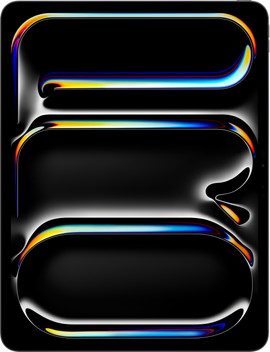
- Apple iPad Pro (2025) 13 inches
Larger 13-inch screen
Fastes M5 chip for the most demanding tasks.
Enjoy movies and series with the brightest colors.
More difficult to take with you due to the large size.
From
1.519,-
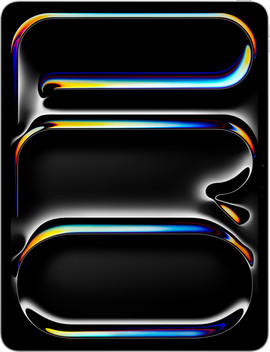
- Apple iPad Pro (2025) 11 inches
Medium-sized 11-inch screen
Fastes M5 chip for the most demanding tasks.
Enjoy movies and series with the brightest colors.
Easier to take with you thanks to the lighter weight.
From
1.269,-
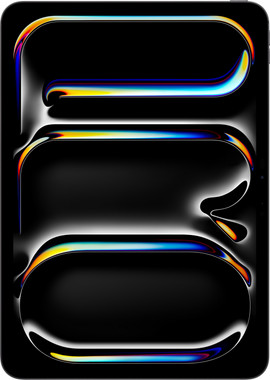
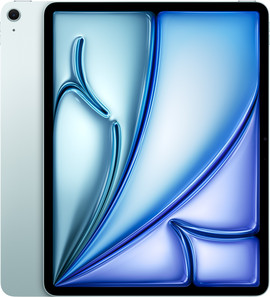
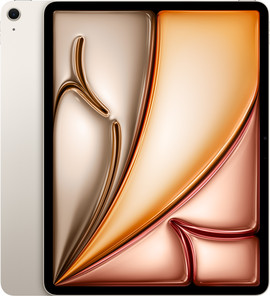
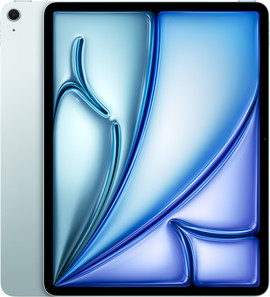
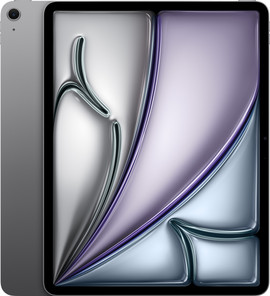
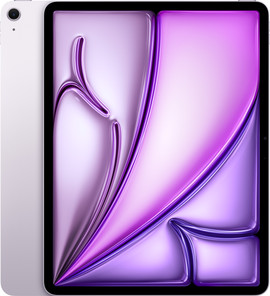
- Apple iPad Air (2026) 13 inches
Larger 13-inch screen
Powerful M4 chip for more demanding tasks like gaming.
Enjoy movies and series with a colorful screen.
More difficult to take with you due to the large size.
From
999,-
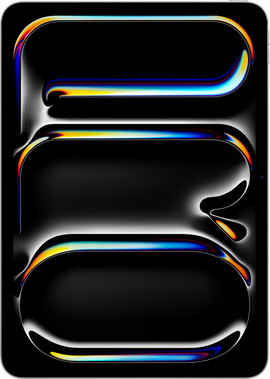
- Apple iPad Air (2026) 11 inches
Medium-sized 11-inch screen
Powerful M4 chip for more demanding tasks like gaming.
Enjoy movies and series with a colorful screen.
Easier to take with you thanks to the lighter weight.
From
1.159,-
Differences between iPad Air and iPad Pro
| Apple iPad Pro (2025) | Apple iPad Air (2026) | |
|---|---|---|
| Screen | 11-inch and 13-inch Ultra Liquid Retina XDR display | 11-inch and 13-inch Liquid Retina display |
| Processor | M5 processor | M4 processor |
| Storage capacities | 256GB, 512GB, 1TB | 128GB, 256GB, 512GB |
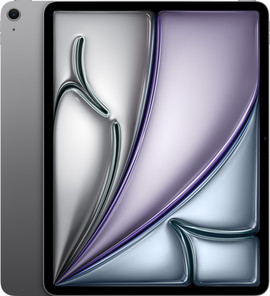
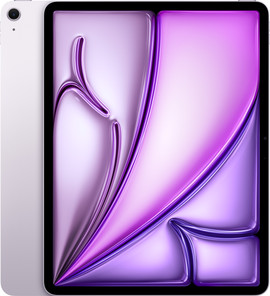
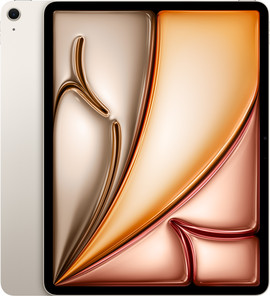
| Colors | Black, Silver | Gray, Blue, Starlight, Purple |
| Accessories | Apple Pencil Pro, Apple Pencil with USB-C, Magic Keyboard | Apple Pencil Pro, Apple Pencil with USB-C, Magic Keyboard |
Design
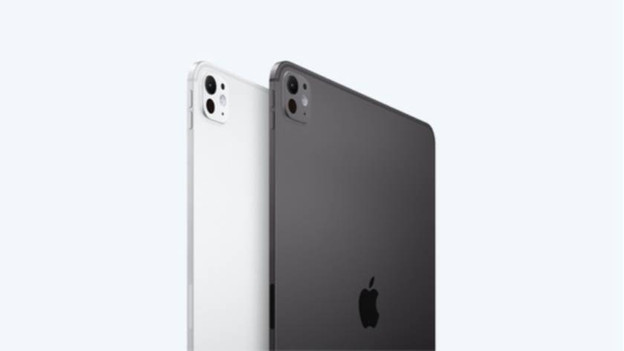
Apple iPad Pro (2025): unlock with Face ID
The iPad Pro (2025) is thinner and lighter than the iPad Air, so you can easily take it with you. Thanks to Face ID, you can unlock your iPad Pro superfast and securely with your face. With 4 speakers and 4 microphones, you can enjoy powerful sound and you sound clear during video calls. You can choose from an 11-inch or 13-inch size in silver or black. Want to see all details of your creative projects? We recommend the larger iPad Air 13 inches.
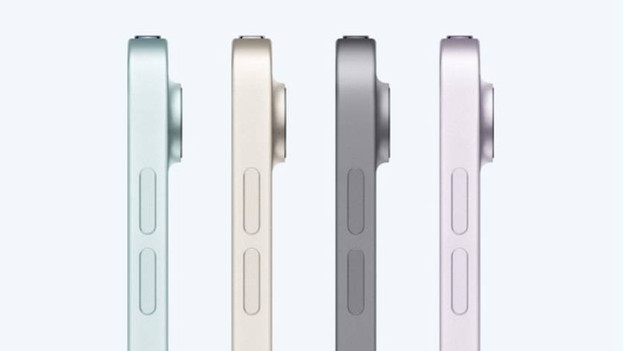
Apple iPad Air (2026): unlock with Touch ID
You can easily take the light iPad Air with you on the go. You can unlock it quickly and securely with your fingerprint via Touch ID in the top button. With the 2 speakers, you have a less full sound than with the iPad Pro. You also sound less clear during a video call due to the 2 microphones. Choose a compact 11-inch or a larger 13-inch size. You can choose from multiple colors: Gray, Blue, Starlight, or Purple.
Processor and speed
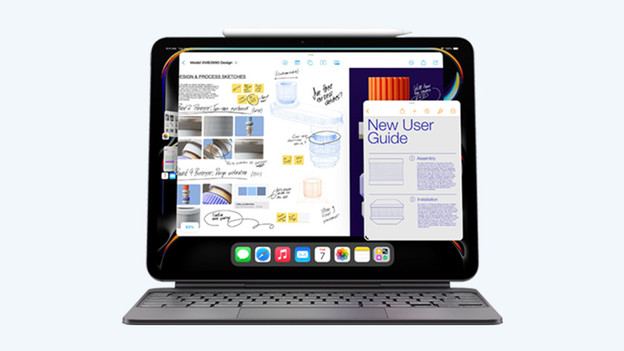
Apple iPad Pro (2025): most powerful M5 chip
The iPad Pro has a powerful M5 chip, so it works superfast. You can use demanding apps such as video editing and 3D designs without slowing down. You can open everything quickly and smoothly switch between apps. The iPad Pro has more storage than the iPad Air. You can choose from 256GB to 1TB. From 512GB, you can store many large files such as videos or professional projects. That way, you can work just as fast on your tablet as on a laptop.
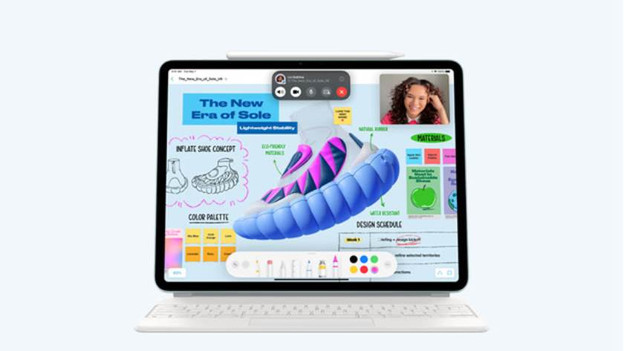
Apple iPad Air (2026): fast M4 chip
The M4 chip in the iPad Air is powerful, but not as fast as the chip in the iPad Pro. You can edit photos, take notes, and watch series without slowing down. When you use multiple demanding apps at the same time, you notice that the iPad Air is slower than the iPad Pro. You can choose from 128GB, 256GB, or 512GB storage. You can use the iPad Air for years without freeing up storage with 512GB. With 128GB storage, your storage fills up after a year.
Screen quality
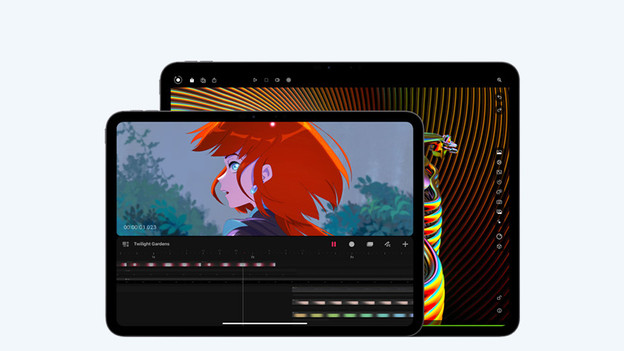
Apple iPad Pro (2025): vibrant and smooth screen
The iPad Pro from 2025 has the clearest and sharpest Ultra Retina XDR display with Tandem OLED. That way, you can see bright colors with deep black tones. Thanks to the 120Hz refresh rate, the images move smoothly. That's nice if you edit videos, game, or draw in creative apps. Choose the iPad Pro if you work on creative projects such as photo or video editing often.
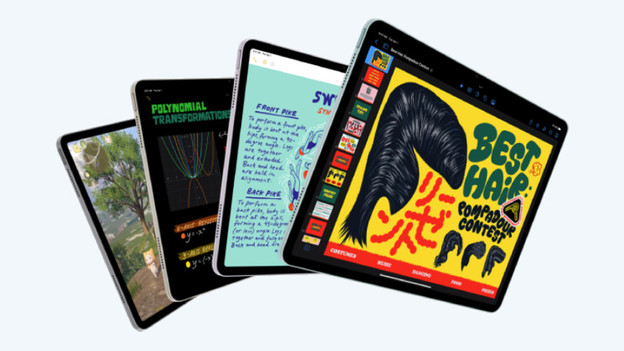
Apple iPad Air (2026): less colorful and slower screen
The iPad Air has a bright Liquid Retina LCD display that's sharp enough for daily use, such as watching movies or browsing the internet. The brightness is good, but a bit lower than that of the iPad Pro. That way, it's more difficult to work outside with bright light. The iPad Air has a 60Hz refresh rate, which is lower than that of the iPad Pro. As a result, images move less smoothly when you're gaming or drawing. Often work on creative projects? The iPad Pro is a better choice.
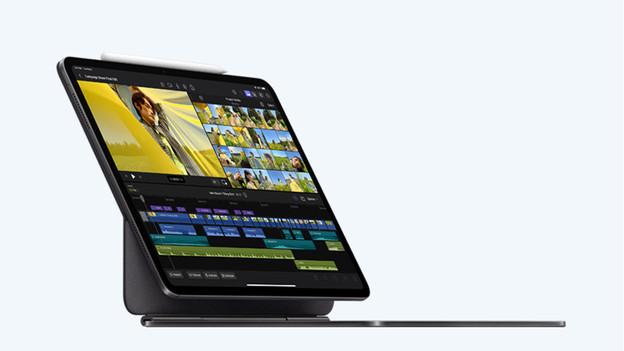
Accessories for your iPad Air and iPad Pro
you can get more out of your iPad Pro or iPad Air with a stylus or keyboard cover. With an Apple Pencil you can accurately draw and write on your iPad. You can easily turn your iPad Air and iPad Pro into a laptop with a Magic Keyboard. That way, you can type your reports and emails superfast. That's useful for your work or studies. You also protect your iPad from dirt and damages with a cover. Choose a screen protector as well to keep your screen as good as new.
Conclusion
Thanks to the powerful processor, the iPad Pro is a faster tablet than the iPad Air. This allows you to use the most demanding apps without slowing down. Thanks to the brightest screen of the iPad Pro, you can also work outside in bright light. Choose a cover as well to protect your iPad from dirt and scratches.
Article by Emme-Lotte
iPad Expert.