
Written by Mieke
Edited on
13 October 2025
·
14:36
Compare the Samsung Galaxy Buds Pro to the JBL Live Pro+
The Samsung Galaxy Buds Pro and the JBL Live Pro+ have many similarities. They both have noise canceling and you can adjust the settings via the app. Because the Samsung Galaxy Buds Pro only have an Android app, they aren't suitable for iOS users. Are you curious about what else the earbuds have to offer? We've listed the differences and similarities for you.
These products aren't available anymore, see the new product here
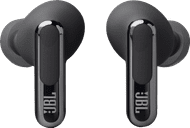

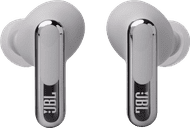
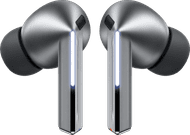
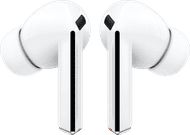
Samsung Galaxy Buds Pro
- Active noise canceling reduces distracting ambient noise and white noise.
- The earbuds are waterproof thanks to the IPX7 certification, so you can clean them with water after your workout.
- The earbuds connect to your Galaxy device right away via Bluetooth.
- With noise canceling turned on, the earbuds last 5 hours, which isn't as long as the Galaxy Buds Live.
119,-
JBL Live Pro+
- Active noise canceling reduces ambient and white noise.
- Thanks to Fast Pair, your earbuds will connect to the last device you connected them to automatically.
- With the My JBL Headphones app, you can personalize the sound reproduction via an equalizer.
- The earbuds are water-resistant but not waterproof, so you can't clean them with water after your workout.
- The noise canceling of the earbuds reduces sound less than noise canceling in headphones.
117,99
Comparison Samsung Galaxy Buds Pro and JBL Live Pro+
| Samsung Galaxy Buds Pro | JBL Live Pro+ | |
|---|---|---|
| Wearing method | In-ear | In-ear |
| Noise canceling | Yes | Yes |
| Water-resistant | Yes (IPX7) | Yes (IPX4) |
| App | Yes (Android) | Yes (Android and iOS) |
| Fast Pair | Yes (with Samsung Galaxy phone) | Yes |

Wearing method
The Samsung Galaxy Buds Pro and JBL Live Pro+ are in-ear earbuds. These type of earbuds go directly into your auditory canal. So ambient noise is muted passively, because the earbuds blocks the auditory canal. Thanks to this, you can enjoy an accurate bass.
Noise canceling
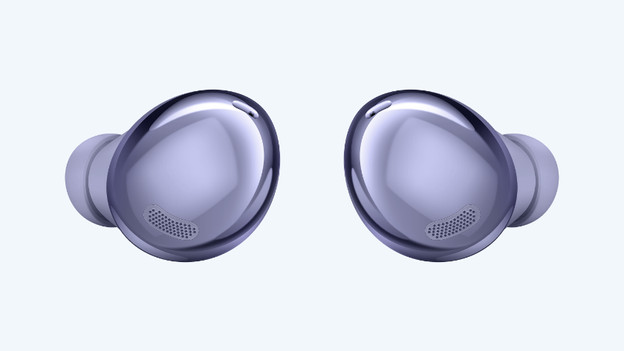
Samsung Galaxy Buds Pro: active noise canceling
The noise canceling of the Samsung Galaxy Buds Pro is decent, but not as good as with noise canceling headphones. Much ambient noise is muted, but not everything. For example, you aren't completely closed off by your surroundings while on public transport.
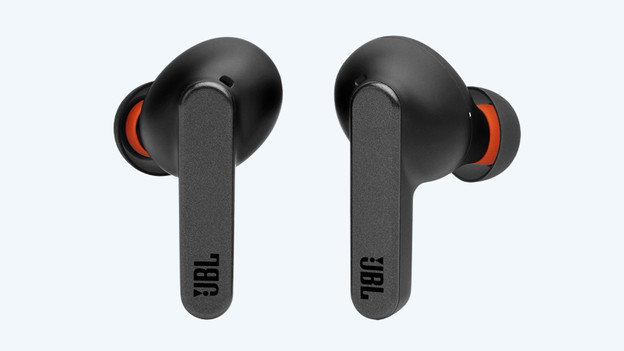
JBL Live Pro+: active noise canceling
The noise canceling of the JBL Live Pro+ is slightly stronger. These earbuds by JBL mute more ambient noise than the ones by Samsung. That's why these earbuds are more suitable for you if noise canceling is important to you.
Water-resistant
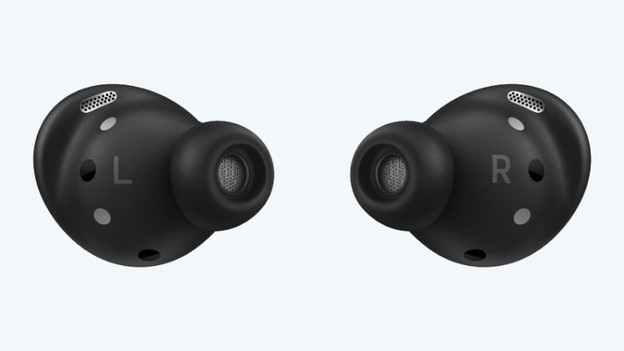
Samsung Galaxy Buds Pro: waterproof (IPX7)
When you use your earbuds during exercise, the Samsung Galaxy Buds Pro are the best choice. The earbuds have an IPX7 certification, which means they're waterproof. So they won't damage because of sweat or water. You can easily rinse the earbuds under the faucet.
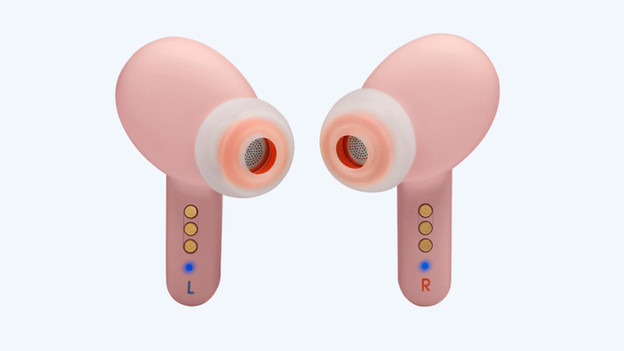
JBL Live Pro+: splash proof (IPX4)
The JBL Live Pro+ earbuds have an IPX4 certification. This means the earbuds aren't completely waterproof, but splash proof. The earbuds won't damage with moisture, but you can't put them in water.
App
Samsung Galaxy Buds Pro: Galaxy Wearable app
To adjust the settings of your Samsung Galaxy Buds Pro, download the Galaxy Wearable app for Android. With this, you can adjust the sound of your earbuds via the equalizer. In the app, you can also adjust what the earbuds do when you touch the touchpad. For example, you can set that the volume goes up when you touch the right earbuds for longer. The Samsung Galaxy Wearable app isn't available for iOS.
JBL Live Pro+: My JBL Headphones app
The My JBL Headphones app is available for both Android and iOS. You can adjust the settings of the earbuds via the app. If you adjust the Bluetooth settings and the sound via an equalizer, you can listen to a personalized sound reproduction.
Connectivity
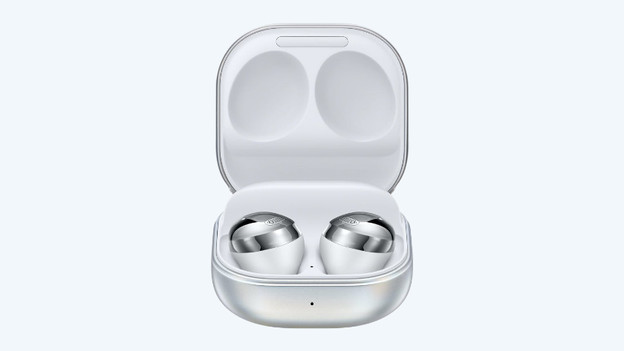
Samsung Galaxy Buds Pro: Fast Pair for Samsung
If you have a Samsung Galaxy device, the earbuds automatically connect to the last connected device. For the Samsung Galaxy Buds Pro, this function is only available for Samsung phones.
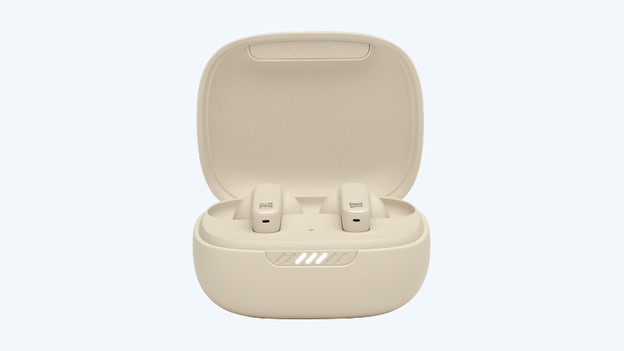
JBL Live Pro+: Fast Pair
Thanks to Fast Pair, the earbuds automatically connect to the last connected device when you take them out of the charging case. So you don't have to connect the earbuds to your smartphone manually. As a result, you can listen to your favorite playlists within a couple of seconds. With the JBL Live Pro+, this function works for both Android and iOS devices.
Conclusion
The choice for the Samsung Galaxy Buds Pro and JBL Live Pro+ mainly depends on the smartphone you have. The Samsung Galaxy Buds Pro are suitable for Android devices. You can control the equalizer with the app and enjoy Fast Pair. The JBL Live Pro+ are suitable for both Samsung and Apple phones. With the JBL Live Pro+, you can also adjust the sound settings with your iPhone.
