Written by Isa
Edited on
17 June 2024
·
13:57
How do you choose a doorbell with a camera?
When you have a doorbell with camera, you can always see who's at your door. You can connect the doorbell to your smartphone and receive a notification when someone rings it. In this article, we'll tell you all about it. That way, you can choose the video doorbell that suits you best.
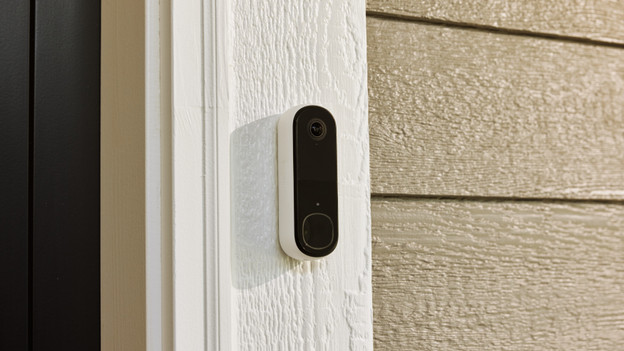
Choose doorbell with camera
When choosing a doorbell with a camera, make sure you consider various options. Ask yourself the following:
- What sharpness do you want?
- Where do you store the footage?
- Do you want to use the doorbell as a security camera?
- Do you want to receive extra notifications?
- Do you also want to see what's happening at night?
What sharpness do you want?
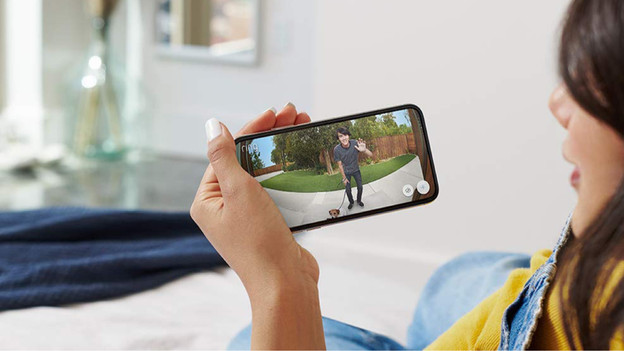
Full HD or Quad HD
Full HD is the lowest sharpness of a doorbell with camera. You can see who's at your door and what your visitors are doing. Not all details are visible. When you zoom in, the image doesn't become blurry. Quad HD is twice as sharp as Full HD. That way, you can see more details of the people in front of your door.
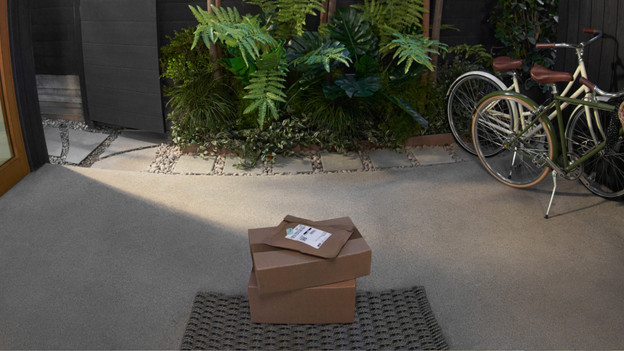
Super HD
Super HD is also called 2K HD. This sharpness is useful when you have a doorbell that also recognizes packages and animals. With a 2K doorbell, you can see people razor-sharp from head to toe. You can also see differences between faces better.
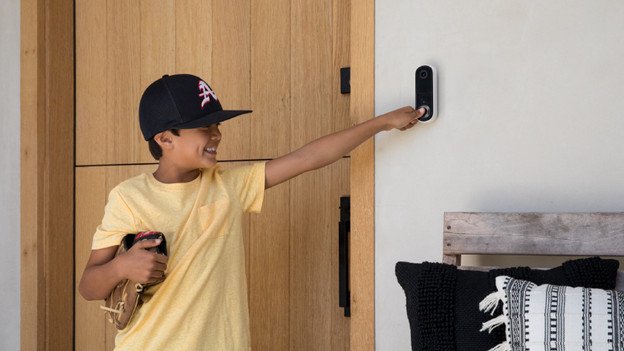
Ultra HD
Ultra HD or 4K HD is the highest image quality for a doorbell with camera. With this sharpness, you can see even the smallest details of the people at your door. Even when they're far away. You can zoom in without reducing the sharpness.
Where do you store the footage?
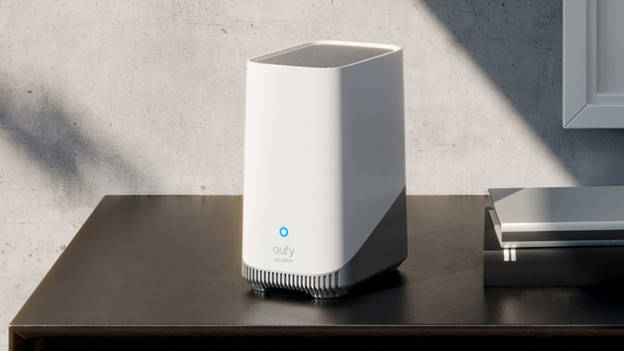
When storing the footage from your doorbell with camera, you can choose cloud storage or local storage. You need a subscription for cloud storage. You pay a fixed amount for this per month. If you'd rather not be tied to a subscription, choose local storage. This way, you can store footage on an SD card, hard drive, or NAS. Or go for a doorbell that stores the footage on a base station. These don't come with any additional costs.
Do you want to use the doorbell as a security camera?
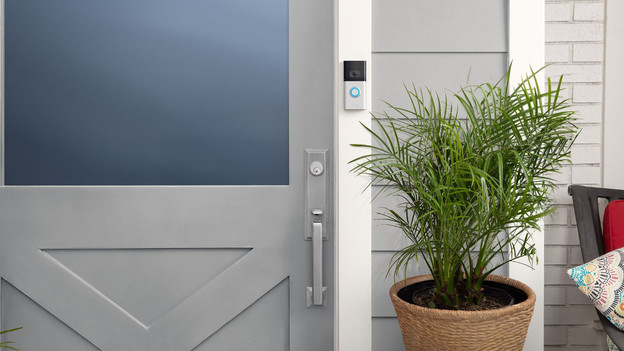
You can connect a doorbell with camera to your smartphone. You can watch your camera live via the app and receive notifications for movement. That way, you can use the video doorbell as a security camera. With a video doorbell with a wide viewing angle, you can see your entire front garden at once. A doorbell with movement detection automatically starts recording when it detects movement. You know exactly what's happening this way, even when you're not watching live.
Do you want to receive extra notifications?
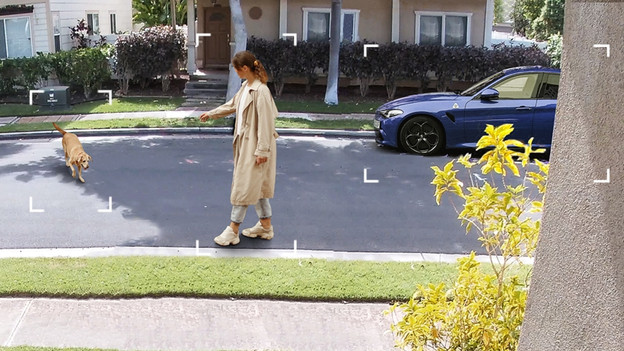
When someone rings your video doorbell, the bell sends a notification to your smartphone. Do you want to hear the signal aloud in your home? Choose a doorbell with an extra chime. Many doorbells can distinguish animals, vehicles, and even different people. Some doorbells use AI facial recognition to do this. It compares the faces of visitors to earlier footage or photos you can add yourself. The doorbell then sends you a notification with the names of the people in the image.
Do you also want to see what's happening at night?
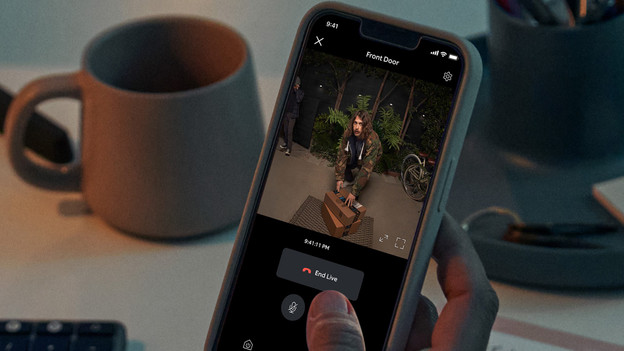
Most doorbells with camera have infrared lighting. That way, you can also see what's happening at your door at night. Often, this footage is black and white. With night vision in color, the doorbell records colored footage in the dark. This makes details more visible. Or go for a video doorbell that you can connect to your smart lights. With that, you can set up that the lights at the front door turn on automatically when someone rings the bell.
Article by Isa
Doorbell Expert.