Written by Jesper
Edited on
23 August 2022
·
12:54
Gett started with the OPPO Find X3 series cameras
The smartphones from the OPPO Find X3 series have good cameras. Especially the Find X3 Neo and Find X3 Pro allow you to take razor-sharp photos. Thanks to the simple camera app and various functions, you can take nice pictures, even as an amateur photographer. In this article, we'll give you several tips to take beautiful photos.
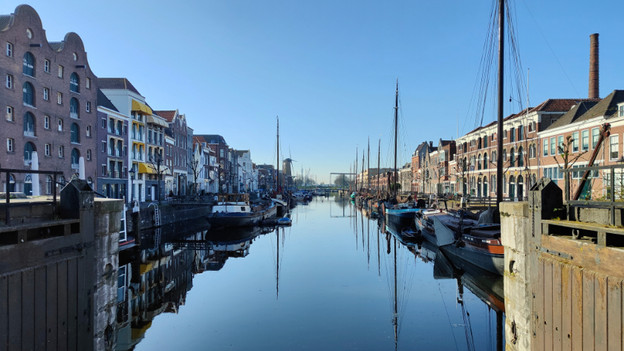
Get started with the OPPO Find X3 cameras
With different lenses, smart software, and certain modes, you can easily take beautiful and special photos. Try out the following tips and features to get the perfect photo:
- Wide-angle lens
- Telephoto lens
- Portrait mode
- Night mode
- Grids
Wide-angle lens
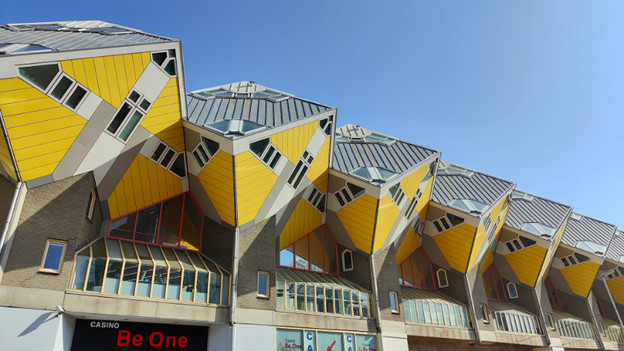
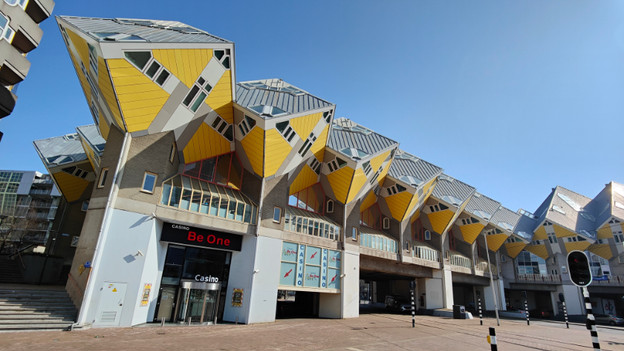
The wide-angle lens has a wider viewing angle than the standard lens on the camera. That means this camera is useful when you want to fully capture a large building or a large group of people, for example. You can also use the lens to capture a larger area of an impressive landscape. Selecting this lens is very easy. To do this, tap the leftmost dot in the camera app, next to the little ball with 1x. Now a small dot with 0.6x appears. This is the wide-angle lens.
With the standard lens, 6 cube houses fit in the photo.
This photo was taken from the same spot with the wide-angle lens. Now there are 10 cube houses in the photo.
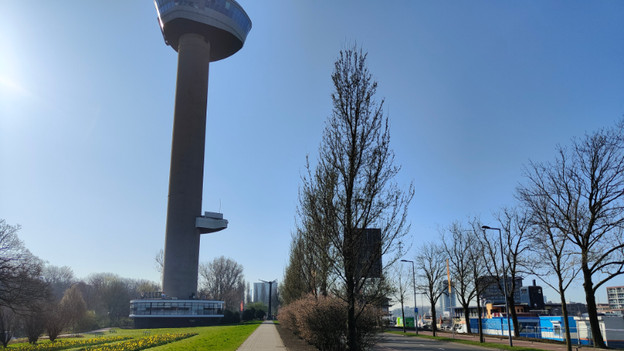
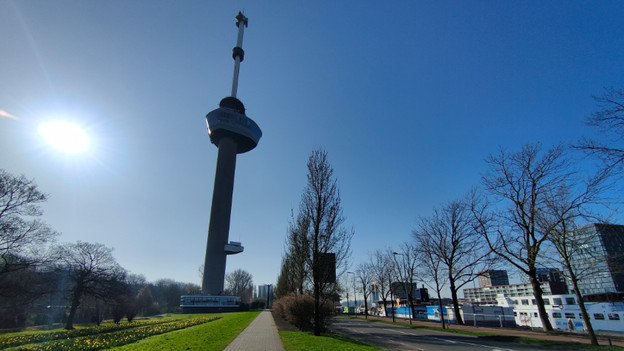
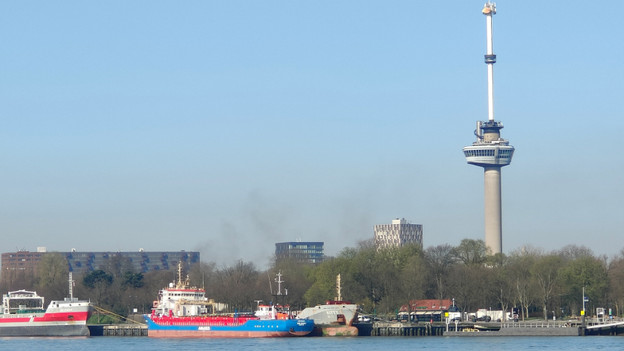
You can't capture the entire Euromast with the standard lens.
Do you use the wide-angle lens? The whole tower fits in your picture.
Telephoto lens
With the telephoto lens, you can zoom in without your photo becoming less sharp. The Find X3 Lite has no telephoto lens, but you can zoom in up to 3x without loss of quality with the Neo. With the Pro version, you can even do this 5x. You don't just use the telephoto lens to bring small objects closer from afar. It's also useful to better fit an object or situation within your frame. This keeps disturbing or distracting objects out of your photos. You can see how this works in the photo gallery.
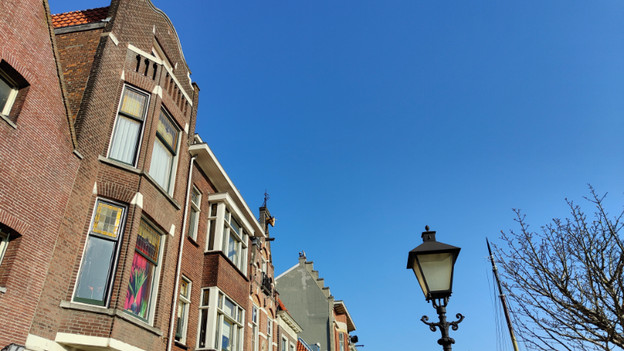
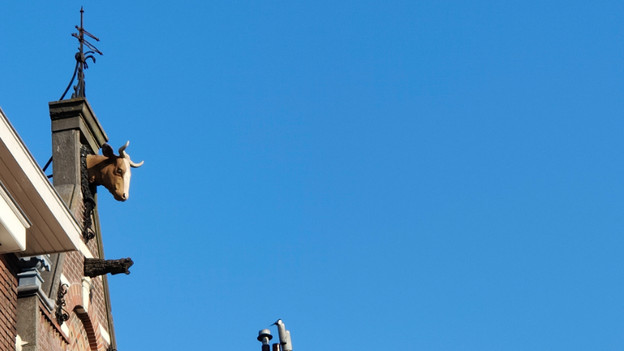
With the standard lens, it's hard to see the cow in this photo.
With the telephoto lens, you can zoom in far without loss of quality, so the cow is clearly and sharply in focus.
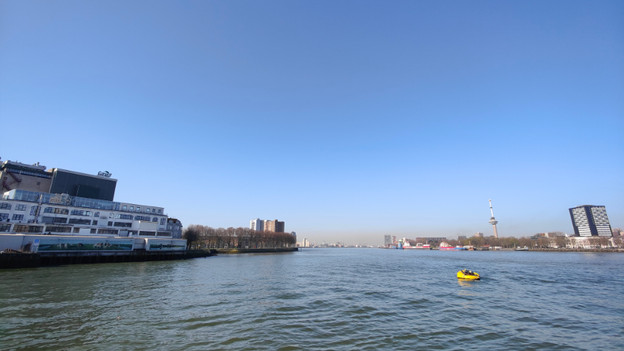
When you photograph the Rotterdam Euromast from this spot with the standard lens, there's a lot of distraction.
This photo was taken from the same spot, but with the telephoto lens. The Euromast looks better in your frame.
Night mode
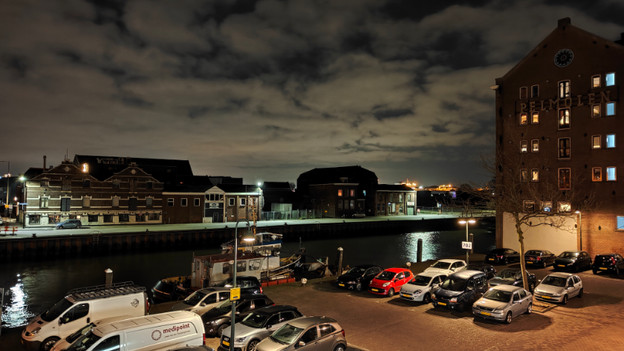
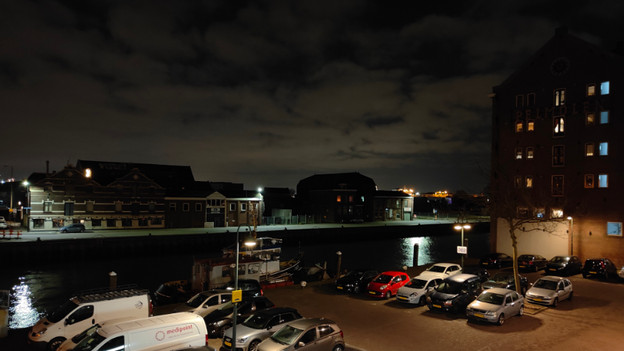
Like our own eyes, a camera sees the most colors and details when it's light. As a result, it's harder to take sharp pictures in the dark. In night mode, the smart software and the advanced cameras work together so you can take great pictures even in low light. It's important that you don't move your OPPO smartphone when taking a picture. You can activate night mode by tapping the word Night in the camera app.
You can still see a lot of details and colors in low light in night mode.
Without night mode, the photo is less sharp and clear. You see less of the sky, for example.
Portrait mode
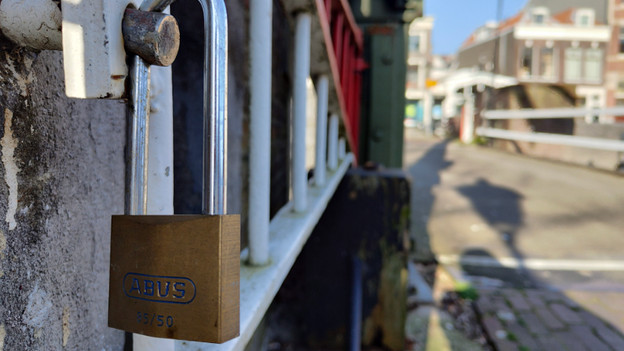
Portrait photos are often even more beautiful if the background of the object or person is blurred. You can achieve this by taking pictures in portrait mode. The camera measures the depth, after which the smart software creates a blurred background. Tap the word Portrait in the camera app to use portrait mode.
We've used portrait mode here to blur the background of the lock.
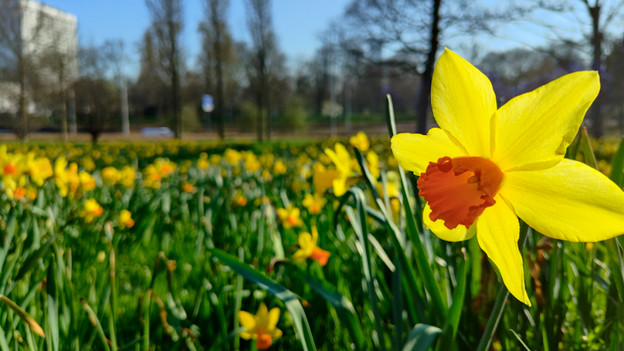
In this photo with depth of field effect you can clearly see that the front flower is sharp and the rest is blurred.
Grids
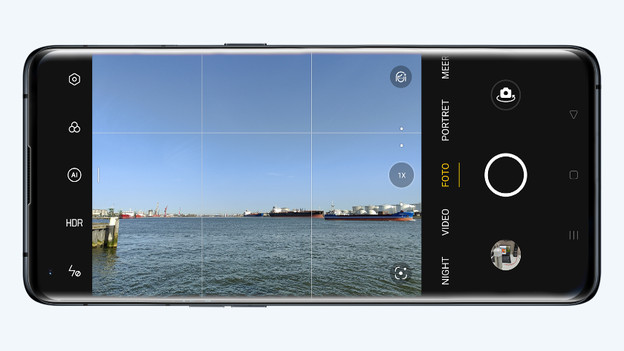
You're probably familiar with this. You think you've taken the perfect photo, but it turns out to be crooked. It's sometimes difficult to see with your own eyes if you hold the camera straight. Need some help with this? Turn on the grids. Thanks to 3 horizontal and 3 vertical lines, you can see if you hold your camera correctly. You won't see these grids on the photo itself. Tap the cogwheel in the camera app, choose Composition, tap Photo, and then select Grid.