
Written by Giovanni
Edited on
7 April 2023
·
07:14
Get the most out of your Medion gaming PC
Your new Medion gaming PC came in and you want to get the most out of your computer right away. Medion Erazir has been installed to your computer by default. You can adjust the speed of the fan, overclock your processor, and adjust the energy consumption settings with this software. In this article, we'll explain how to quickly and easily use the Medion Erazer Control Center.

Get started with your Medion Erazer gaming PC
You can get the most out of your Medion Erazer gaming computer with the following steps. We'll explain these steps in this article.
Step 1. Boot your computer.
Step 2. Install the software
Step 3. Select the right settings per mode
Step 4. Reboot the PC
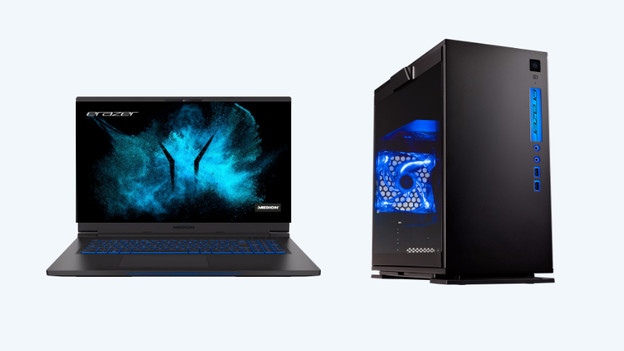
Step 1: boot your computer
Start the software and adjust the settings correctly to get started with your gaming PC right away. Met Medion Erazer Control Center, you can personalize your gaming PC to your liking. We'll explain how to get started with the software.
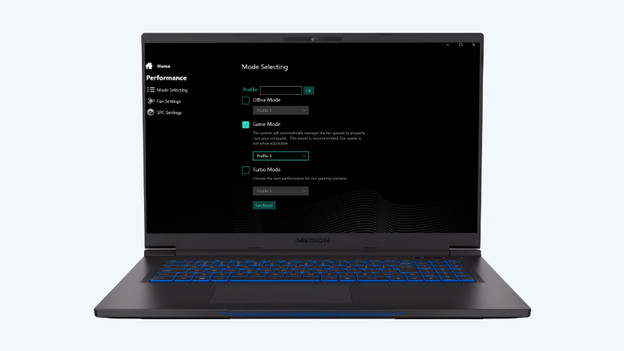
Step 2: set up the software
On your desktop, you can find the Medion Erazer Control Center icon. Double-click the icon to open the software. When the software started, you can find different topics in the menu. With inactive, energy saving, performance, and entertainment mode, you can adjust the consumption and the power of your Medion Erazer. Does your PC have a problem with overheating? You can turn up the fan.
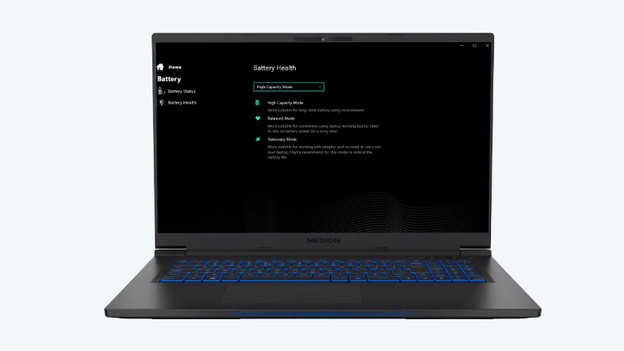
Step 3: select the right settings per mode
- Inactive mode: turns on when the PC isn't being used.
- Energy-saving mode: you can use this mode when you want to save on energy consumption.
- Performance mode: performance mode allows you to get the most out of your game by running the PC at maximum power.
- Entertainment mode: you can watch movies and series in entertainment mode.
Select the settings per mode. When you choose optimal performance, the consumption of the PC goes up.

Step 4: reboot the PC
Did you change settings in the Medion Erazer Control Center? Reboot the PC. The settings for overclocking, ventilation, and energy saving will only work after rebooting.
Article by Giovanni
Gaming Expert.
