Written by Elaine
Edited on
12 November 2024
·
15:00
How do you install the BlueBuilt USB 3.0 hub 4 ports?
You've bought a 4-port BlueBuilt USB 3.0 hub and want to connect it to your laptop. On this page, you can read how to do this in 2 steps.
Set up BlueBuilt USB hub in 2 steps
In this article, you can read how to set up your BlueBuilt USB hub in 2 steps.
- Step 1. Connect the USB hub to your laptop
- Step 2. Connect your peripherals
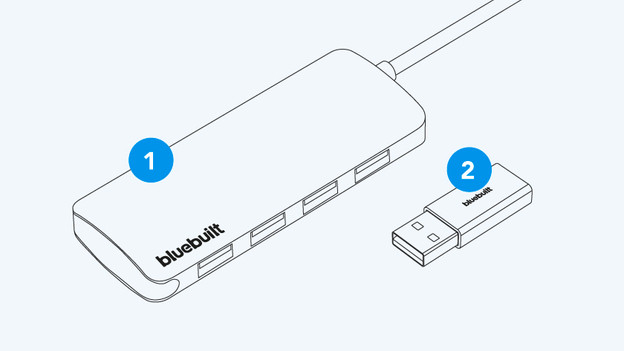
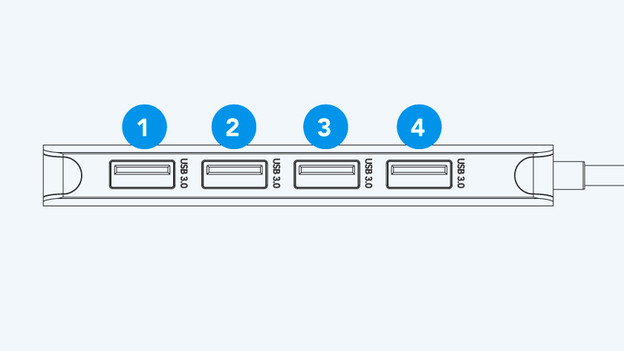
The 4-port BlueBuilt USB 3.0 hub has the following parts:
- 1 - 4: USB-A
- 5: LED function indicator
Step 1: connect the USB hub to your laptop
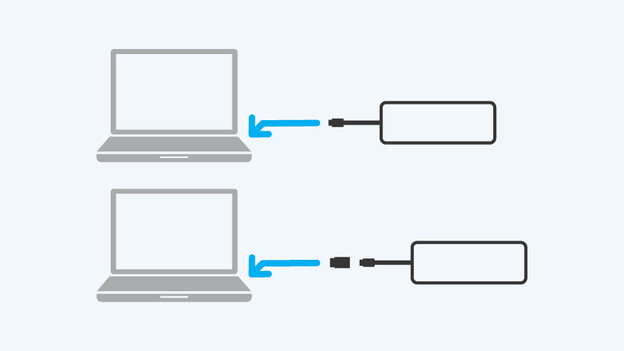
Connect the BlueBuilt USB hub to the USB-C port on your laptop.
Does your laptop have a USB-A port? Connect the included USB-C to USB-A adapter to the USB-C cable first. Then, connect the USB hub to the USB-A port on your laptop.
Step 2: connect your peripherals
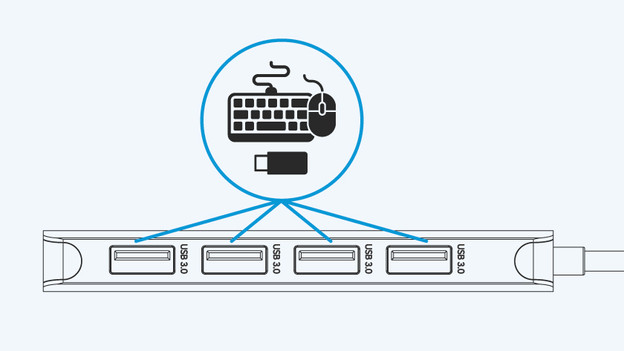
You can use the 4 USB-A ports to connect your peripherals, such as a mouse, keyboard, wired webcam, and USB flash drive.
Your BlueBuilt 4-port USB 3.0 hub is now fully set up.