Written by Lodi
Edited on
1 May 2023
·
13:07
How do you reset your Fitbit Ace or Fitbit Inspire?
Doesn't the screen of your Fitbit Ace 3, Ace 2, Fitbit Inspire 3, Inspire 2, Inspire HR, or Inspire respond anymore? Or doesn't he watch connect to your smartphone? You can often solve that by resetting your smartwatch. We'll tell you how to reset your Ace and Inspire models in this article.
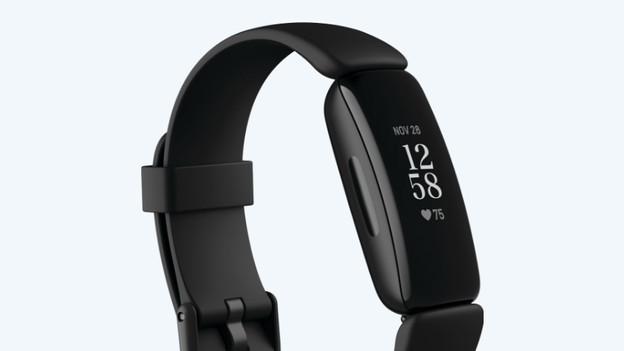
Reset in 2 steps
You can reset the Fitbit Ace 3, Ace 2, Inspire 3, Inspire 2, Inspire HR, or Inspire in 2 ways:
- Step 1: Soft reset: restart your Fitbit. You keep your data.
- Step 2: Hard reset: revert to factory setting. Your data is removed from your Fitbit.
Did you reset your Fitbit and does it still not work? Or does your Fitbit have a black screen? Contact the Fitbit customer service. They'll help you further to solve the problem.
Step 1: restart
Restart your Fitbit Inspire or Ace when it doesn't connect to your smartphone or if the screen doesn't respond.
- Connect your Fitbit Ace or Inspire to your laptop or computer. Does your Fitbit vibrate? You can be sure it charges.
- Press the button on the side of your Fitbit for 5 seconds.
- The Fitbit logo appears on your screen. That means your Fitbit restarts. Disconnect your Fitbit from the charger. You just reset your Fitbit.
- Your can reset your Fitbit Ace or Inspire in the same way as a Fitbit Charge 2. You can see how to do so in this video.*
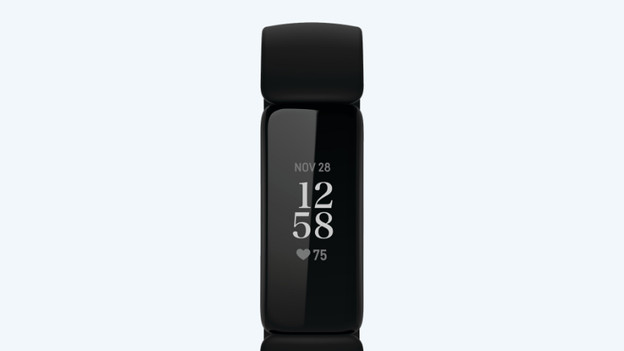
Step 2: hard reset
Doesn't a restart solve the problem? Perform a hard reset. You revert your Fitbit to factory settings this way. Note: all your data will be lost.
- Open Settings on your Fitbit.
- Tap Erase user data.
- Press the screen for 3 seconds and then release. Your Fitbit vibrates and the clock face appears. Your tracker is now being reset and your data erased.
Does your Fitbit work again? Set it up again. You can read how to do so in the article below.
Article by Lodi
Smartwatch Expert.