Written by Jeroen
Edited on
10 January 2025
·
15:56
Set up WiFi on a Miele washing machine
Want to turn on a washing cycle when you're not home? And automatically receive a notification on your smartphone when the machine's finished? With a Miele washing machine with WiFiConn@ct and the Miele app, you can. In this article, you can read how to set up the washing machine to be able to use these functions.
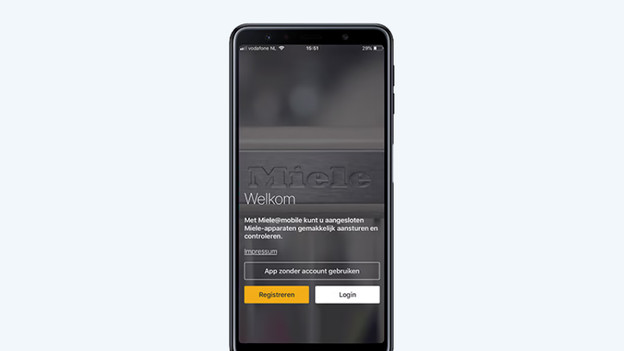
Step 1: download the Miele app
Download the Miele app in the App Store or in Google Play. Open the app and create a Miele account with your information. Do you already have an account? Log in with your email address and password.
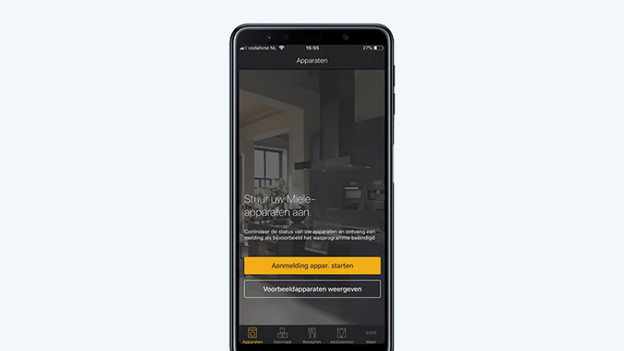
Step 2: start the registration
Start the registration by pressing 'Appliance registration'. Next, click the 'Add' button to connect your washing machine to your app.
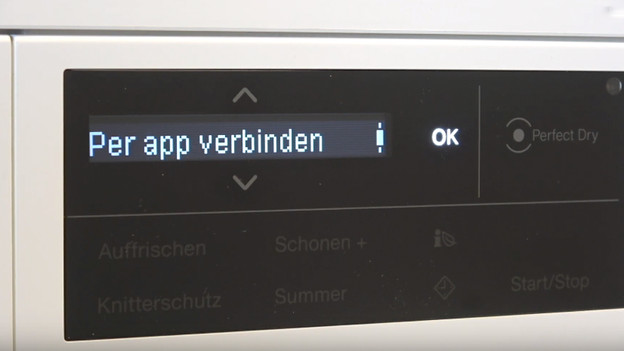
Step 3: set up the washing machine
Find the type plate of your washing machine on the inside of the drum door and look for the code. Enter this in the app, or scan the QR code. Set your washing machine to the right setting and follow the steps in the app. You can do this until your see the step 'connect per app' on your device.
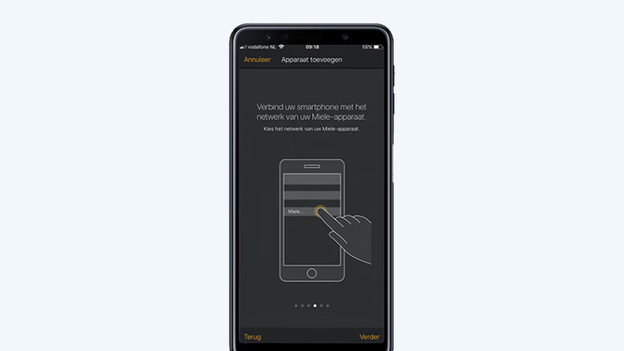
Step 4: connect to wireless network
You can now connect the washing machine to your WiFi network with the Miele app. Make sure you us a WiFi network with 2.4GHz. Select the network in the app and enter the WiFi password.
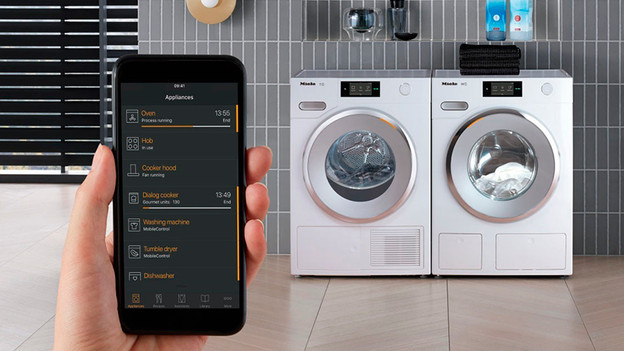
Done!
Confirm the final steps on the washing machine's display and on your smartphone. Done! Your washing machine is connected and can now also be controlled remotely.
Article by Jeroen
Washing Machine Expert.