
Written by Megan
Edited on
17 August 2026
·
14:07
What do you do if your OPPO smartphone crashes?
A reset might be a solution if your OPPO smartphone crashes, is slow, or doesn't work at all. In this article, you can read how to do that.

Reset your OPPO smartphone
If your OPPO crashes, you can solve it with these tips.
- Charge your smartphone
- Restart your smartphone
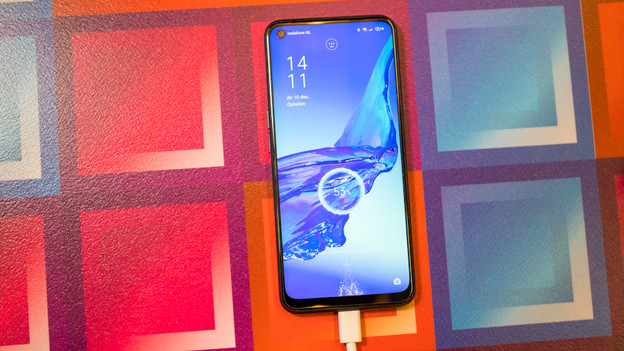
Tip 1: charge your smartphone
Make sure you charge your smartphone for at least 30 minutes. This way, you can be sure the battery isn't the problem. If this doesn't work, perform a soft reset.
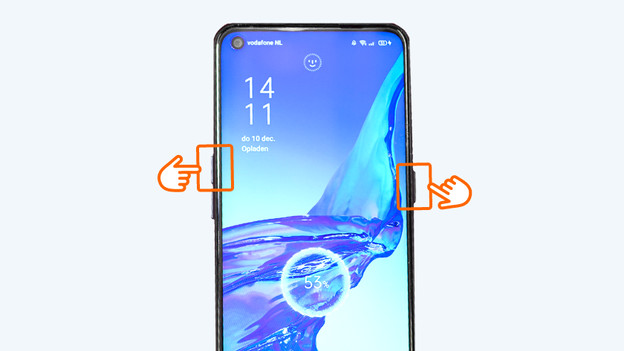
Tip 2: restart your smartphone
A soft reset if a possible solution if your smartphone is stuck. It works the same as a restart.
- Press and hold the standby and upper volume button.
- Release the buttons when the device turns off, after about 12 seconds.
- Next, turn your device on again with the standby button.
Article by Megan
Smartphone Expert.
