Written by Jesper
Edited on
21 April 2023
·
14:42
What's Samsung Connected Living for smartphones and tablets?
Samsung makes a lot of different smart products that work together. Samsung calls this Connected Living. You can cast the screen of your smartphone to your tablet and quickly transfer data, for example. In addition, you can use your Samsung smartphone or tablet as heart of your smart home network. In this article, we'll tell you which advantages Connected Living offers for Samsung tablets and smartphones.
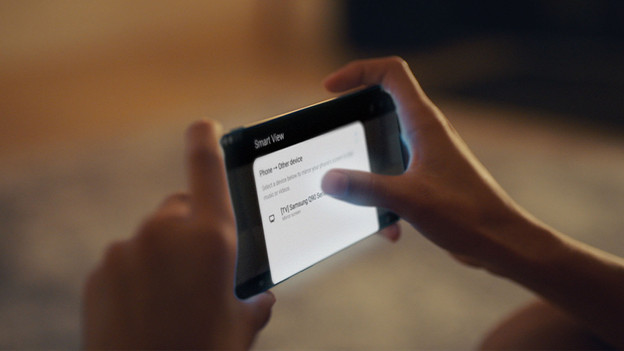
Smart view
With Samsung Smart View, you can play content on different devices at the same time. Did you take vacation photos with your smartphone? Cast the screen of your smartphone to your tablet or smart TV. You can browse through your photos on your Samsung S22, for example, while your friends and family can watch along on the large screen of your tablet or television. Do you want to watch your favorite series while you cook? Connect your TV to your tablet and keep watching while you prepare your meal.
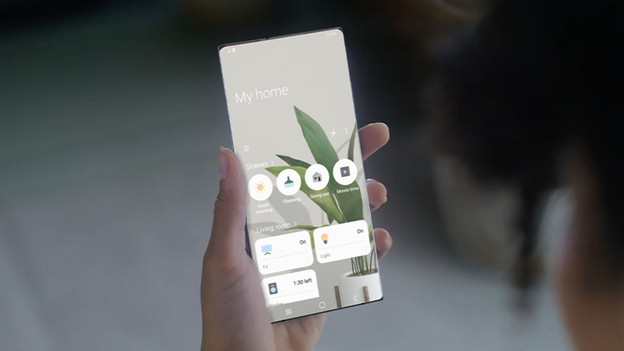
SmartThings
With the Samsung SmartThings app, you can use your smartphone or tablet as remote for all your smart devices. You can use the app to turn on your smart lights or washing machine, for example. Don't you want to do this manually every time? Set up a routine. With the app, you can make the lights turn on when your alarm foes off and that they turn off when you go out the door. In the evening, you can create the ideal settings for your lights, TV, and sound for a movie night at the push of a button.
Quick Share
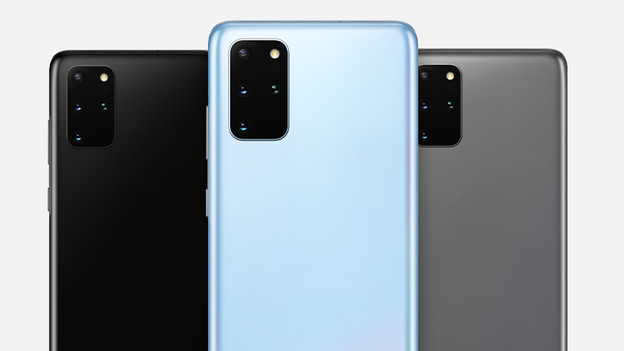
Thanks to Quick Share, you can quickly share your files from your smartphone or tablet with up to 5 other devices. This allows you to send your photos and videos from your daytrip to your friends very fast. You don't have connect your Samsung smartphone or tablet to those of your friends 1 by 1. In addition, your files won't end up in the cloud, but on the device directly.
Call and texts on other devices
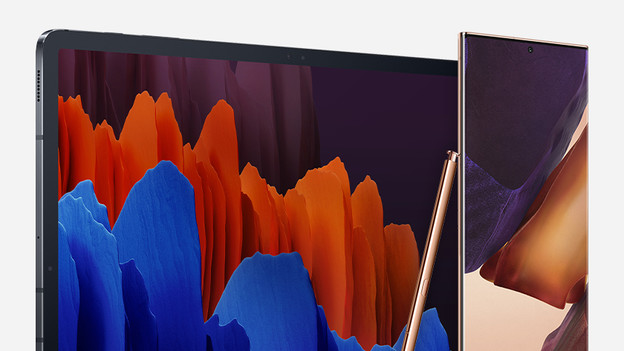
Did you forget your smartphone or don't you want to walk all the way to your device when it's ringing? You can easily call and text with your Samsung tablet as well. Turn on Call/text on other devices via the settings. Your smartphone will forward calls and messages to your tablet via your Samsung tablet. This way, people can reach you in multiple places.
Daily board
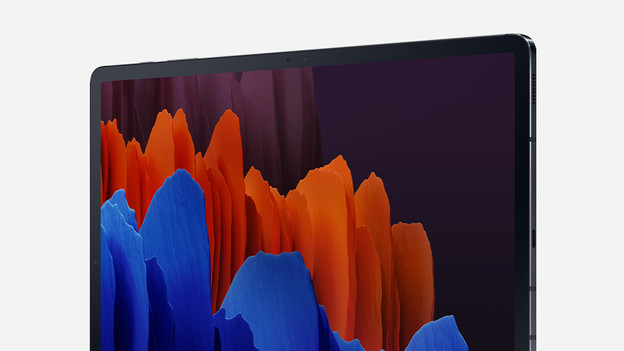
Thanks to Daily Board, your Samsung tablet is still useful when it charges. With Daily Board, you can set up your own notification board. For example, you can see the weather, your to-do list, and your calendar at a glance. Do you prefer to use your tablet as a picture frame when it charges? Choose an album and enjoy a modern slideshow. In addition, you can use your Galaxy Tab to control your smart speakers. this allows you to quickly play, pause, or skip a song.
Article by Jesper
Smartphone Expert.