
Written by Prescious
Edited on
2 September 2026
·
09:45
Differences between the mechanical Razer switches
Not sure which Razer keyboard switches suit you? They're all different and while you don't like some, other seem to be specially for you. We'll explain the differences between the Razer switches here, so you can find out which switch and which keyboard suits you best.
Comparison of different Razer switches
| Razer Clicky Low profile | Razer Lineair Low profile | Green | Orange | Yellow | |
|---|---|---|---|---|---|
| Optical sensor | Yes | Yes | No | No | No |
| Volume click | Loud | Silent | Loud | Average | Silent |
| Tangibility click | Yes | No | Yes | Yes | No |
| Power actuation point | 50g | 50g | 50g | 45g | 45g |
| Actuation point | 1.5mm | 1.2mm | 1.9mm | 1.9mm | 1.2mm |
Optical switches
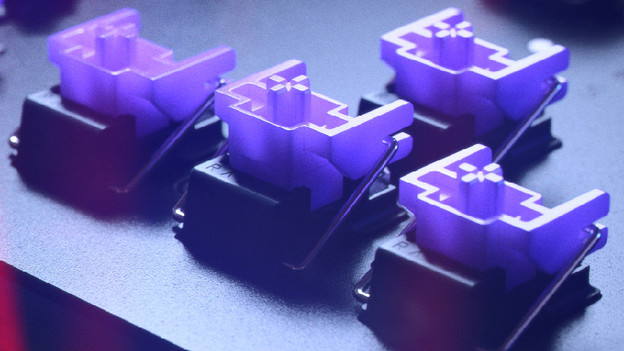
Razer Clicky Low profile: tangible click with light signal
The Razer Clicky Low profile swtich from Razer looks a lot like a mechanical switch at first. When you press it, you can feel and clearly hear the click. This way, you'll know exactly when you can release the key to press the next one. The big difference is that the sensor of the key works with a light beam. That's why your key stroke registrations are 'as fast as the speed of light'. This switch has similar properties to the linear Low profile switch.

Razer Lineair Low profile: fast as light
The Razer Lineair Low profile switch by razer looks like the yellow mechanical switches by Razer. When you press the key, you won't feel or hear a click. This switch is the lightest to press and it responds the fastest of all Razer switches with an actuation point of 1.2mm. This switch shares properties with the clicky opto-mechanical switch, but it doesn't have a click. The Clicky Low profile switch also registers your keystrokes with a light sensor.
Traditional mechanical switches
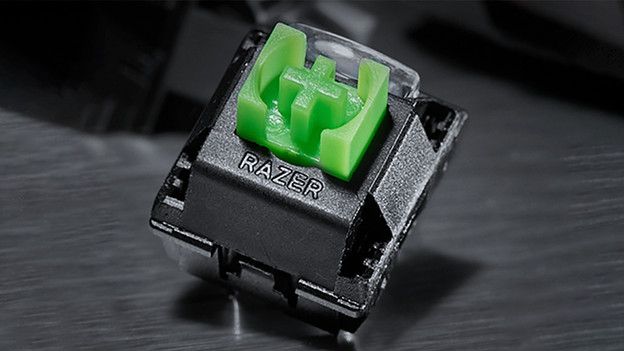
Green switch: traditional clicky
The green mechanical switch by Razel has the old-fashioned 'clickly' feel. When you press the key, you feel and hear it. Gamers that enjoy this like to get clear feedback when their keystroke was registered. People around you won't appreciate loud click as much.
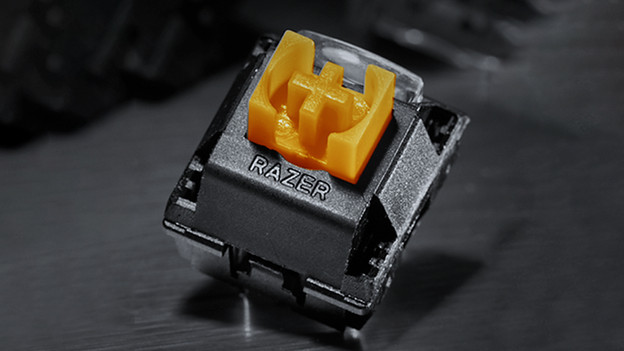
Orange switch: clicky, but little sound
The orange switch from Razer has a averagely audible click. You can still feel the click. The power of the click feeling is a bit less compared to the green switch. Choose the orange switch if you want haptic feedback but don't want to make a lot of sound with your keystrokes.
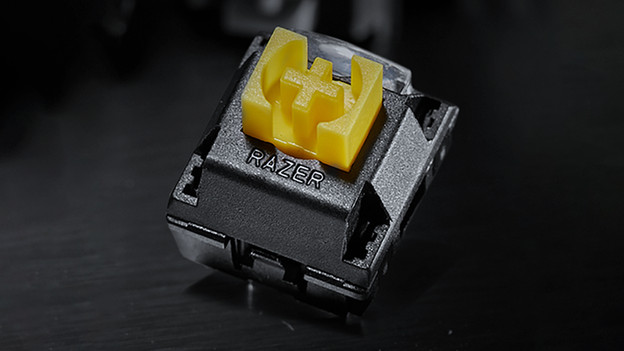
Yellow switch: silent and competitive
The yellow mechanical switch from Razer is the fastest of the mechanical switches. Unlike the orange and green switch from Razer, this yellow switch doesn't provide feedback. You won't feel and hear that you pressed the key. If you really want that, the yellow switch is a very competitive option with 1.2mm actuation point.
