Written by Rowan
Edited on
31 August 2026
·
13:35
Everything on MacBook Upgrade at Coolblue
With MacBook Upgrade, you can trade in your old MacBook for a new model. This is a more affordable and sustainable choice. That's because you get a discount on your new MacBook and we give your old device a second life. In this article, we'll explain everything about MacBook Upgrade at Coolblue.
How does MacBook Upgrade work?
- Look below at 'What is the value of your MacBook' to find out what the estimated trade-in value of your MacBook is.
- Buy and pay for your new MacBook via our site or buy them in the store.
- If you buy it in the store, we'll deduct the discount right away. Buying it online? Come to the store within 30 days. You'll receive the trade-in value on your bank account within 3 working days or the amount as CoolblueCredit in your Coolblue account within 3 working days.
It's important to make a backup or reserve copy of your MacBook before you come to the store. That way, you can be sure you don't lose all your stored files. In the store, the expert will tell you what the final trade-in value of your MacBook is.
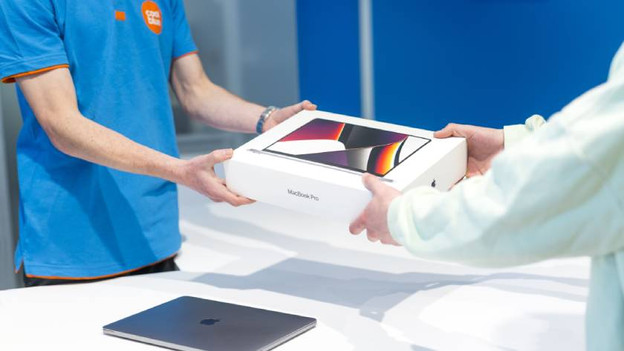
Good to know
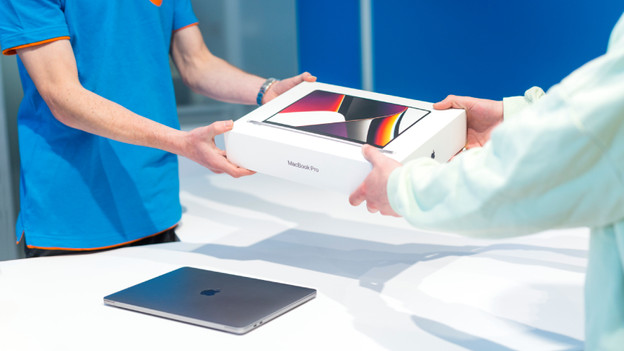
What's the value of your MacBook?
The trade-in value is based on the model you hand in and the condition of your MacBook. You can view the estimated trade-in values on our website. The expert determines what amount you get in the store. That amount can differ from the estimated trade-in value, because the amounts change regularly.

How do you prepare your MacBook for the trade-in?
First make a backup of your MacBook. That way, you can be sure you don't lose any files. Do so before you come to the store. You can use the backup during the installation of your new MacBook.
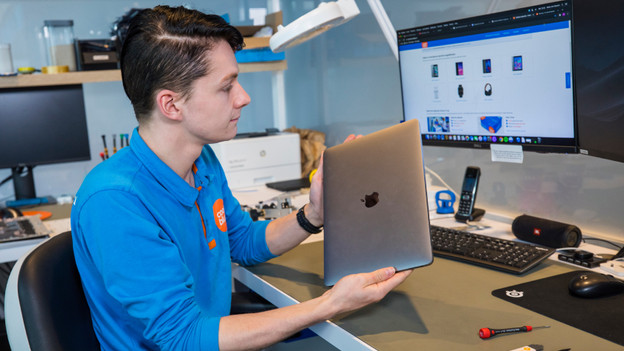
How do we determine the condition of your MacBook?
Bring your old MacBook with you to the store. The MacBook Upgrade expert assesses the condition of your MacBook and determines the trade-in value. They check the screen and casing for this. The keyboard and trackpad also have to function properly.
Frequently asked questions
Where's the nearest store?
You can trade in your old MacBook in the store. You can check which store is nearest to you on our store page. You don't have to make an appointment, but you can if you want to.
How will I receive my trade-in value?
Once you've ordered and paid for your new MacBook, we'll transfer the trade-in value to your bank account. You'll have it in the account we have in our system within 3 working days.
Can you trade in your MacBook without buying a new one?
Yes, that's possible. If you have an old MacBook that you no longer use, simply hand it in in one of our stores. You'll then receive the trade-in value as CoolblueCredit. This credit will be added to your account after 3 working days. You can spend it on our website or in the store. It doesn't matter what you buy with it. You can return up to 5 MacBook models in one go.
Do you have to trade in a MacBook?
If you hand in a laptop, it must be a MacBook. We don't have trade-in values available for laptops from other brands. Do you still have an old tablet, smartphone, or Apple Watch lying around? You can also trade it in for a new MacBook. In the store, the expert will tell you what the final trade-in value of your old device is.
What happens to your MacBook after you trade it in?
If the device is still in good condition, we'll give it a second life. If it's not, we'll recycle the device. This makes our upgrade service sustainable and better for the environment.
Does your old MacBook have to be purchased at Coolblue to trade it in?
No, that's not necessary. You can also trade in your MacBook at Coolblue if you've bought it from a different store or from Apple.