Nikon cameras
Compare Nikon mirrorless cameras
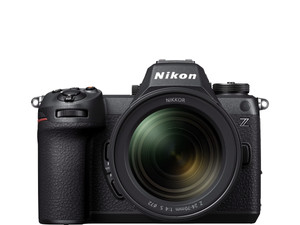
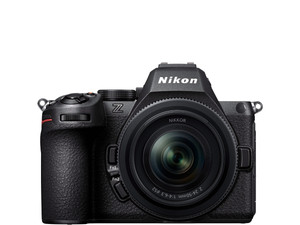
Best image quality and fast autofocus
Thanks to the semi-stacked full-frame sensor, you can record extra clear images and the image processing is faster. You can capture 20 RAW photos per second and in JPEG 60.
You can take extra clear photos and videos thanks to the 24.5-megapixel full-frame sensor.
Thanks to the autofocus with 3D tracking, you can follow moving subjects and capture them sharply.
The IBIS reduces unwanted camera movements, so you can take handheld photos with longer shutter speeds.
Thanks to the semi-stackes sensor, the image processing is fast and you can photograph in RAW with 20 photos per second in JPEG 60.
From
to2.799,-
5.009,-
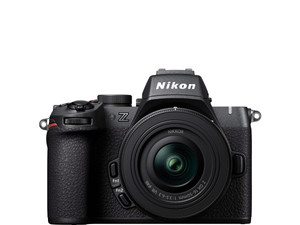
Better image quality and fast autofocus
Thanks to the larger full-frame sensor, you can record extra clear images. The autofocus has 3D tracking, so you can capture moving subjects sharply.
You can take extra clear photos and videos thanks to the 24.5-megapixel full-frame sensor.
Thanks to the autofocus with 3D tracking, you can follow moving subjects and capture them sharply.
The IBIS reduces unwanted camera movements, so you can take handheld photos with longer shutter speeds.
From
to1.899,-
2.699,-
Good image quality and fast autofocus
You can take sharp photos and videos with the Nikon Z50 II. Thanks to the autofocus with 3D tracking, you can follow moving subjects and capture them sharply.
Thanks to the APS-C sensor with 20.9 megapixels, you can capture sharp and detailed images.
The autofocus has 3D tracking, so you can capture moving subjects sharply.
From
to990,-
1.419,-
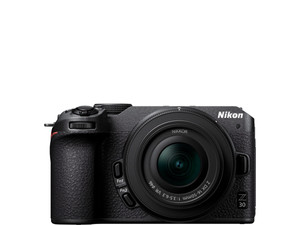
Good image quality with enough light
You can take sharp photos and videos with the Nikon Z30, but it doesn't have image stabilization to reduce motion blur.
Thanks to the APS-C sensor with 20.9 megapixels, you can capture sharp and detailed images.
From
to861,-
1.219,-

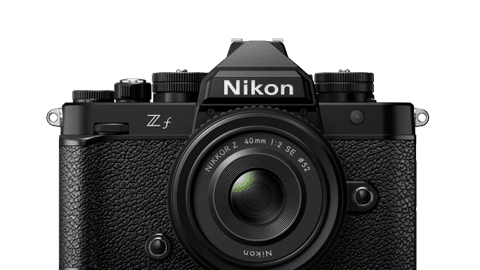
Retro Nikon cameras with modern technologies
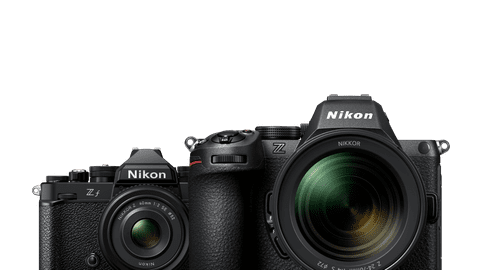
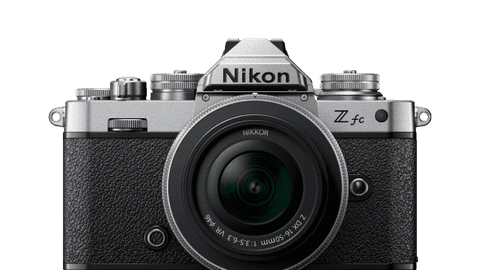
The Nikon Z f models have a retro look. On top of the cameras, there are dials to adjust the ISO, shutter speed, and exposure compensation. This makes you feel like you're photographing analog. The cameras have modern technologies such as autofocus with subject recognition. They also both have a tiltable screen.
Large Nikon Z mount
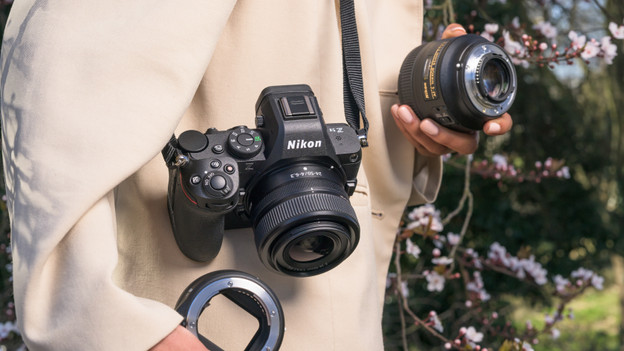
Nikon mirrorless cameras have a Z mount with a large diameter. This allows a lot of light to enter. That way, you get a higher image quality in dark situations. Nikon also has more freedom in designing lenses. With the good ratio between the diameter of the mount, the image sensor, and the lens distance, you can take detailed photos with little noise.

Pre-release capture
With the pre-release capture, you don't miss a single action moment. When you press the shutter release button halfway, the camera starts capturing images. This is called pre-recording. When you then press the shutter release button all the way down, the camera saves the images it captured 1 second earlier. This feature is useful when you take sports photos or photograph wild animals, for example.

Nikon SnapBridge app
Via the Nikon SnapBridge app, your camera is always connected to your smartphone or tablet. The app automatically uploads your photos and videos to the connected device. That's useful if you quickly want to share images with your family and friends. With the app, you can control the camera remotely and perform firmware updates. You can easily take a group photo, for example.
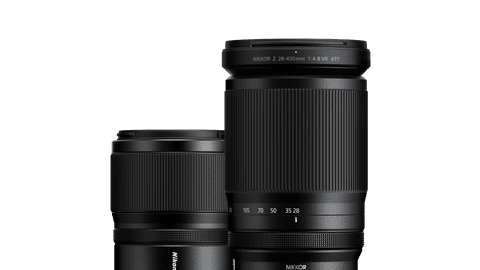
Choose a lens that suits your usage situation
Wide-angle lenses
With a wide-angle lens, you can capture vast landscapes and nature areas.Standard lenses
You can create a soft background blur with a prime lens with a large aperture.Telephoto lenses
As a street photographer, you're less noticeable with a compact lens.Macro lenses
A telephoto lens allows you to bring distant subjects closer and make them appear larger in the frame.





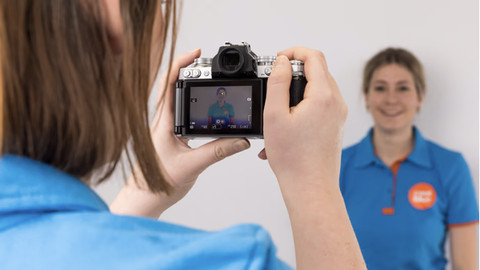
About Nikon
Nikon makes optics and image technology for photo and video: cameras, lenses, binoculars, and golf rangefinders. The brand values quality and innovation. The products offer modern functions in compact bodies. You get a consistent color representation, fast autofocus, and stabilization against motion blur. The menus are clear for beginners and use automatic settings. Advanced photographers get a lot of setting options and an extensive lens assortment. From light-sensitive prime lenses to all-round zoom lenses. This way, you can choose a body and lens that suit your usage situation.
Frequently asked questions
How do I update the firmware of my Nikon camera?
If you update the firmware of your Nikon camera, your camera works better, you receive new functions, and you solve errors. You can update the firmware in 3 ways: with an SD card, via the SnapBridge app, or with the Nikon Imaging Cloud. If you use an SD card, download the firmware via the Nikon website to your laptop or computer. They you put the firmware on an empty, formatted memory card. Place the memory card in the camera and the menu will go to Firmware version. Choose update firmware and follow the instructions. Want to update the firmware via the Nikon SnapBridge app? Download the app on your phone. Connect your camera to the app via WiFi or Bluetooth. You receive a notification in the app when there's an update available for your camera. Follow the steps to send the firmware via your phone to the camera and install it. The last option is the easiest way. This is via the Nikon Imaging Cloud. You need a free Nikon account for this.
How do I move my photos and videos from my Nikon camera to my smartphone?
You can connect your smartphone with the camera via the Nikon SnapBridge app. In the app, you can view and download the images you've made. This way, you can easily share them on social media.
What's the difference between a full-frame sensor and APS-C sensor?
A full-frame sensor is larger than an APS-C sensor. Thanks to this, more light falls on the sensor and you can make extra bright images. The photos that you take with a full-frame sensor have a wider image angle. An APS-C sensor has a 1.5 crop factor, so these images are more zoomed in. That's mostly useful if you take photos of wild animals or athletes far away.
Which Nikon cameras are suitable for vlogging?
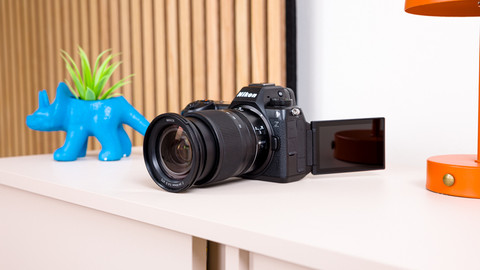
A tiltable screen is useful for vlogging, so you can see yourself during recording. You can decide the frame of your video this way and ensure that you're in the image. It's also nice that the camera isn't too large and heavy, especially if you often hold it in your hand. A few Nikon cameras that have this are the Nikon Z30, Nikon Z50, and the Nikon Z fc. If you're an experienced video maker, the Nikon Z6III and the Nikon Z f are also good options.