Docks for MacBook and 2 monitors
Want to connect 2 monitors to your Apple MacBook Pro or Apple MacBook Air? Choose a docking station that can expand your MacBook with 2 screens. This way, you can always work efficiently in multiple windows at the same time. In addition to monitors, you can also connect other peripherals. There are docking stations with extra USB ports, a connector for an internet cable or headphones, or a memory card reader. With a docking station with Power Delivery, you also charge your MacBook while working. This means you never have to worry about an empty battery. Keep the extra connectors in mind when choosing a dock, so you choose the best docking station for your MacBook Pro or Air.
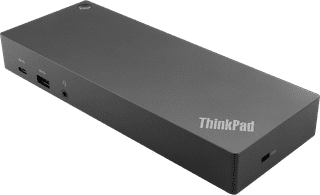
Purchase price
184,-166,-
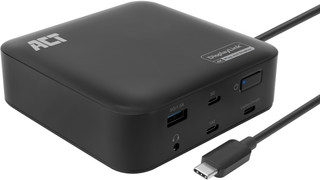
Purchase price
115,-106,-

Purchase price
128,-115,-
More Second Chance varieties available
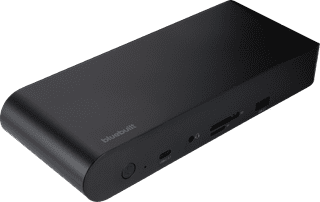
Purchase price
169,-127,-
More Second Chance varieties available
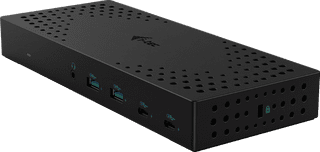
Purchase price
250,-208,-
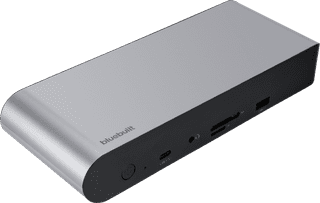
Purchase price
169,-139,-
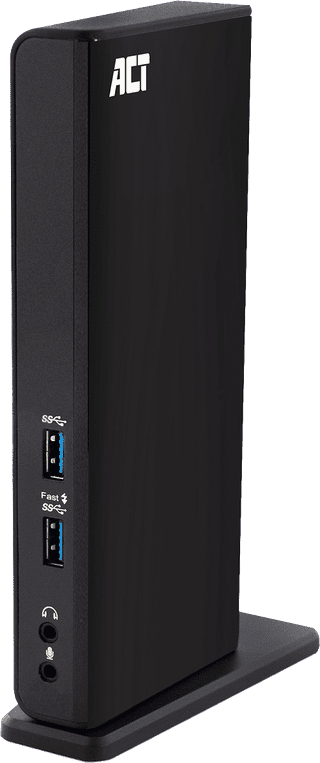
Purchase price
113,-106,-
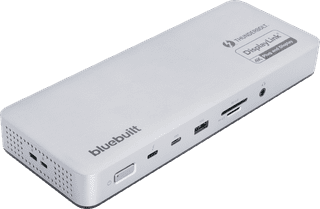
Purchase price
225,-206,-
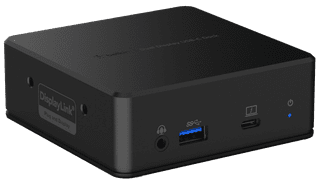
Purchase price
146,-134,-
More Second Chance varieties available
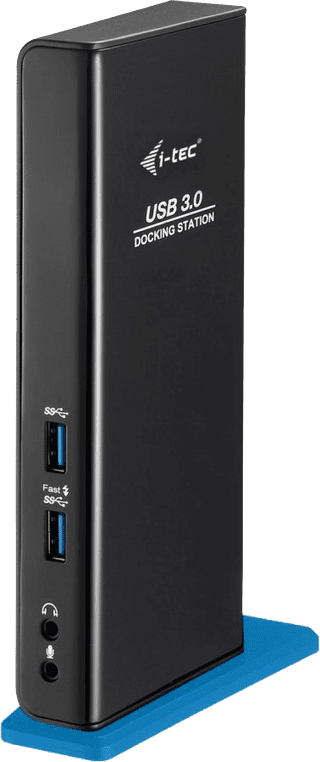
Purchase price
127,-119,-
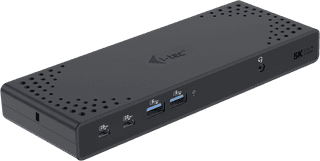
Purchase price
230,-199,-
More Second Chance varieties available
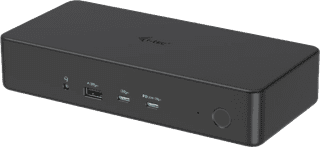
Purchase price
250,-233,-