Docking stations for Apple MacBook
With a docking station for the Apple MacBook Pro or Apple MacBook Air, you can expand the amount of ports and connect all your peripherals. When choosing a MacBook dock, keep the port on your laptop you want to use in mind. Going for a dock you connect on 1 port? Or do you choose a dock that uses both USB-C ports? Also check if the docking station has enough connectors for all your peripherals. Keep that in mind, so you'll choose the best docking station for your MacBook Pro or Air.

Our choice for a docking station for 1 extra monitor with your laptop|None power source|Space Gray|Headphone jack
Retail price110,-
86,-
2
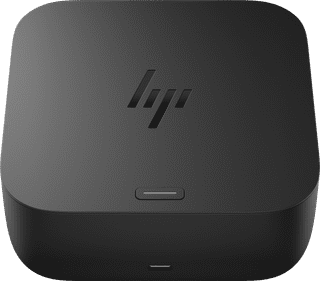
Power source|None memory card reader|USB-C
148,-
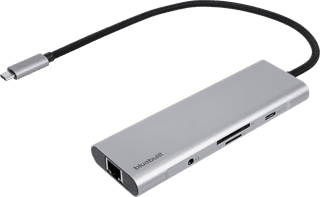
Our choice for a docking station for a flexible workspace with 1 extra monitor|None power source|Space Gray|Headphone jack
Retail price79,99
52,-
4
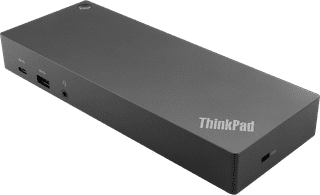
Our choice for a docking station for up to 2 extra monitors with your MacBook|Power source|Standard USB-A, USB-C|Headphone jack
184,-
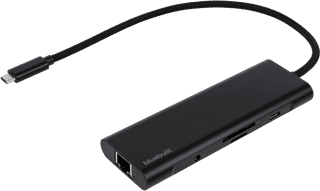
None power source|Space Gray|Headphone jack
Retail price79,99
54,-

Power source|Space Gray|Headphone jack
128,-
7
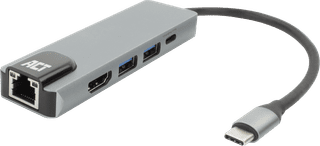
None power source|None headphone jack|None thunderbolt connector
37,99
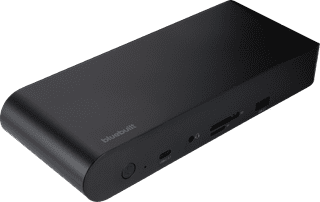
Power source|Space Gray|Headphone jack
169,-
9
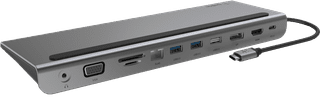

None power source|Headphone jack|None thunderbolt connector
Retail price129,99
79,-
10
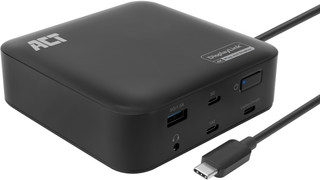
Black|Headphone jack|None thunderbolt connector
115,-