ASUS 27-inch monitors
You can comfortably work on your daily tasks, graphic design projects, or games with an ASUS 27-inch monitor. The larger screen size makes it easy to open 2 windows or tabs side by side for better multitasking. For example, open InDesign and Photoshop side by side, or your game and your stream. With a 27-inch ASUS screen, choose at least QHD or 4K. On a 27-inch monitor, image editing and gaming in Full HD looks a bit stretched.
1
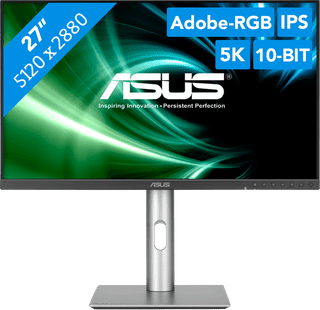
Our choice for a 27-inch monitor for demanding graphic design|USB port|Plastic|USB-C connector
2
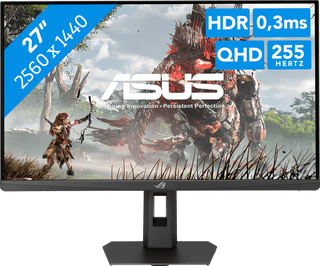
Our choice for a gaming monitor for simulation/strategy games|USB port|Plastic|None USB-C connector
3
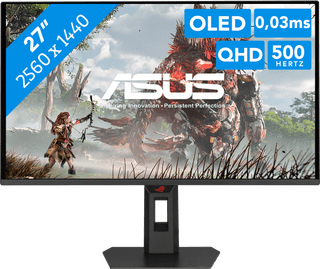
DisplayPort cable|USB port|Plastic
4
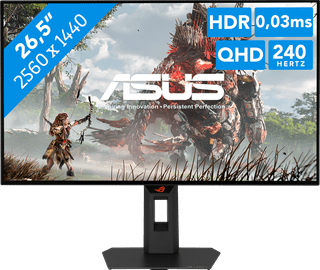
USB port|Plastic|None USB-C connector
5
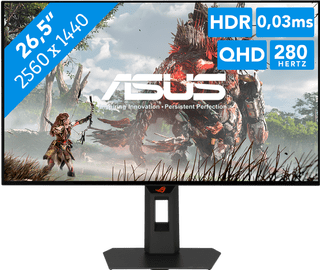
USB port|Plastic|None USB-C connector
6
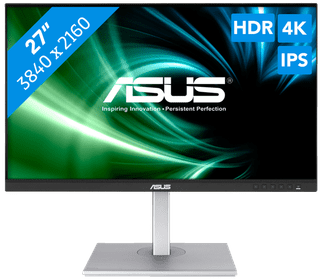
DisplayPort cable, USB-C cable|USB port|Metal
7
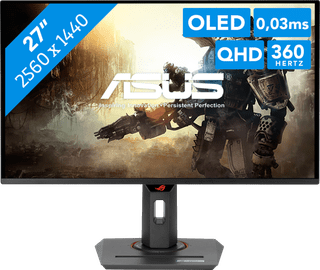
DisplayPort cable, HDMI cable, USB-C cable|USB port|Plastic
8
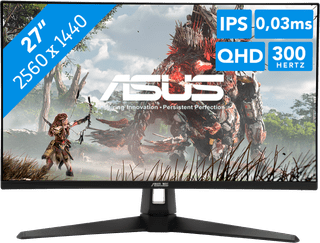
DisplayPort cable, Monitor|USB port|Plastic
9
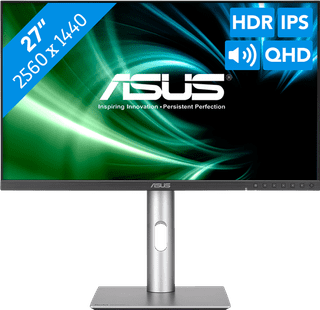
USB port|Metal, Plastic|None USB-C connector
10
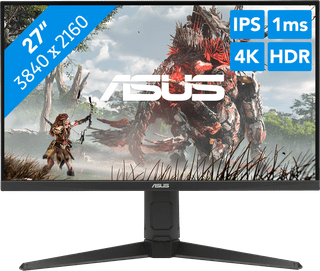
None USB port|Metal, Plastic|None USB-C connector