Business monitors for administrative tasks
You can use a business monitor for administrative tasks for sending emails and browsing the internet. These monitors have a Full HD resolution or better, so you can browse documents and web pages with sharp images. You can also tilt these monitors, so you're less bothered by reflections on the screen due to sunlight. If you often look at the screen with multiple colleagues, choose a monitor with an IPS panel. With these monitors, you can work with bright colors from every viewing angle.
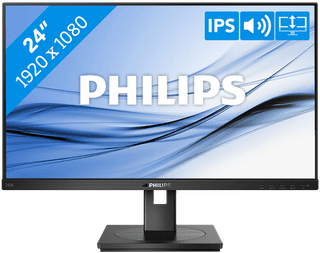
Our choice for a business 24-inch monitor that's energy-efficient|HDMI cable, Monitor|Plastic|Not curved
- You can save on energy costs thanks to the B energy label and the low energy consumption.
- The automatic brightness adjustment, it lowers the consumption during low activity.
- This monitor is made of recycled plastics, which makes it more sustainable.
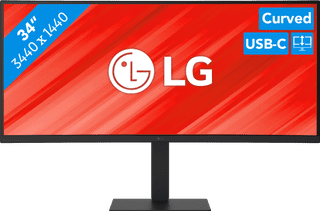
Our choice for a business monitor for data and finance tasks|Metal, Plastic|Curved|None DVI connector
- The large ultrawide size allows you to open multiple windows side by side, such as an Excel sheet and a Word document.
- Thanks to the Quad HD resolution, you can see numbers in columns and rows more sharply.
- Thanks to the 100Hz refresh rate, you can smoothly scroll through long spreadsheets and web pages without the text becoming blurry.
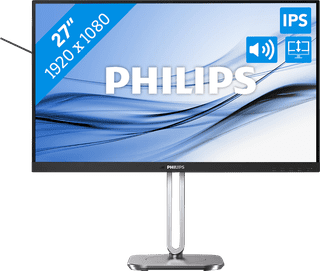
Our choice for a 27-inch monitor for your (home) office|Metal, Plastic|Not curved|None DVI connector
- The Philips LightSensor and PowerSensor adjust the screen brightness automatically, so the energy consumption decreases.
- You have a better overview of your work, can open more windows side by side, and you can multitask better on the large 27-inch screen.
- You can rotate, tilt, and adjust the screen in height for a comfortable sitting posture.
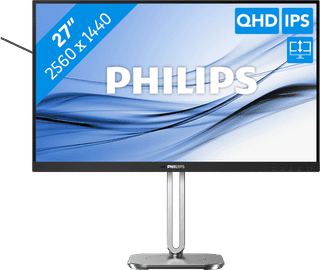
Our choice for a 27-inch monitor that's energy-efficient|DisplayPort cable, HDMI cable|Metal, Plastic|Not curved
- You can save on energy costs thanks to the B energy label and low energy consumption.
- Thanks to the light and power sensor, you can adjust the brightness automatically and save on energy costs.
- This monitor is made of recycled plastics, which makes it more sustainable.