Business monitors for photo and video editing
If you're a photographer or designer and you edit photos and videos for work or fun, choose a monitor for photo editing. That way, you can be sure of an accurate color representation and a sharp image. A screen for photo and video editing distinguishes itself by supporting frequently used color profiles like sRGB, Adobe RGB, and DCI-P3. For graphic design, we recommend a 27-inch 4K monitor. This is 2 times sharper than Full HD, so you see all your designs and photos in great detail.

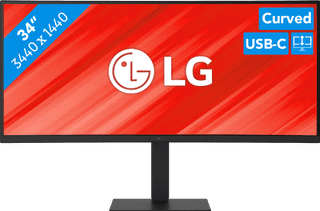


Our choice for a business monitor for data and finance tasks|Curved|None pivot function|1440 pixels
- The large ultrawide size allows you to open multiple windows side by side, such as an Excel sheet and a Word document.
- Thanks to the Quad HD resolution, you can see numbers in columns and rows more sharply.
- Thanks to the 100Hz refresh rate, you can smoothly scroll through long spreadsheets and web pages without the text becoming blurry.
Retail price449,-
349,-

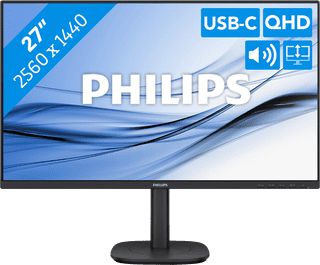


Our choice for a 27-inch monitor for your studies|Not curved|USB-C connector|Pivot function
- Connect your laptop to the monitor via the USB-C port and use 1 cable for image, power, and data.
- You can tilt, turn, or adjust the monitor in height for a comfortable sitting posture, so you can work on your projects for longer.
- Thanks to the Quad HD resolution, every detail looks sharp on the screen
Retail price269,-
199,-
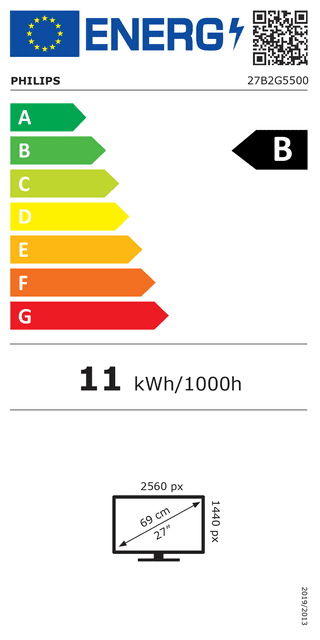
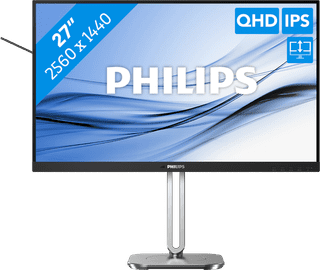

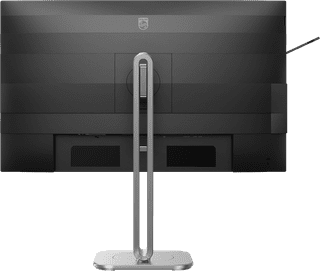
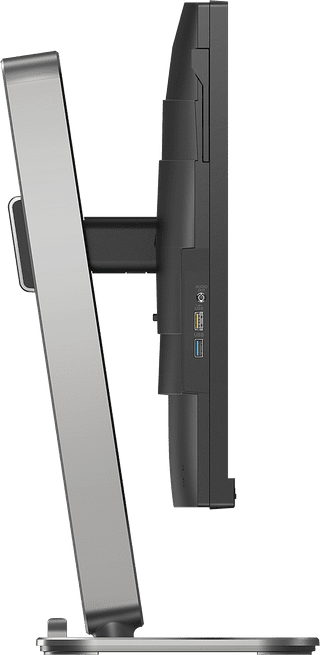

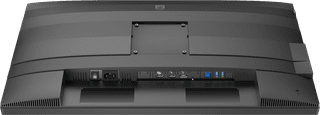


Our choice for a 27-inch monitor that's energy-efficient|DisplayPort cable, HDMI cable|Not curved|None USB-C connector
- You can save on energy costs thanks to the B energy label and low energy consumption.
- Thanks to the light and power sensor, you can adjust the brightness automatically and save on energy costs.
- This monitor is made of recycled plastics, which makes it more sustainable.
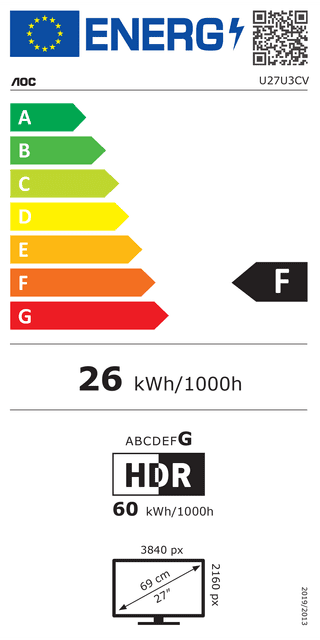
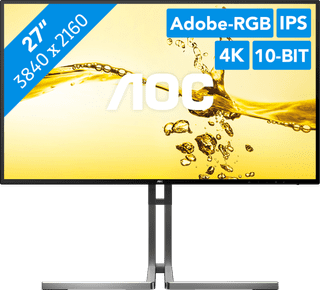
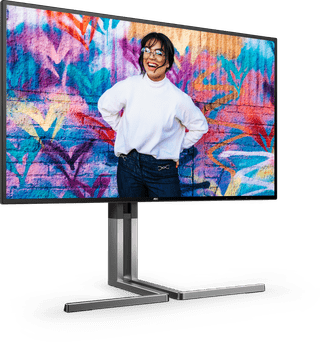
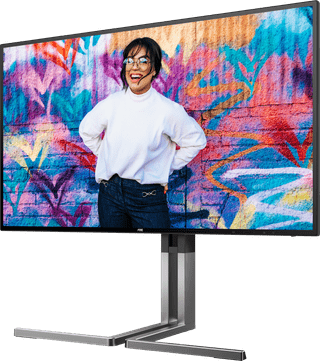
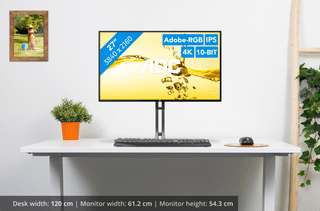
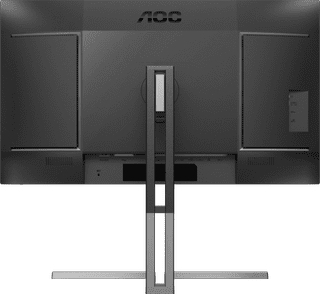
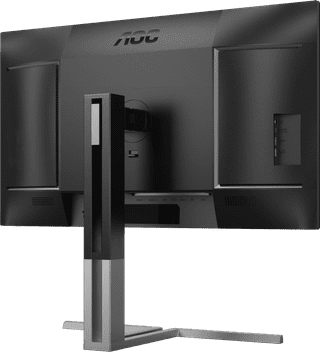
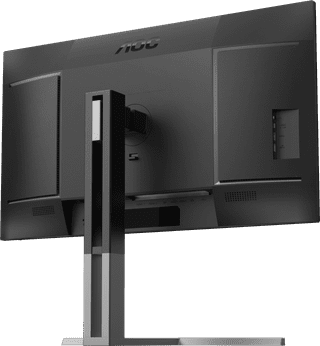
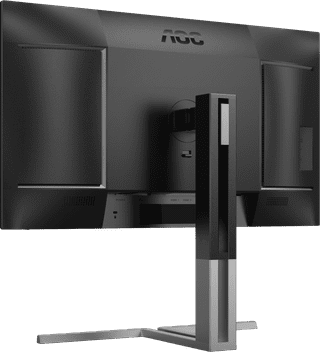
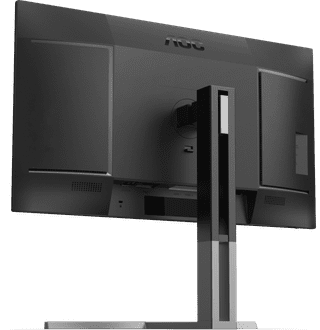
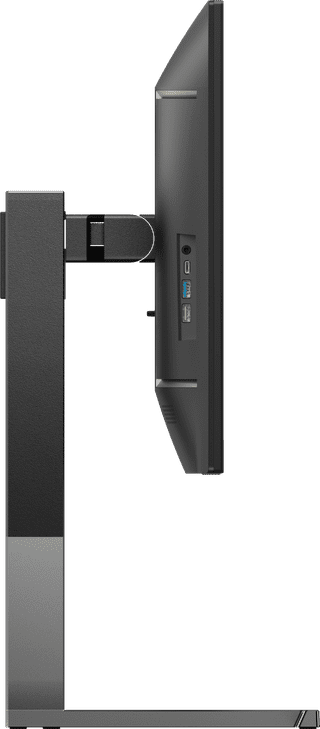
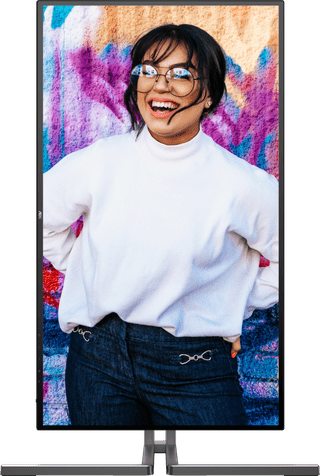
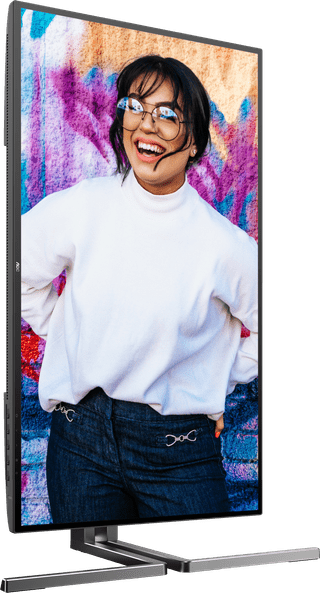
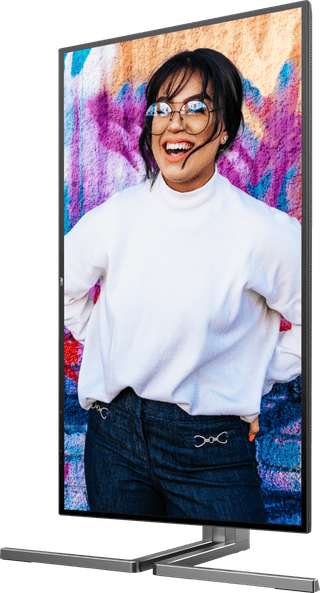
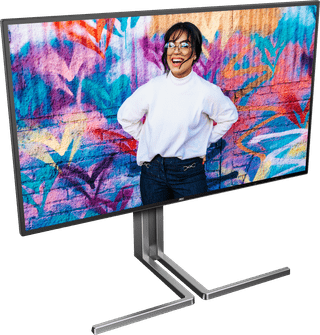
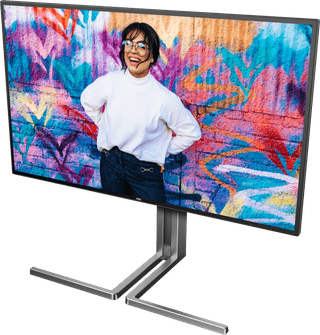
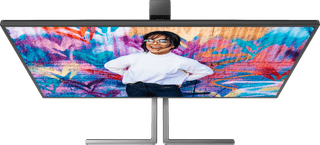
Our choice for a 27-inch monitor for photo and video editing|Not curved|USB-C connector|Pivot function
- You can edit the tiniest details of photos and videos thanks to the 4K resolution, DisplayHDR 400 support, and DCI-P3 color coverage.
- Thanks to the IPS panel, you can see bright colors and sharp images from every viewing angle.
- Thanks to the USB-C dock, you can charge your laptop, transfer data, and transmit image signals with 1 cable.