Business monitors with pivot function
A screen with pivot function can rotate 90 degrees, so the screen can be used vertically. Are you a programmer or do you often read long sections of text? These monitors with portrait orientation ensure that you can display a lot of windows or lines of code so you can browse through your files clearly and quickly.
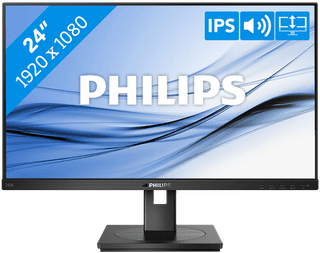
Our choice for a business 24-inch monitor that's energy-efficient|HDMI cable, Monitor|Plastic|DVI connector
- You can save on energy costs thanks to the B energy label and the low energy consumption.
- The automatic brightness adjustment, it lowers the consumption during low activity.
- This monitor is made of recycled plastics, which makes it more sustainable.
139,-
In stock
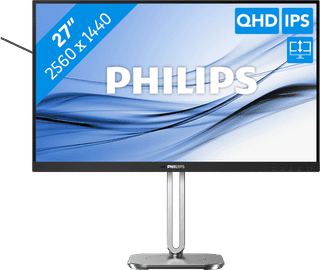

Our choice for a 27-inch monitor that's energy-efficient|DisplayPort cable, HDMI cable|Metal, Plastic|None DVI connector
- You can save on energy costs thanks to the B energy label and low energy consumption.
- Thanks to the light and power sensor, you can adjust the brightness automatically and save on energy costs.
- This monitor is made of recycled plastics, which makes it more sustainable.
Retail price249,-
229,-
In stock
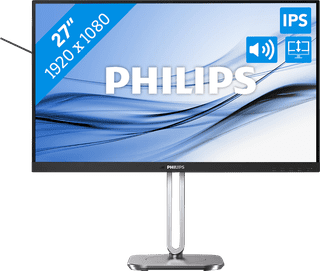
Our choice for a 27-inch monitor for your (home) office|Metal, Plastic|None DVI connector|None VGA connector
- The Philips LightSensor and PowerSensor adjust the screen brightness automatically, so the energy consumption decreases.
- You have a better overview of your work, can open more windows side by side, and you can multitask better on the large 27-inch screen.
- You can rotate, tilt, and adjust the screen in height for a comfortable sitting posture.
159,-
In stock
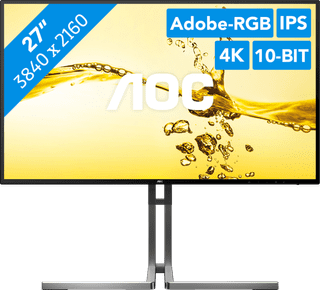

Our choice for a 27-inch monitor for photo and video editing|Metal, Plastic|None DVI connector|None VGA connector
- You can edit the tiniest details of photos and videos thanks to the 4K resolution, DisplayHDR 400 support, and DCI-P3 color coverage.
- Thanks to the IPS panel, you can see bright colors and sharp images from every viewing angle.
- Thanks to the USB-C dock, you can charge your laptop, transfer data, and transmit image signals with 1 cable.
Retail price449,-
399,-
In stock