Philips monitors for photo and video editing
Search results and filtering
8monitors
Choose a Philips monitor for photo and video editing if you edit images up to the smallest details. Thanks to the Quad HD and 4K resolution, you can enjoy sharp images. If you mainly edit videos, a monitor with a DCI-P3 color space is a good option for you. Monitors with this color space show the most colors, so you can see every contrast and work with lifelike colors. For the most vibrant colors, choose a screen with an OLED panel. Every pixel of an OLED monitor emits light individually, so the screen adjusts the brightness of the pixels itself.
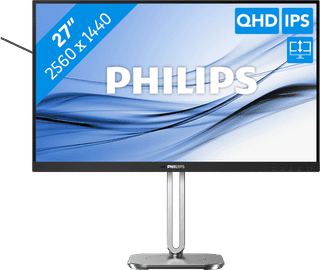

Our choice for a 27-inch monitor that's energy-efficient|DisplayPort cable, HDMI cable|USB port|Metal, Plastic
Retail price249,-
229,-
In stock
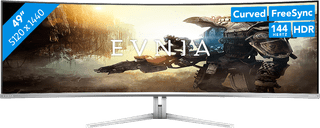

DisplayPort cable, HDMI cable, USB-C cable|USB port|Metal, Plastic
Retail price849,-
769,-
In stock
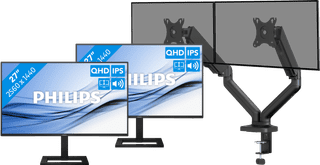
USB port|Metal, Plastic|Not curved
474,-
464,-
In stock
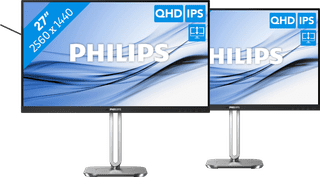
DisplayPort cable, HDMI cable|USB port|Metal, Plastic
458,-
434,-
In stock
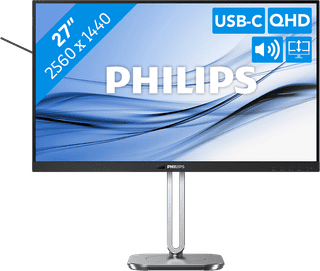
USB port|Metal, Plastic|Not curved
Retail price349,-
329,-
In stock
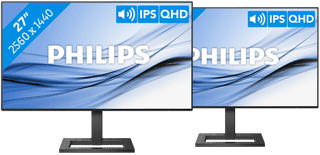
2 monitors, HDMI cable, No accessories|None USB port|Plastic
298,-
273,-
In stock
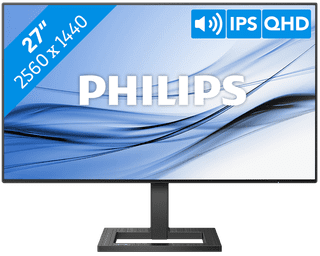

HDMI cable, No accessories|None USB port|Plastic
Retail price209,-
149,-
In stock
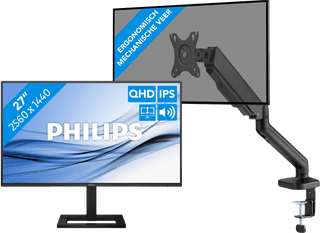
USB port|Metal, Plastic|Not curved
238,-
228,-
In stock