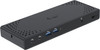
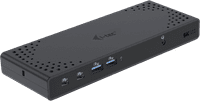
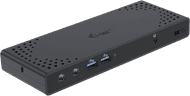
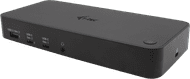
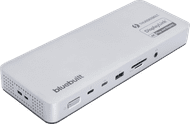
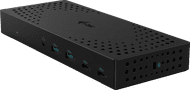
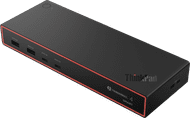
Note: the docking station works best if you install the DisplayLink driver before use. You can easily download this via the DisplayLink website.
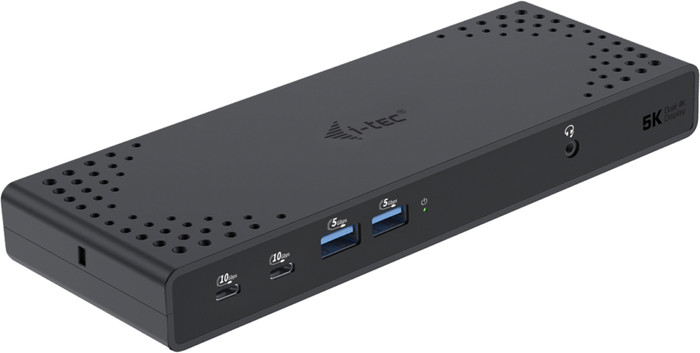
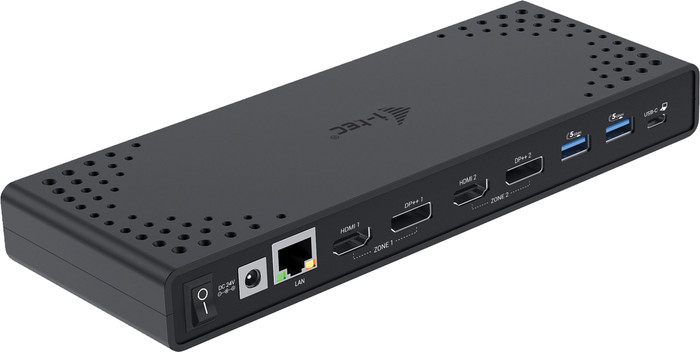
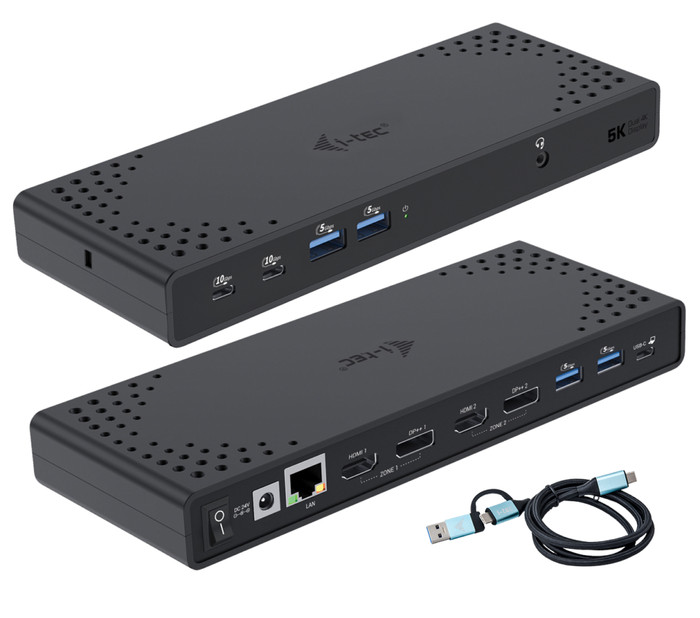
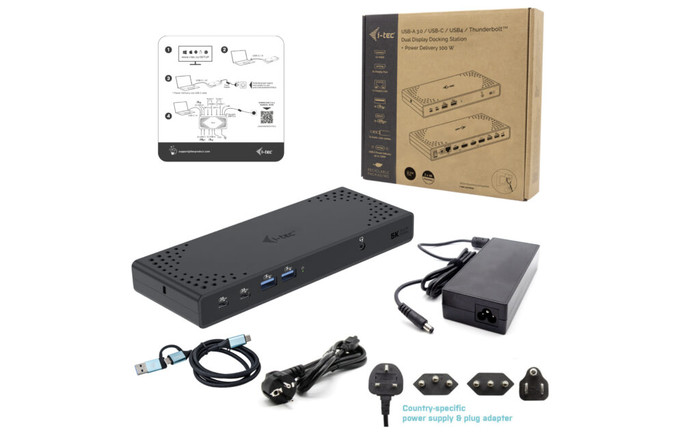
Expand your laptop with up to 2 4K monitors and enjoy a razor-sharp image with the i-tec USB-A-USB-C Dual Display Docking Station 100W. You can connect this dock to your laptop via USB-A, USB-C, or Thunderbolt, so it can work together with all modern laptops. While you work, you can charge your laptop with maximum 100W power. This way, you can continue working on your projects without interruptions. You also have enough ports and connectors for all your peripherals. For example, a mouse, USB flash drive, and headphones. This docking station works on all Windows laptops and MacBook models with a USB-C port that transmits a video signal. This is how you check if your laptop has a suitable USB-C port.
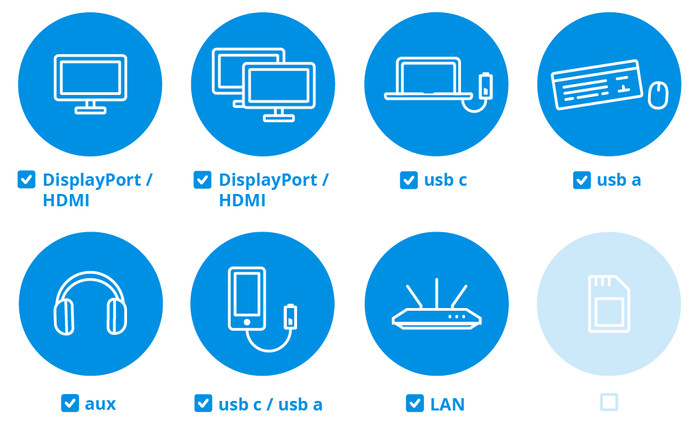
What can you do with this docking station?
- Connect up to 2 monitors
- Charge your laptop (if it supports Power Delivery)
- Work with wired internet
- Connect a mouse and keyboard
- Charge a phone
What can't you do with this docking station?
- Read memory card
- Connect headphones
If you connect
1 monitorto this docking station, you can reach a maximum resolution of
5K at 60Hz on Windows. This is
4K at 60Hz on a Mac.
If you connect
2 monitors to this docking station, you can reach a maximum resolution of
4K at 60Hz.