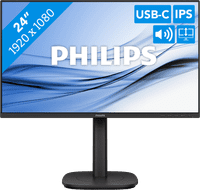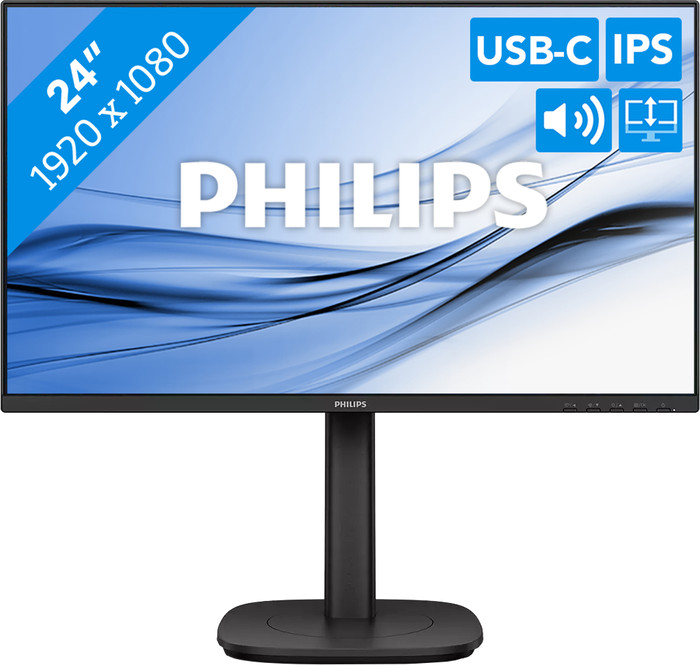
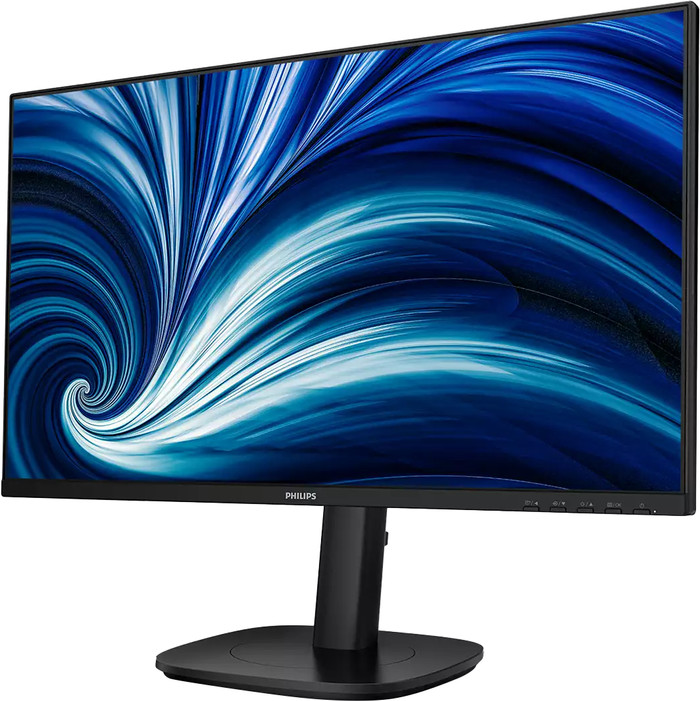
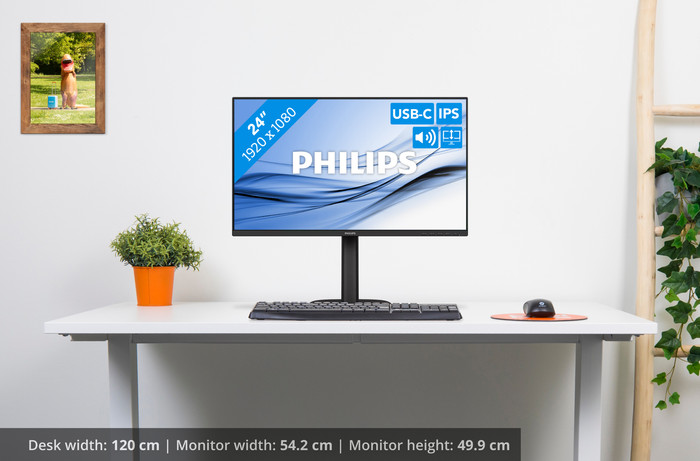
24 inches - Full HD - IPS - USB-C
Our digital expert will help you, but it can sometimes make mistakes, like humans do.
According to our monitor expert
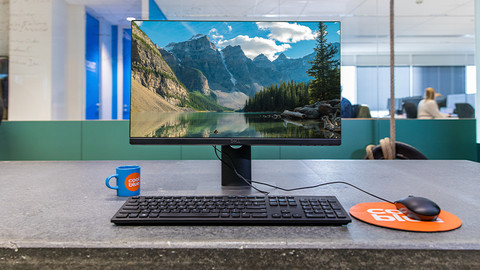
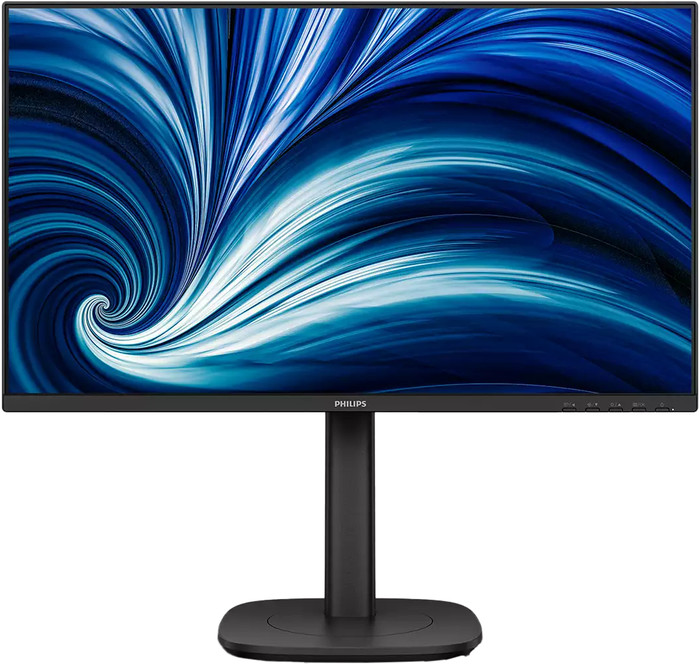
See bright colors: you can see bright colors, even when you’re sitting at an angle to the screen thanks to the IPS panel.
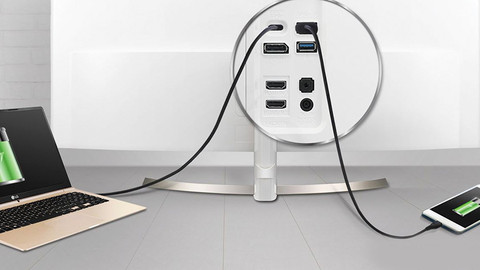
Charge your laptop: you can charge your laptop via your monitor thanks to the 90W USB-C dock.
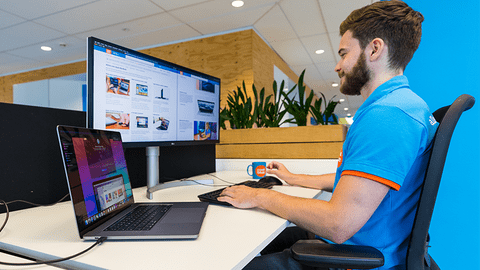
View comfortably: you can tilt the screen to get a comfortable viewing angle, so you can work comfortably.
Less detail: you’ll see photos and videos less sharply because of the Full HD resolution.
No webcam: you'll always need a separate webcam for video calling.
169,-
Recommended price by Philips
Product number | 974224 | |
|---|---|---|
Manufacturer code | 24B2U3301/00 | |
Brand | Philips | |
Processing of your defect | Via Coolblue | |
Old product returned for free |
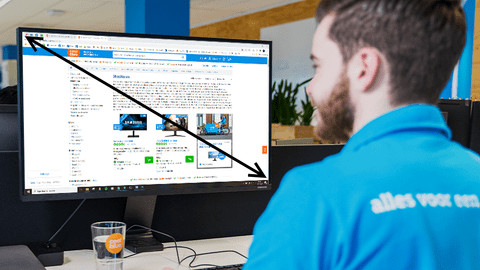
Screen size | 24 inches | |
|---|---|---|
Recommended display resolution | 1920x1080 | |
Sharpness | Full HD (1080p) | |
Aspect ratio | Standard (16:9) | |
Refresh rate | 120 Hz | |
Response time | 4 ms | |
Panel type | IPS panel | |
Brightness | 300 cd/m2 | |
Local dimming | ||
HDR support | ||
Contrast ratio | 1500 | |
Touchscreen | ||
Screen reflection | Anti-glare | |
Blue light filter | ||
Flicker-free technology | ||
Color space | sRGB | |
sRGB color coverage percentage | 110 % | |
Color depth | 17 million colors (8-bit) | |
Adaptive Sync | ||
Resolution width | 1920 pixels | |
Resolution height | 1080 pixels | |
Anti-reflection type | Anti glare | |
Horizontal viewing angle | 178 ° |
Height | 49,9 cm | |
|---|---|---|
Width | 54,2 cm | |
Depth | 22,8 cm | |
Weight | 5,72 kg | |
Color | Black | |
Including stand | ||
Material | Metal, Plastic | |
Cable management | ||
Appearance | Business | |
Curved |
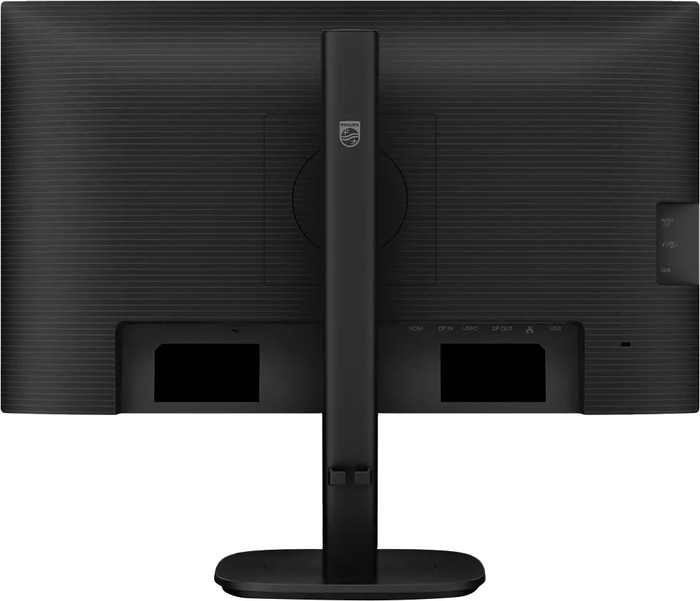
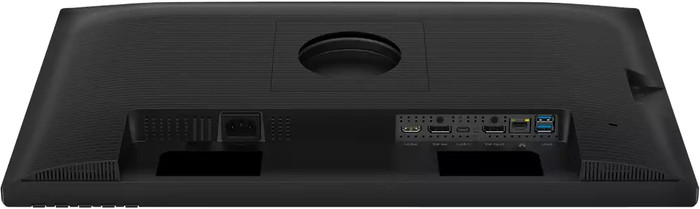
Number of HDMI connectors | 1 | |
|---|---|---|
Number of Female HDMI type A 1.4 ports | 1 | |
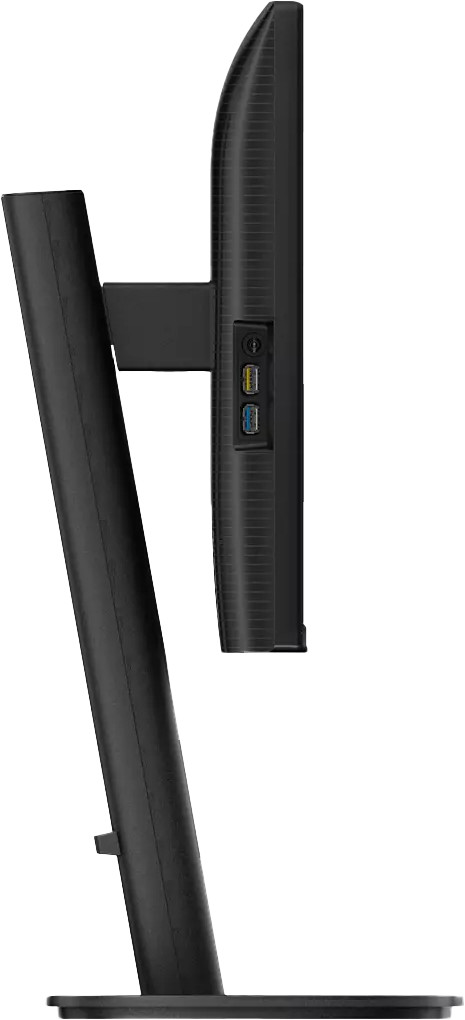
Number of headphone jacks | 1 | |
Type of headphone connection | 3.5mm (TRS) | |
Number of USB-C ports | 1 | |
Number of Female Standard DisplayPort 1.4 ports | 1 | |
Number of female standard USB-A ports | 4 | |
Female standard USB-A port version | 3.2 | |
Number of female 3.5mm TRS Audio Jack ports | 1 | |
Number of Female RJ-45 ports | 1 | |
Type of USB port | Standard USB-A, USB-C | |
Number of USB ports | 5 | |
Suitable for daisy chaining | ||
USB-C dock | ||
Maximum USB-C dock power | 90 W |
Included by default | DisplayPort cable, HDMI cable, USB-C cable |
|---|
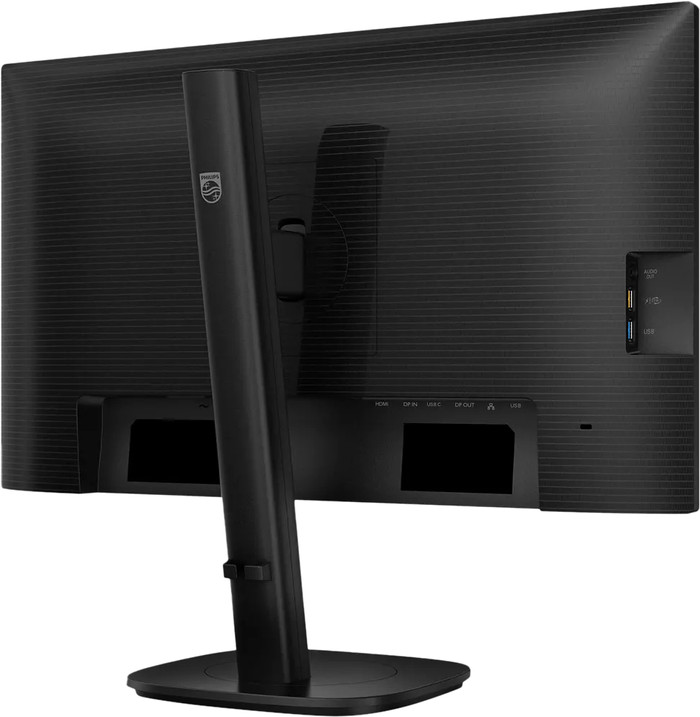
Adjustable in height | ||
|---|---|---|
Tiltable | ||
Pivotable stand | ||
Pivot function | ||
VESA mount option | ||
VESA mount | 100x100mm |
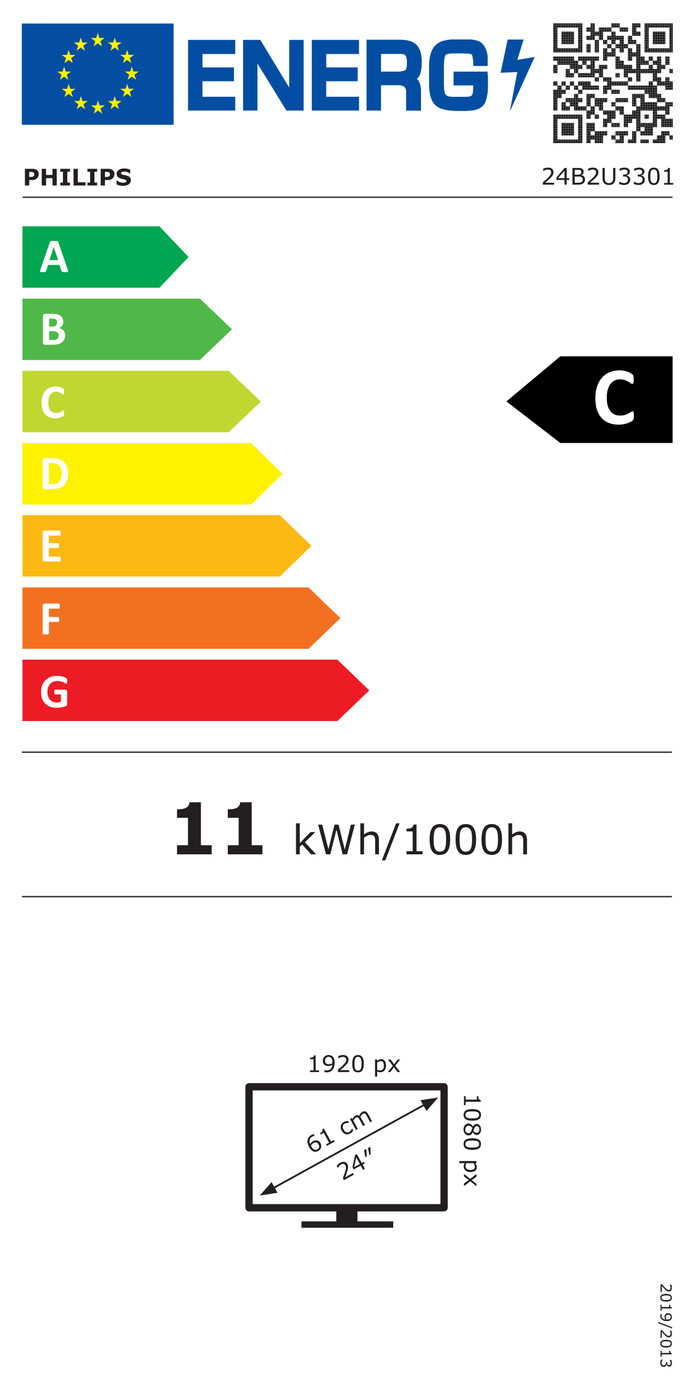
Energy label | C | |
|---|---|---|
Energy consumption standby | 0,3 W | |
Energy consumption active | 13,53 W | |
Energy consumption per 1000h | 11 kWh | |
Annual energy consumption | 16,06 kWh | |
Annual energy costs | 6,42 euros |
Built-in speakers | ||
|---|---|---|
Sound system | Stereo | |
Webcam | ||
Split screen | ||
Kensington lock |
Recommended for use | Internet, email, and text processing, Office work, Watching movies in Full HD |
|---|
Choose your monitor
Full HD (1080p)
Quad HD (1440p)
Quad HD (1440p)
WUXGA
4K (UHD)
Standard (16:9)
Standard (16:9)
Standard (16:9)
Standard (16:10)
Standard (16:9)
120 Hz
100 Hz
200 Hz
100 Hz
60 Hz
4 ms
4 ms
2,3 ms
5 ms
5 ms
5 stars
7
4 stars
6
3 stars
1
2 stars
0
1 star
0
Installation ease
Image quality
Price-quality ratio
Design
A great monitor. Plenty of space to open programs side by side. It has a UTP port, so you can connect a laptop to your home network via USB-C. Image quality is excellent.
Peter
7 February 2026
Automatically translated from Nederlands
I now work with two 34-inch Philips monitors side by side, which allows me to have all my screens clearly and easily accessible. It makes my work much easier and saves me a lot of switching between different screens. Everything is now clearly displayed in one view, always side by side. Outlook, Teams, and two work files are all clearly visible at a glance.
Tevreden gebruiker
15 February 2026
Automatically translated from Nederlands
Plug and play. I did turn off the smart display features, as I think that made the screen less comfortable to look at. The USB hub (with a USB-C cable) is great. It connects the keyboard, mouse, webcam, and storage. Then you only need one cable to connect your laptop, which also charges it. Works with both Windows and MacBook (I tested it myself). In short, highly recommended.
Joep
18 February 2026
Automatically translated from Nederlands
Current product
Retail price Philips
189,-169,-
249,-
189,-
Retail price HP
208,-179,-
219,-
169,-
Recommended price by Philips
Coolblue takes care of everything, from taking out an insurance to repairs
For almost all accidents
More coverage in case of damage than your standard warranty
No deductible
First, add your monitor to your shopping cart. On the next page, choose the Protection Plan below. You always have a 30-day return window and pay no deductible in case of damage.
3-year Protection Plan
17,99
one-time5-year Protection Plan
30,99
one-timeIn stock
In stock