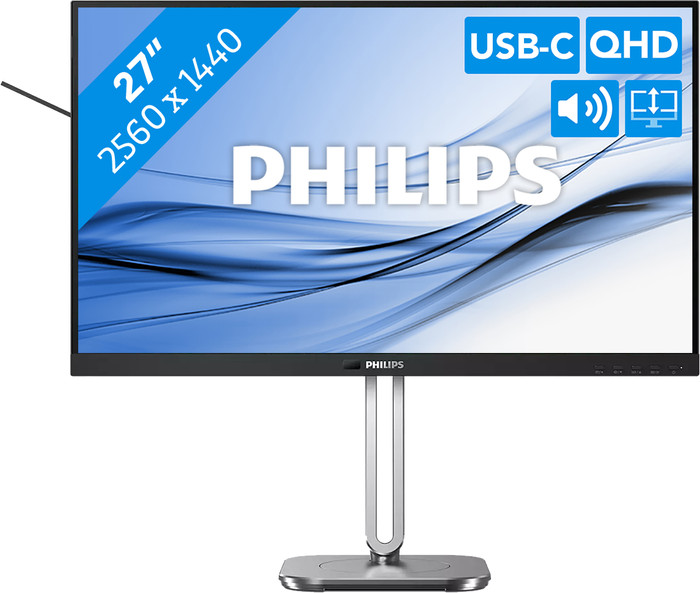
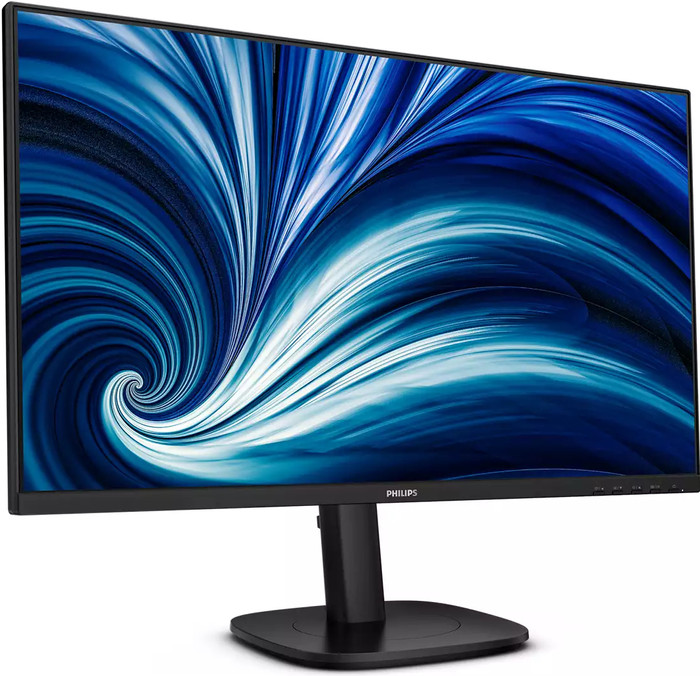
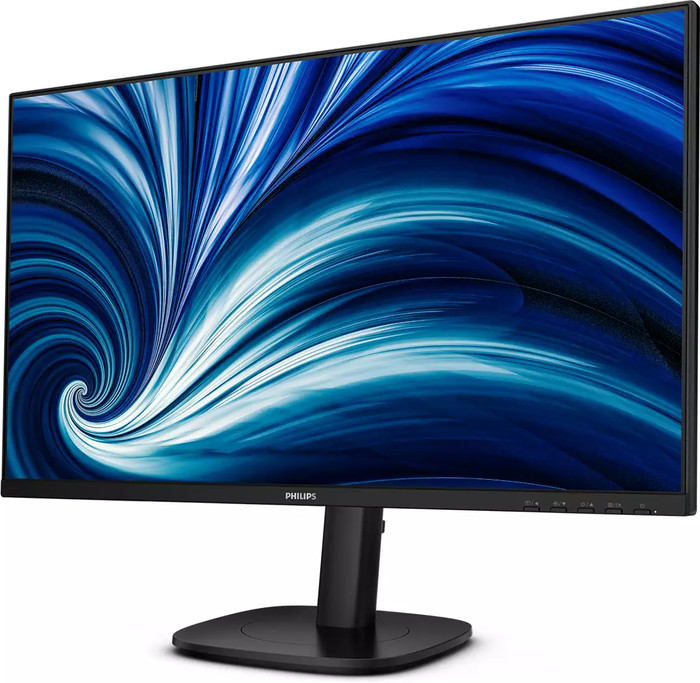
Philips 27B2U3601/00 ING
- Be the first to know when this product is in stock
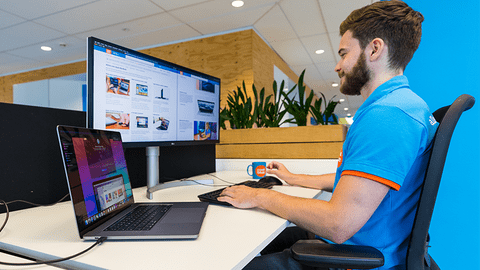
Coolblue takes care of everything, from taking out an insurance to repairs
For almost all accidents
More coverage in case of damage than your standard warranty
No deductible
First, add your monitor to your shopping cart. On the next page, choose the Protection Plan below. You always have a 30-day return window and pay no deductible in case of damage. The insurance only covers the monitor. The included accessories aren't covered.
3-year Protection Plan
27,99
one-time5-year Protection Plan
49,99
one-time
Product number | 974225 | |
|---|---|---|
Manufacturer code | 27B2U3601/00 | |
Brand | Philips | |
Processing of your defect | Via Coolblue | |
Old product returned for free |
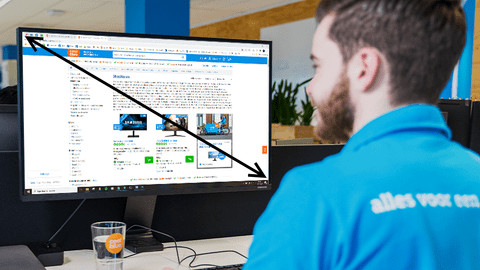
Screen size | 27 inches | |
|---|---|---|
Recommended display resolution | 2560x1440 | |
Sharpness | Quad HD (1440p) | |
Aspect ratio | Standard (16:9) | |
Refresh rate | 120 Hz | |
Response time | 4 ms | |
Panel type | IPS panel | |
Brightness | 350 cd/m2 | |
Local dimming | ||
HDR support | ||
Contrast ratio | 1500 | |
Touchscreen | ||
Screen reflection | Anti-glare | |
Blue light filter | ||
Flicker-free technology | ||
Color space | sRGB | |
sRGB color coverage percentage | 125 % | |
Color depth | 17 million colors (8-bit) | |
Adaptive Sync | ||
Resolution width | 2560 pixels | |
Resolution height | 1440 pixels | |
Anti-reflection type | Anti glare | |
Horizontal viewing angle | 178 ° |
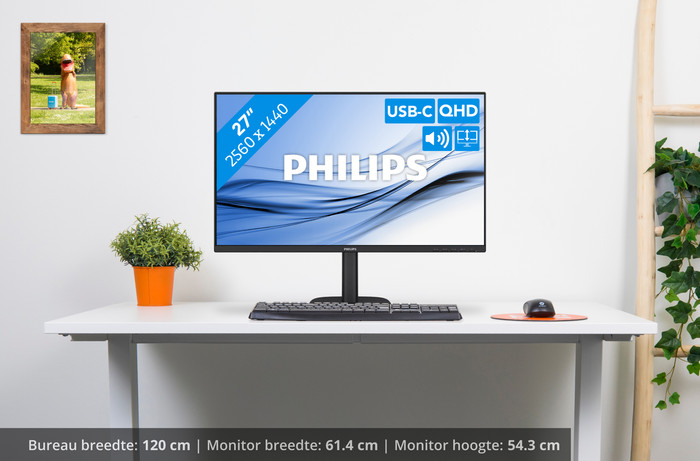
Height | 53,9 cm | |
|---|---|---|
Width | 61,5 cm | |
Depth | 22,8 cm | |
Weight | 6,44 kg | |
Color | Black | |
Including stand | ||
Material | Metal, Plastic | |
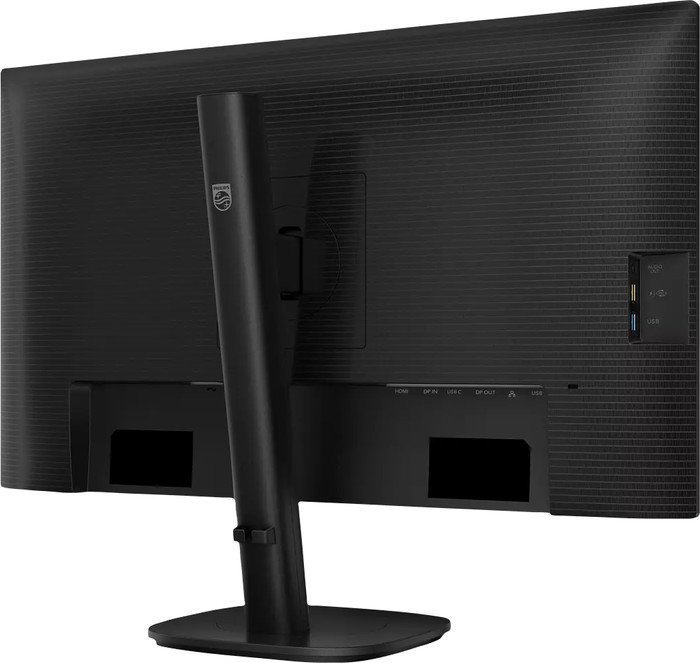
Cable management | ||
Appearance | Business | |
Curved |
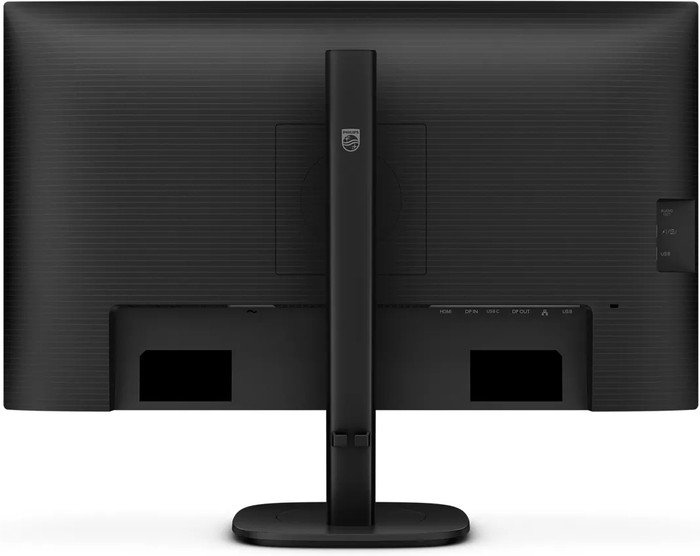
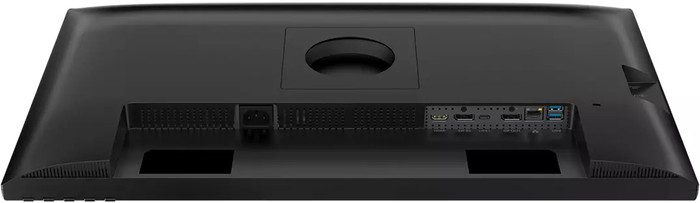
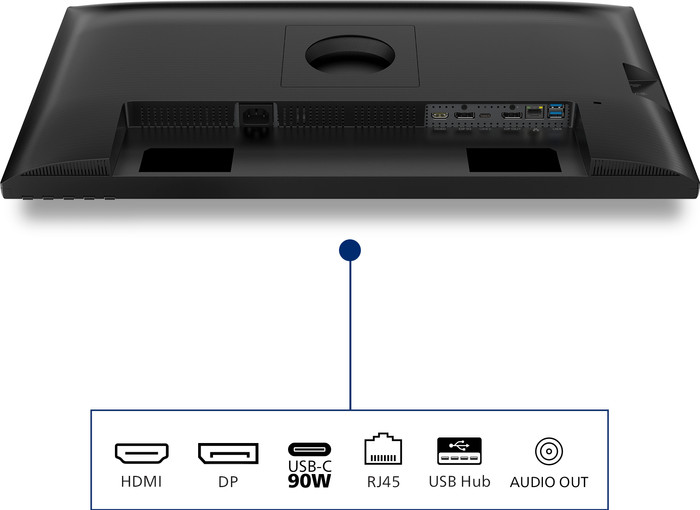
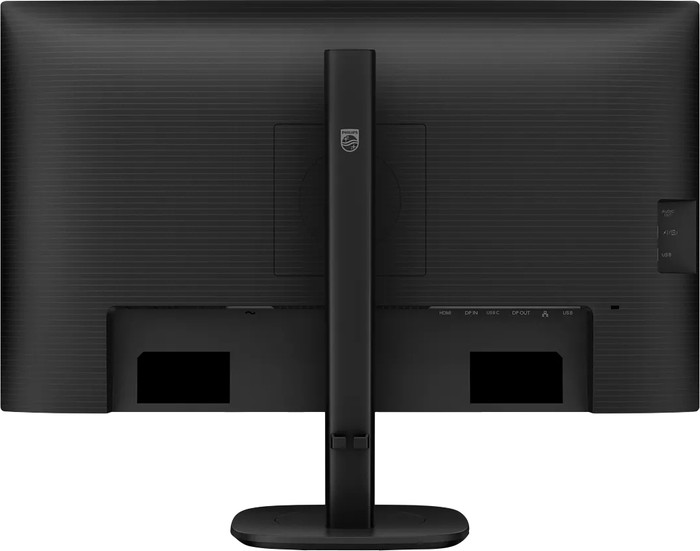
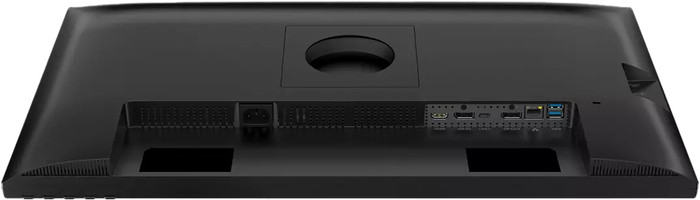
Number of HDMI connectors | 1 | |
|---|---|---|
Number of Female HDMI type A 2.0 ports | 1 | |
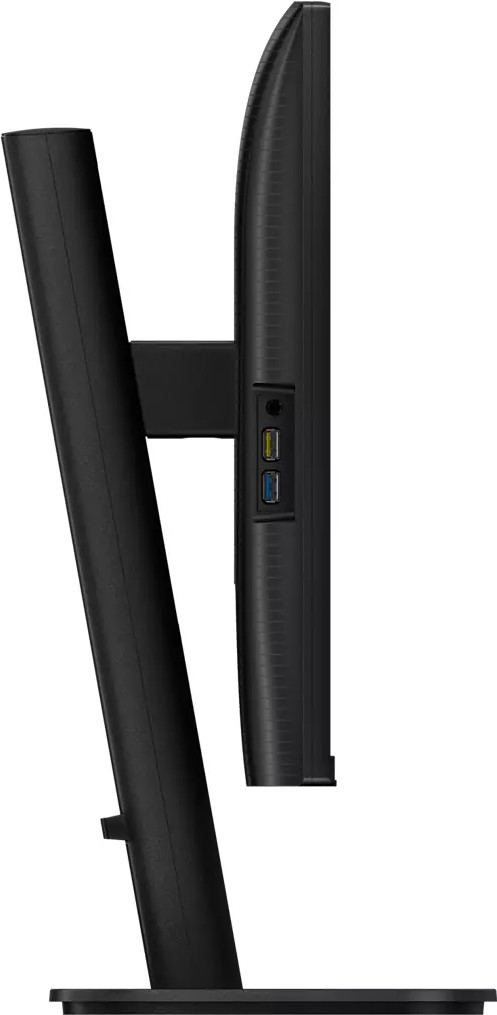
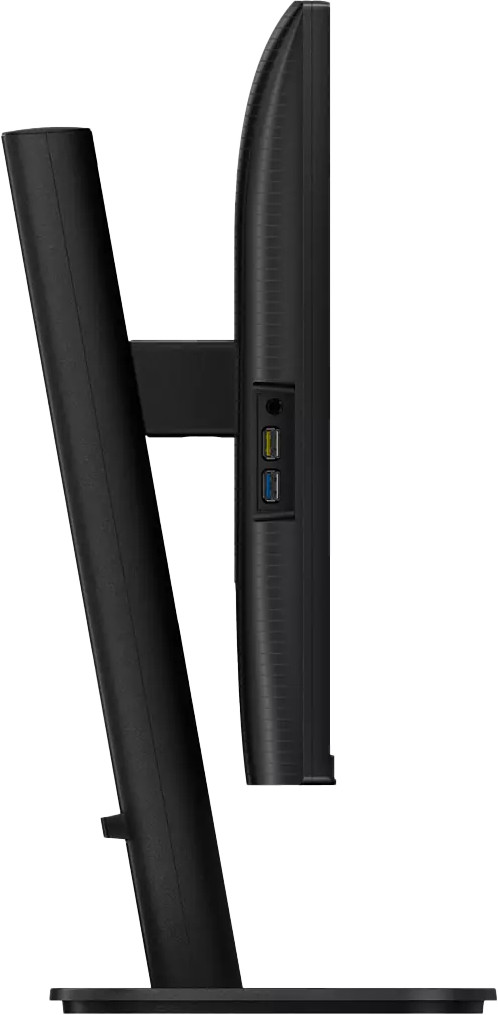
Number of headphone jacks | 1 | |
Type of headphone connection | 3.5mm (TRS) | |
Number of USB-C ports | 1 | |
Number of Female Standard DisplayPort 1.4 ports | 1 | |
Number of female standard USB-A ports | 4 | |
Female standard USB-A port version | 3.2 | |
Number of female 3.5mm TRS Audio Jack ports | 1 | |
Number of Female RJ-45 ports | 1 | |
Type of USB port | Standard USB-A, USB-C | |
Number of USB ports | 5 | |
Suitable for daisy chaining | ||
USB-C dock | ||
Maximum USB-C dock power | 90 W |
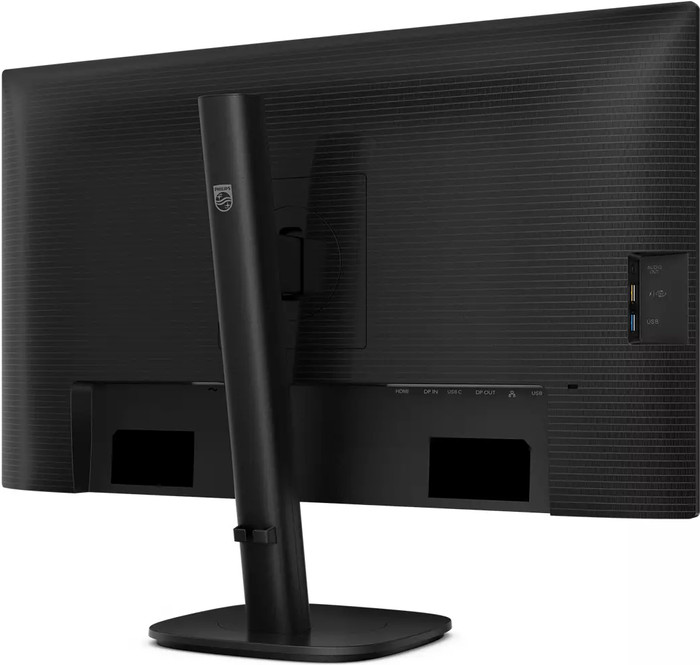
Adjustable in height | ||
|---|---|---|
Tiltable | ||
Pivotable stand | ||
Pivot function | ||
VESA mount option | ||
VESA mount | 100x100mm |
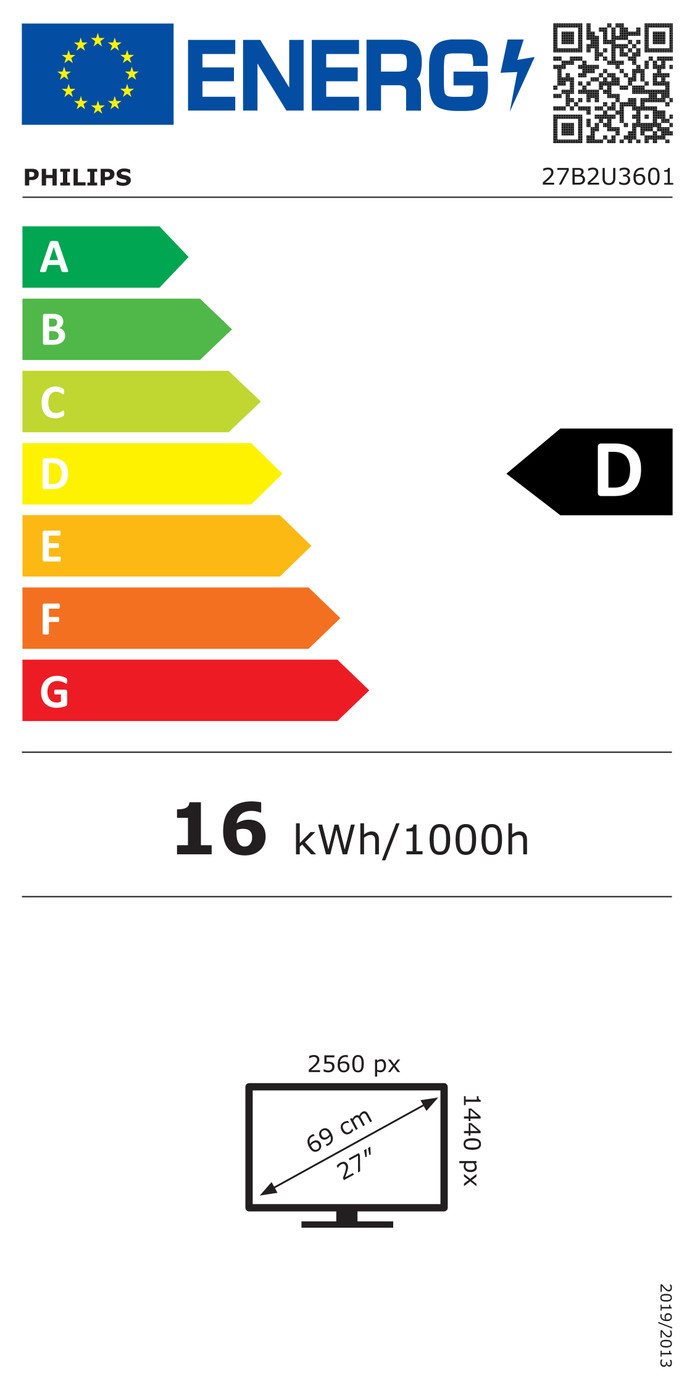
Energy label | D | |
|---|---|---|
Energy consumption standby | 0,3 W | |
Energy consumption active | 23,43 W | |
Energy consumption per 1000h | 16 kWh | |
Annual energy consumption | 23,36 kWh | |
Annual energy costs | 9,34 euros |
Built-in speakers | ||
|---|---|---|
Sound system | Stereo | |
Webcam | ||
Split screen | ||
Kensington lock |
Recommended for use | Image editing and graphic design, Internet, email, and text processing, Office work, Watching movies in Full HD |
|---|
According to our monitor expert
Thanks to the Quad HD resolution, you can enjoy sharp images.
On the IPS panel, you can experience clear images from every viewing angle.
You can tilt, rotate, or adjust the monitor in height for a comfortable working posture.
Due to the Full HD image quality, movies, series, and videos look less sharp.
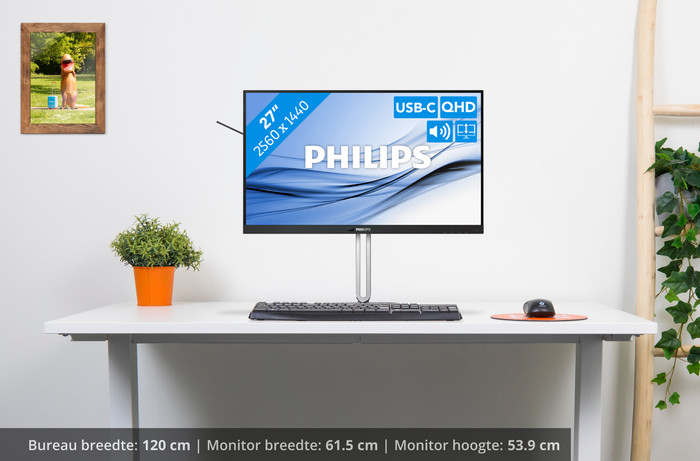
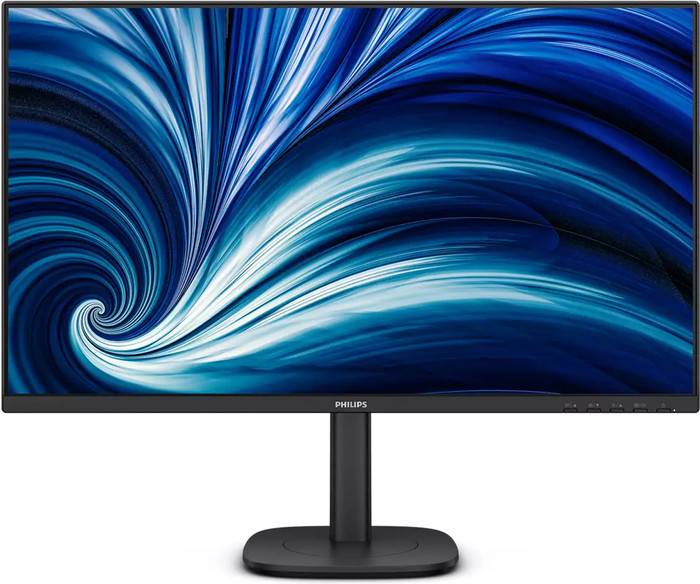
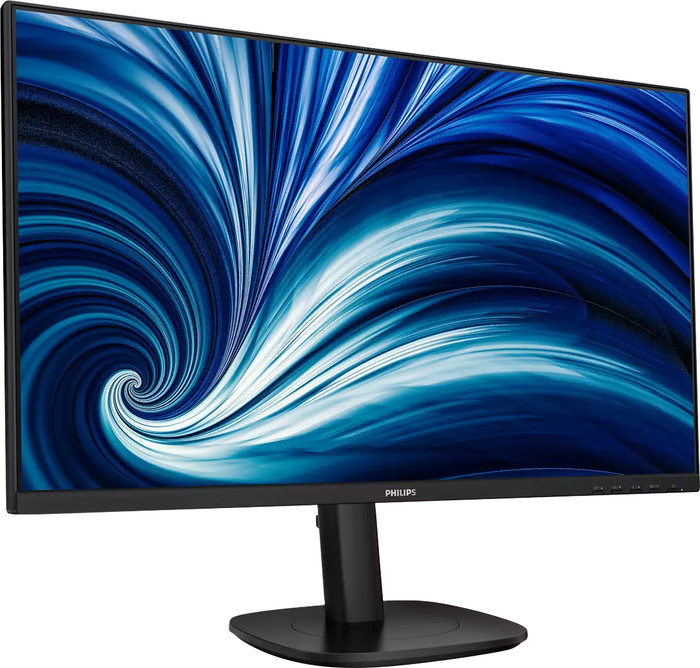
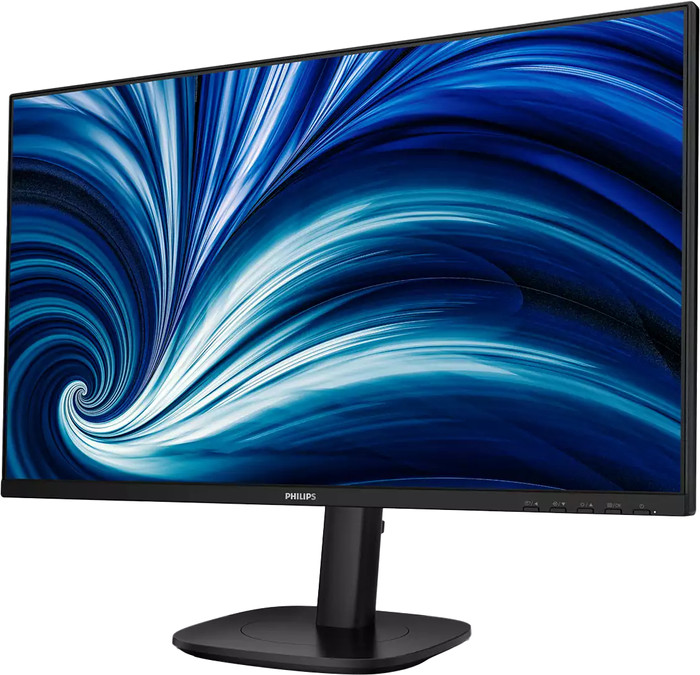
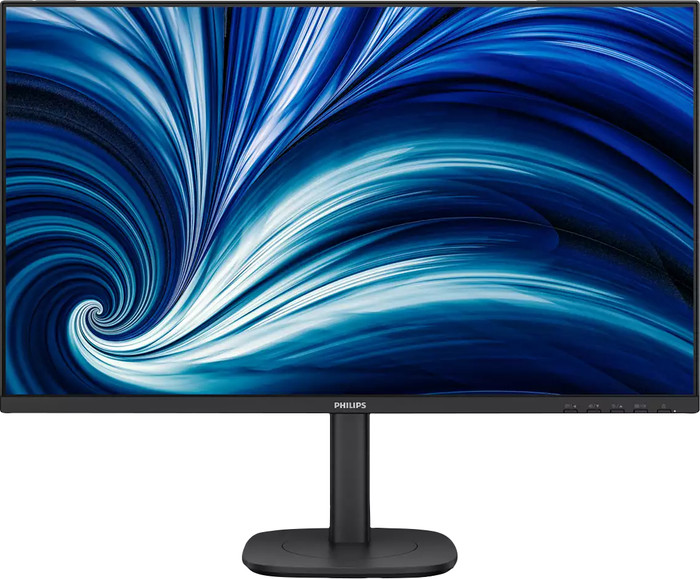
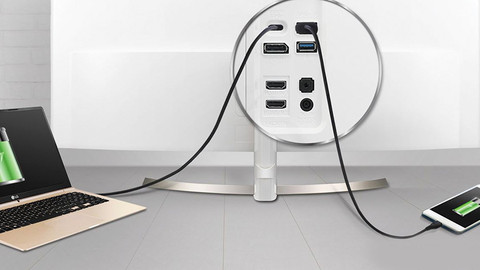
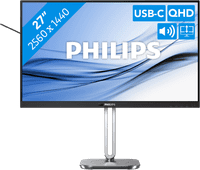
Watch movies and series or work with sharp images on the Philips 27B2U3601/00 27-inch business monitor. Every detail looks sharp on the screen thanks to the Quad HD resolution. You can also work with bright colors and wide viewing angles, thanks to the IPS panel. Tilt, rotate, or adjust the monitor in height for an ergonomic sitting posture. This way, you can work comfortably without neck and back complaints. Thanks to the pivot function, you can rotate the screen 90 degrees. That's useful during programming, editing texts, and reading PDFs. You can also listen to your favorite podcast or artist while working, thanks to the built-in speakers. Work in the evening as well? Thanks to the built-in blue light filter, you won't be bothered by strained or painful eyes. You can transfer data, transmit image signals with 1 cable, and charge a connected laptop thanks to the built-in USB-C dock. Want more screen space? Thanks to the thin bezels, you can place a second screen next to the monitor.
Installation ease
Image quality
Price-quality ratio
Design
Great quality and value for money. Easy set up.
Angie
7 April 2026