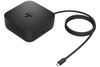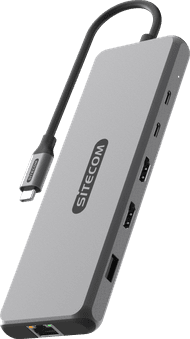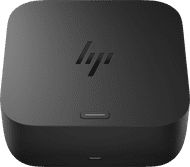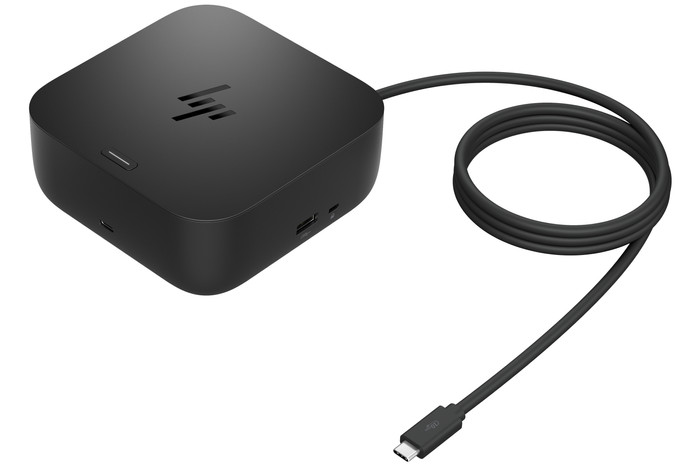
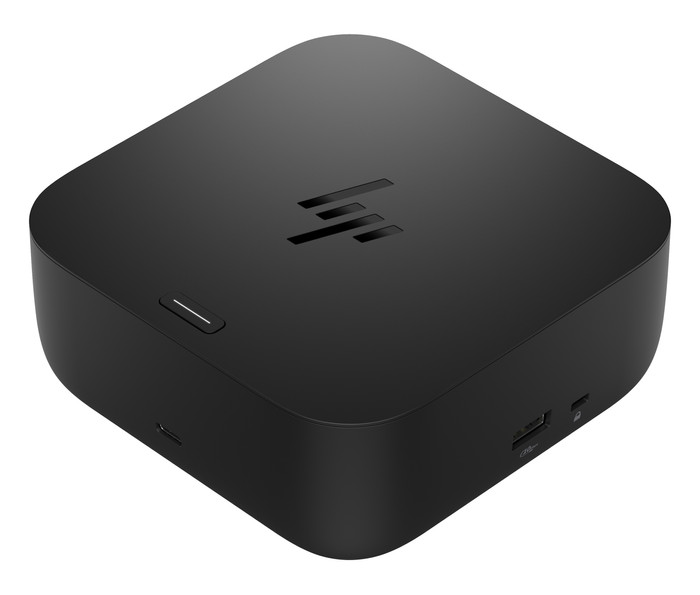
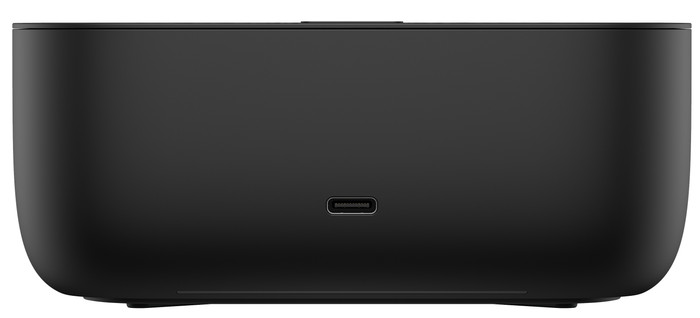
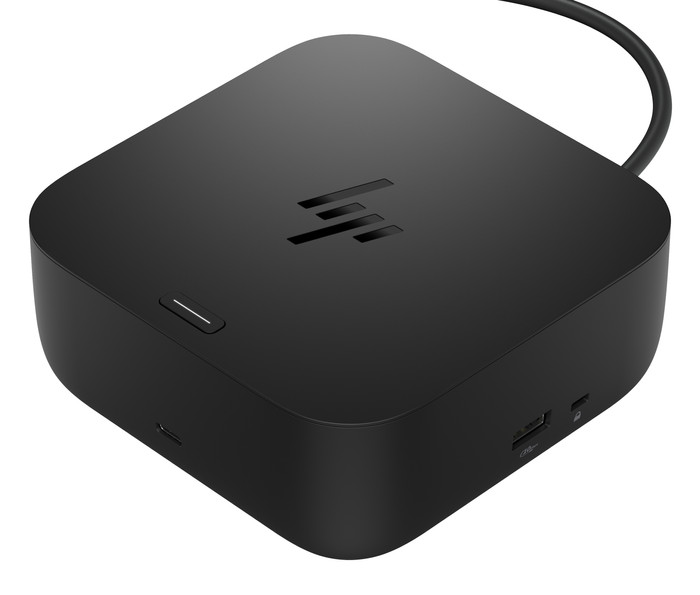
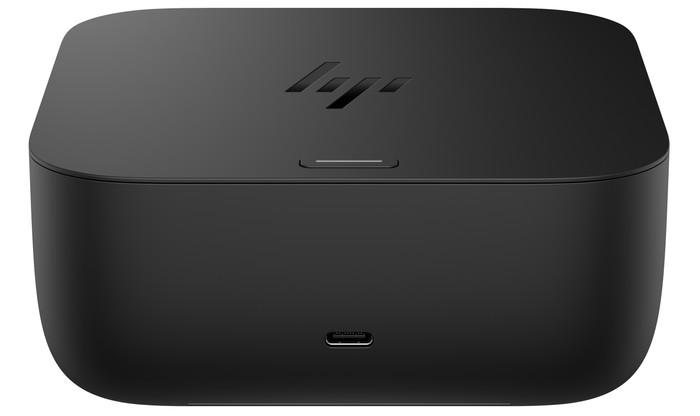
HP G6 100W (BS7S5AA)
Choose your dock
5 stars
29
4 stars
32
3 stars
4
2 stars
3
1 star
6
User friendliness
Price-quality ratio
Durability
NB. With a MacBook, it is not possible to connect two screens with this docking station. Contrary to the coolblue text, this docking station has no display link. The HP USB-C/A Universal Dock G2 - Docking station does. Unfortunately, coolblue does not sell these.
Julia
15 July 2023
Automatically translated from Nederlands
I already knew the brand and product by using the G2 variant and very satisfied with ...
Very handy for charging USB-C devices and not an ugly, conspicuous bake (somewhat similar to an Apple TV in terms of size).
Thanks to the DisplayLink technology, you can use it on any device (Linux, Mac, Windows) (download the drivers at https://www.synaptics.com/products/displaylink-graphics/downloads).
The device makes no noise and charges the laptop quite quickly.
A USB-A (laptop) / USB-C adapter (dock) would be useful. In this way you can also connect older non-USB-C devices (charging is not possible, but you can use all connected devices). I had such an adapter for a BlueBuilt USB hub, but this piece cannot be purchased separately from Coolblue. That would be handy...
But works fine!! Completely satisfied!
Peter J
16 July 2023
Automatically translated from Nederlands
2 screens work but only 1920x1080 on Dell. 4K is not possible with 2 screens via DP.
PM
1 March 2024
Automatically translated from Nederlands
Extra functionalities docking station | Charge laptop via docking station, Charge laptop via own charger, Connect wired network | |
|---|---|---|
Type of main connector | USB-C | |
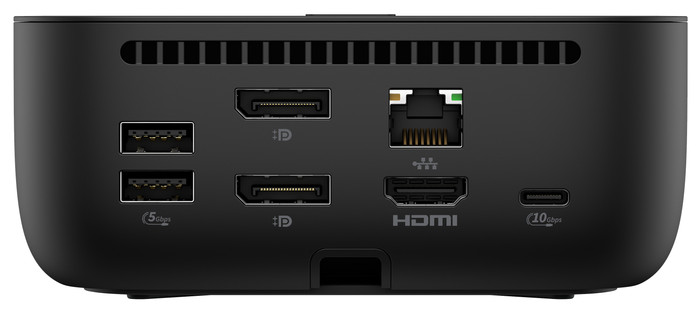
Total available video outputs | 1x HDMI, 2x DisplayPort | |
Number of connectable monitors | 3 | |
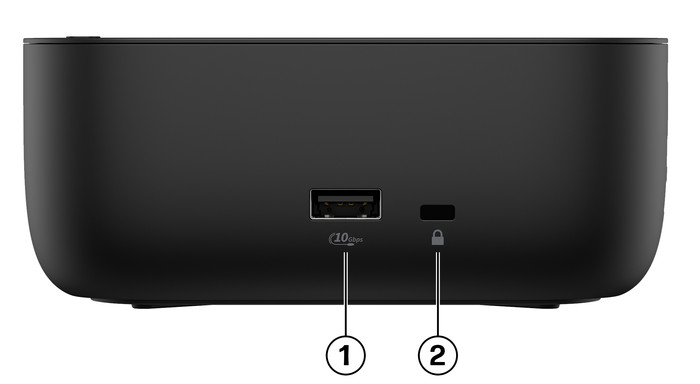
Type of USB port | Standard USB-A, USB-C | |
Cable length | 1 m |
According to our dock for laptops expert
With this dock, you can connect up to 4 external monitors to your laptop.
Thanks to HP Wolf Security and HP Sure Start, your devices are well protected.
Use the accessories you connect via the USB-A ports.
You can't read files from a memory card with this docking station.
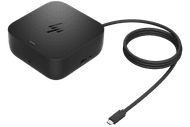
Complete your workspace with the HP USB-C 100W G6 Dock for everyday use. This small housing combines power, data, and video. You can connect up to 4 monitors to your laptop via this docking station. You do this via the 2 DisplayPort ports, the HDMI 2.1 port, or the Thunderbolt 4 port. The HP G6 has built-in WiFi and Bluetooth, so you can connect and manage your workspace centrally via the dock. This is useful in business environments where central management is important. Your devices are well protected with HP's extra security features. This dock works with all Windows laptops, Chromebooks, and MacBook models with a USB-C port that transmits a video signal. This is how you can check if your laptop has a suitable USB-C port.
157,-
157,-
Product number | 977261 | |
|---|---|---|
Manufacturer code | BS7S5AA#ABB | |
Brand | HP | |
Processing of your defect | Via Coolblue | |
Old product returned for free |
Made for laptop models | Universal |
|---|
Extra functionalities docking station | Charge laptop via docking station, Charge laptop via own charger, Connect wired network | |
|---|---|---|
Type of main connector | USB-C | |
Supported video technology on Docking Station | MST | |
Number of USB ports | 5 | |
USB function | Device connection | |
Type of USB port | Standard USB-A, USB-C | |
Number of female standard USB-A ports | 2 | |
Female standard USB-A port version | 3.2 | |
Number of USB-C ports | 2 | |
Protocol Female USB-C port | USB, USB electricity | |
USB version Female USB-C port | 3.2 | |
Power USB-C port | 100 W | |
Fast charging USB-C port | ||
Total available video outputs | 1x HDMI, 2x DisplayPort | |
Number of HDMI connectors | 1 | |
Female HDMI Type A port version | 2.1 | |
Number of Ethernet ports | 1 | |
Ethernet speed | 2.5Gb Ethernet (2500Mbps) | |
Type of DisplayPort connector | standard DisplayPort | |
Number of Female Standard DisplayPort 1.4 ports | 2 | |
Version Female Standard DisplayPort port | 1.4 | |
Memory card reader | ||
Number of connectable monitors | 3 | |
Maximum image resolution 1 monitor | 4K (3840x2160) | |
Maximum refresh rate 1 monitor | 120 Hz | |
Maximum image resolution 2 monitors | 4K (3840x2160) | |
Maximum refresh rate of 2 monitors | 120 Hz | |
Maximum image resolution 3 monitors | 4K (3840x2160) | |
Maximum refresh rate 3 monitors | 120 Hz |
Cable length | 1 m | |
|---|---|---|
Color | Black | |
Height | 5,1 cm | |
Width | 12,1 cm | |
Depth | 12,1 cm | |
Weight | 0,68 kg |
Current product
USB-C
USB-C
USB-C
USB-C
USB-C
Charge laptop via docking station, Charge laptop via own charger, Connect wired network
Charge laptop via own charger, Charge phone via docking station, Connect wired network
Charge laptop via docking station, Charge laptop via own charger, Charge phone via docking station, Connect headphones, Connect wired network
Charge laptop via docking station, Charge laptop via own charger, Charge phone via docking station, Connect headphones, Connect wired network
Charge laptop via docking station, Charge laptop via own charger, Connect wired network
1
1
2
2
1
Standard USB-A, USB-C
Standard USB-A, USB-C
Standard USB-A, USB-C
Standard USB-A, USB-C
Standard USB-A, USB-C
157,-
170,-
173,-
173,-
148,-
In stock
In stock
Coolblue takes care of everything, from taking out an insurance to repairs
For almost all accidents
More coverage in case of damage than your standard warranty
No deductible
First, add your dock for laptops to your shopping cart. On the next page, choose the Protection Plan below. You always have a 30-day return window and pay no deductible in case of damage.
2-year Protection Plan
10,99
one-time3-year Protection Plan
16,99
one-time