Public displays with WiFi
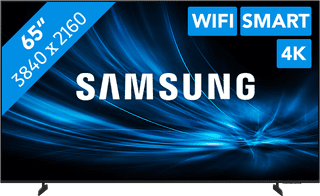
A display with WiFi has a built-in WiFi module. You can connect the screen directly to your router, without using cables. This way, you don't have to pull cables through the wall and you can move the screen more easily. In addition, your workspace looks less cluttered. Another advantage of a WiFi display is that it communicates more easily with devices that are in the same network. This way, you can easily share the screen of your laptop, desktop, tablet or smartphone via WiFi. There are special apps for this, such as ScreenShare.


3

Refresh rate 60 Hz|8 ms|42,5 inches
4
Refresh rate 135 Hz|8 ms|54,6 inches
5
Refresh rate 60 Hz|8 ms|54,6 inches
9
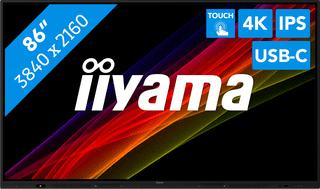
Refresh rate 60 Hz|8 ms|85,6 inches
10
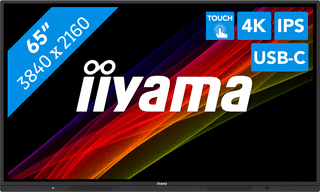
Refresh rate 60 Hz|8 ms|64,5 inches