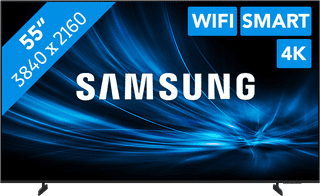
A display with WiFi has a built-in WiFi module. You can connect the screen directly to your router, without using cables. This way, you don't have to pull cables through the wall and you can move the screen more easily. In addition, your workspace looks less cluttered. Another advantage of a WiFi display is that it communicates more easily with devices that are in the same network. This way, you can easily share the screen of your laptop, desktop, tablet or smartphone via WiFi. There are special apps for this, such as ScreenShare.
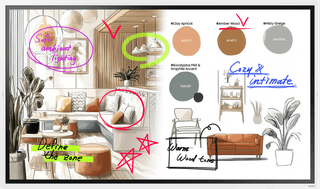

65 inches|Touchscreen|12 hours
Retail price1.599,-
1.549,-
In stock
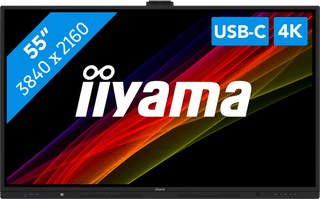
54,6 inches|Touchscreen|Bluetooth
1.129,-
In stock

65 inches|None touchscreen|Energy label G
1.149,-
In stock
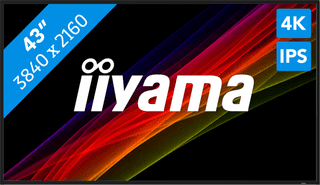
42,5 inches|None touchscreen|24 hours
649,-
In stock
54,6 inches|Touchscreen|Bluetooth
1.089,-
In stock
43 inches|None touchscreen|16 hours
445,-
In stock
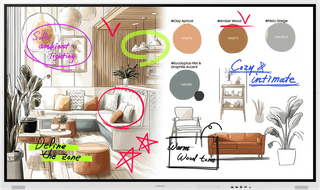
64,5 inches|Touchscreen|Bluetooth
1.399,-
Temporarily sold out
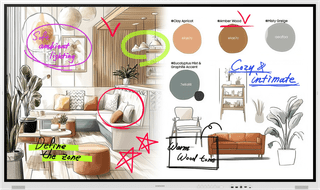
75 inches|Touchscreen|Bluetooth
1.549,-
Temporarily sold out
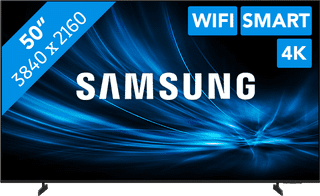
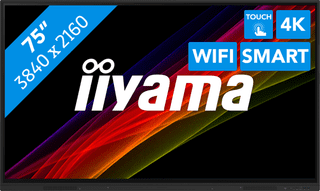
74,5 inches|Touchscreen|24 hours
1.529,-
No longer available
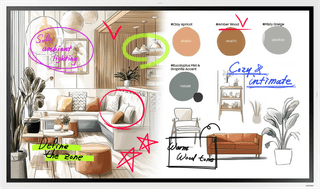
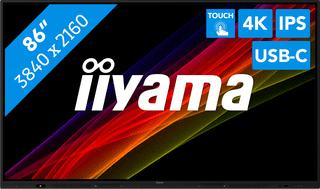
85,6 inches|Touchscreen|Bluetooth
1.899,-
Temporarily sold out