Welcome to your environment! You can order everything from your assortment with your personal budget here.

You can always return to the normal Coolblue website by clicking here.

Your outstanding budget (incl. VAT) is always visible here, so you know exactly how much you can spend.

Coolblue home

Help with your product
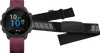
Garmin Forerunner 245 Dark Red + Garmin HRM-DUAL Heart Rate Monitor Chest Strap Black

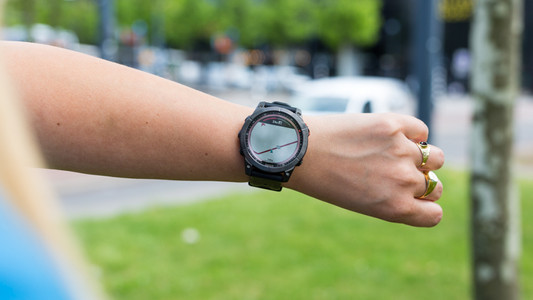
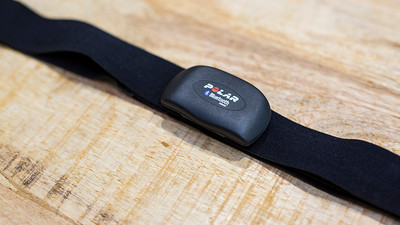
You can monitor your heart rate extra accurately with the Garmin Forerunner 245 Dark Red + Garmin HRM-DUAL Heart Rate Monitor Chest Strap Black bundle. You can connect the HRM-DUAL heart rate monitor to your Forerunner smartwatch via ANT+. During workouts, the Forerunner gives you information about the calories you burn, the amount of steps you take, and the distance you travel. With a virtual opponent, you can push yourself to an even better performance. Thanks to the built-in GPS sensor, the Forerunner 245 navigates you and tracks your route. You also receive incoming messages and phone calls on the Garmin Forerunner. You can easily adjust the chest strap of the heart rate monitor to a size between 63.5 and 132cm. Note: a charger isn't included. Do you want to charge the watch via a socket? Use the adapter of your phone charger or order a separate adapter.

Read all tips here

Which product do you want to see articles about?

2 tips if the screen of your Garmin smartwatch doesn't respond

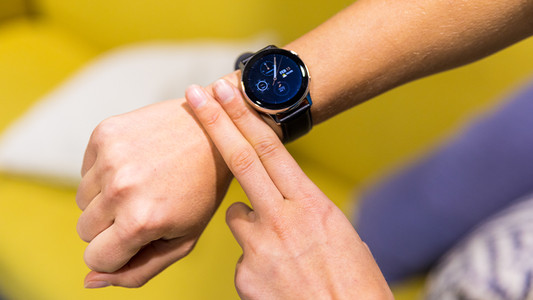
Doesn't the screen of your Garmin watch respond correctly? Maybe your screen is stuck. Sometimes, the screen doesn't turn on at all anymore. You can often solve these screen problems if you charge the Garmin watch and restart it. In this article, we'll explain how to solve problems with your screen.
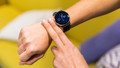

8 tips for accurate heart rate reading via your smartwatch

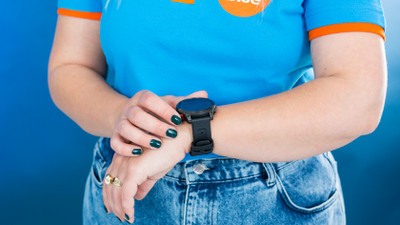
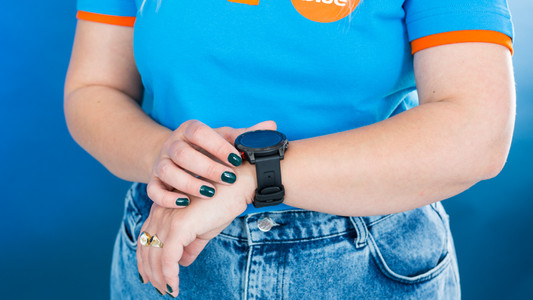
You want to measure your heart rate with your watch, but what's the best way to do this? A good wrist measurement depends on your physical condition and how high you wear the smartwatch on your wrist. We'll give 8 tips for an accurate heart rate measurement. Here's a little sneak preview. It's important you wear the watch as high as possible on your wrist and make sure that no light gets between your wrist and the sensor. For a really accurate measurement, connect a heart rate monitor with chest strap.

2 tips if your Garmin watch doesn't work well after an iOS update

After you update the iOS of your iPhone, you might still have connection problems with your Garmin Watch. For example, your Garmin watch isn't connected to your smartphone anymore, or you don't receive smartphone notifications. You can easily solve these problems with 1 of these tips.

What do you do if Garmin Connect doesn't show data?

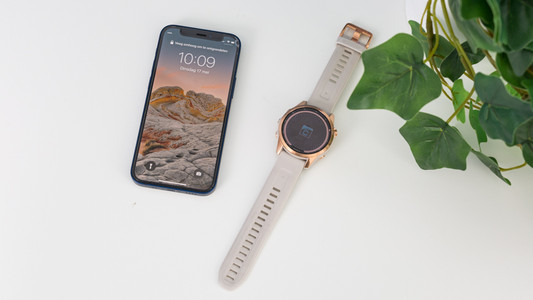
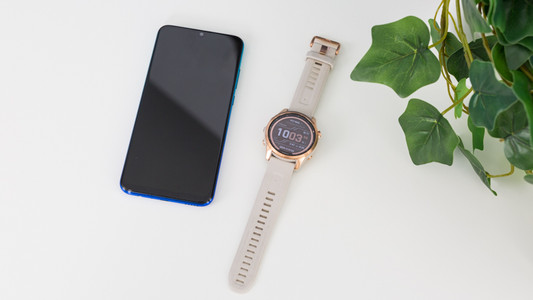
You can connect your Garmin smartwatch to the Garmin Connect app on your smartphone. This is where you'll find all your training and health data. Sometimes, the data of your watch don't synchronize with the app. This way, you won't see the latest readings. Luckily, you can solve this yourself in 3 steps.

How do you solve charging problems with your Garmin watch?

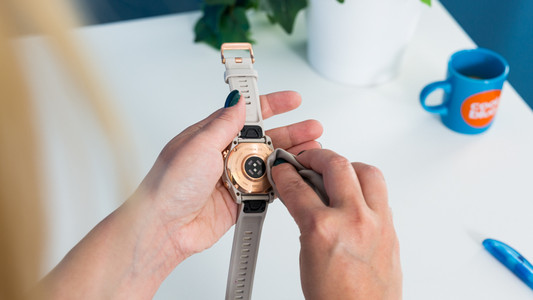
Do you have problems with charging your Garmin smartwatch? You can often solve the problem yourself by gently cleaning the charging ports of your Garmin smartwatch. We'll explain how to do so in this article.

Get started with the GPS of your Garmin smartwatch

When you use your Garmin smartwatch, you want your location tracking to be as accurate as possible. This way, you can track your route and progress properly. You need the strongest possible GPS signal for this. In this article, we'll explain how to ensure that you receive a strong GPS signal.

2 tips if the screen of your Garmin smartwatch doesn't respond

Doesn't the screen of your Garmin watch respond correctly? Maybe your screen is stuck. Sometimes, the screen doesn't turn on at all anymore. You can often solve these screen problems if you charge the Garmin watch and restart it. In this article, we'll explain how to solve problems with your screen.
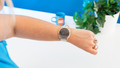
8 tips for accurate heart rate reading via your smartwatch

You want to measure your heart rate with your watch, but what's the best way to do this? A good wrist measurement depends on your physical condition and how high you wear the smartwatch on your wrist. We'll give 8 tips for an accurate heart rate measurement. Here's a little sneak preview. It's important you wear the watch as high as possible on your wrist and make sure that no light gets between your wrist and the sensor. For a really accurate measurement, connect a heart rate monitor with chest strap.

2 tips if your Garmin watch doesn't work well after an iOS update

After you update the iOS of your iPhone, you might still have connection problems with your Garmin Watch. For example, your Garmin watch isn't connected to your smartphone anymore, or you don't receive smartphone notifications. You can easily solve these problems with 1 of these tips.

What do you do if Garmin Connect doesn't show data?

You can connect your Garmin smartwatch to the Garmin Connect app on your smartphone. This is where you'll find all your training and health data. Sometimes, the data of your watch don't synchronize with the app. This way, you won't see the latest readings. Luckily, you can solve this yourself in 3 steps.

How do you solve charging problems with your Garmin watch?

Do you have problems with charging your Garmin smartwatch? You can often solve the problem yourself by gently cleaning the charging ports of your Garmin smartwatch. We'll explain how to do so in this article.

Get started with the GPS of your Garmin smartwatch

When you use your Garmin smartwatch, you want your location tracking to be as accurate as possible. This way, you can track your route and progress properly. You need the strongest possible GPS signal for this. In this article, we'll explain how to ensure that you receive a strong GPS signal.

Subjects

Didn't find your answer?

Find an answer to your question quickly and easily via our customer service.

Coolblue specialist
Personal chat Digitalk.
You're now chatting with Coolblue customer service
This chat is closed
foo
Oeps File size is larger than 5MB. Upload a smaller file.