Welcome to your environment! You can order everything from your assortment with your personal budget here.

You can always return to the normal Coolblue website by clicking here.

Your outstanding budget (incl. VAT) is always visible here, so you know exactly how much you can spend.

Coolblue home

Help with your product
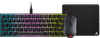
Corsair K65 RGB Mini Gaming Keyboard QWERTY + Corsair Harpoon Pro Gaming Mouse + Mouse Pad
0 reviews

With this bundle of the Corsair K65 Mini Gaming Keyboard QWERTY and Corsair Harpoon Gaming Mouse, you can complete your setup. With the wireless gaming mouse, you can accurately aim thanks to the optical sensor with a maximum DPI of 12000. The mechanical omron switches ensure that each mouse click performs the action in your game instantly. The keyboard registers your keystrokes faster thanks to the Cherry MX Red switches. This means that your commands are translated into in-game actions even faster. The Corsair AXON Hyper processing technology ensures a maximum polling rate up to 8000Hz. Thanks to this, your mouse won't be delayed via the USB passthrough. The PBT Double Shot keycaps prevent wear on the keys during use. This way, the keys last even longer. In addition, you can save up to 50 profiles thanks to the 8MB onboard storage.

Read all tips here

Which product do you want to see articles about?

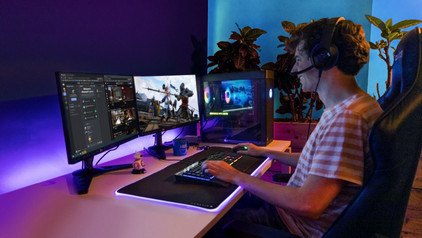
How do I use my keyboard and mouse for the PS4?

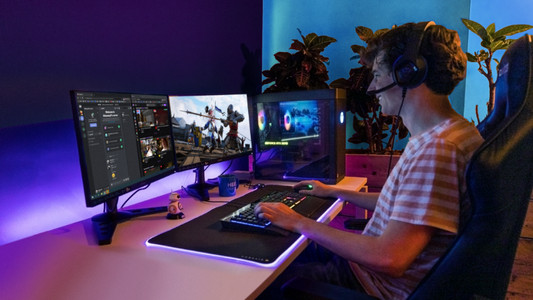
You can connect a gaming headset to your PlayStation 5, as well as a mouse and keyboard. This is a great solution when you're more of a PC gamer with a mouse and keyboard, because aiming is more difficult with a PS5 controller. In this article, we'll explain how to connect a mouse and keyboard to your PlayStation 5.

How do I use keyboard characters in Windows?

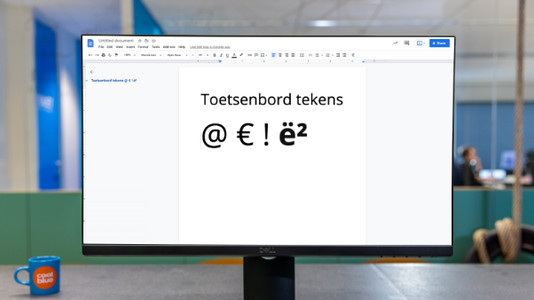
You can try to avoid words with special characters as much as possible, but sometimes you just can't. In this article, we'll explain how to use the characters above the numbers on your keyboard in Windows. In addition, you'll literally learn exactly how to dot your 'i's.

How do I use keyboard characters in Windows?

You can try to avoid words with special characters as much as possible, but sometimes you just can't. In this article, we'll explain how to use the characters above the numbers on your keyboard in Windows. In addition, you'll literally learn exactly how to dot your 'i's.

How do I update the software for my Corsair accessories?

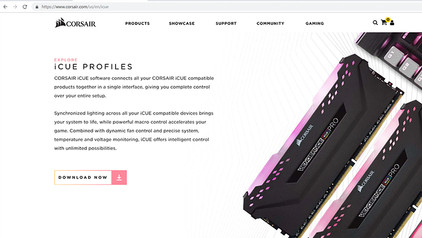
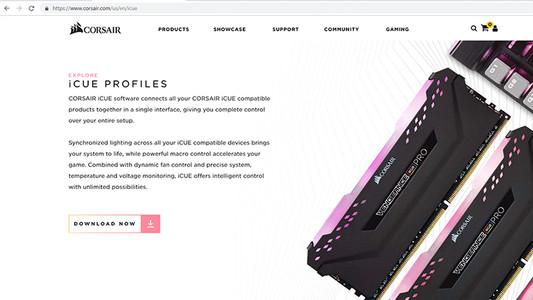
You can read how you install the Corsair CUE software for your Corsair gaming accessories here. Your old or brand new Corsair accessory has a wide array of custom function, like programmable lighting or macro buttons. After you install this software, you can set up these functions like you want.

How do I update the software for my Corsair accessories?

You can read how you install the Corsair CUE software for your Corsair gaming accessories here. Your old or brand new Corsair accessory has a wide array of custom function, like programmable lighting or macro buttons. After you install this software, you can set up these functions like you want.

How do I clean my keyboard?

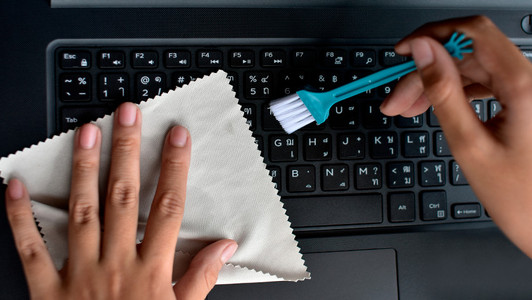
Cleaning your keyboard isn't one of the most fun chores, but if your fingers stick to your keyboard, you'll have to face the music. In this article, I'll explain how to clean a separate keyboard, and you'll read how to clean the keyboard of your laptop.

How do I use my keyboard and mouse for the PS4?

You can connect a gaming headset to your PlayStation 5, as well as a mouse and keyboard. This is a great solution when you're more of a PC gamer with a mouse and keyboard, because aiming is more difficult with a PS5 controller. In this article, we'll explain how to connect a mouse and keyboard to your PlayStation 5.

How do I update the software for my Corsair accessories?

You can read how you install the Corsair CUE software for your Corsair gaming accessories here. Your old or brand new Corsair accessory has a wide array of custom function, like programmable lighting or macro buttons. After you install this software, you can set up these functions like you want.

How do I update the software for my Corsair accessories?

You can read how you install the Corsair CUE software for your Corsair gaming accessories here. Your old or brand new Corsair accessory has a wide array of custom function, like programmable lighting or macro buttons. After you install this software, you can set up these functions like you want.

How do I use my keyboard and mouse for the PS4?

You can connect a gaming headset to your PlayStation 5, as well as a mouse and keyboard. This is a great solution when you're more of a PC gamer with a mouse and keyboard, because aiming is more difficult with a PS5 controller. In this article, we'll explain how to connect a mouse and keyboard to your PlayStation 5.
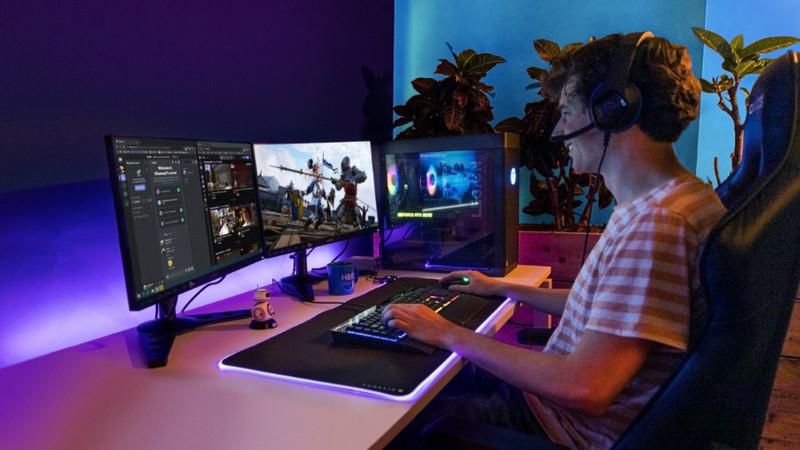
How do I use my keyboard and mouse for the PS4?

You can connect a gaming headset to your PlayStation 5, as well as a mouse and keyboard. This is a great solution when you're more of a PC gamer with a mouse and keyboard, because aiming is more difficult with a PS5 controller. In this article, we'll explain how to connect a mouse and keyboard to your PlayStation 5.
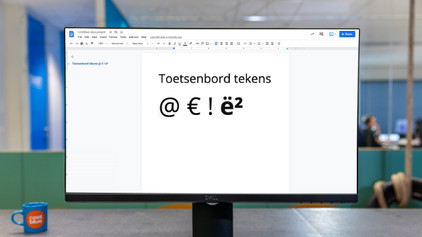
How do I use keyboard characters in Windows?

You can try to avoid words with special characters as much as possible, but sometimes you just can't. In this article, we'll explain how to use the characters above the numbers on your keyboard in Windows. In addition, you'll literally learn exactly how to dot your 'i's.

How do I use keyboard characters in Windows?

You can try to avoid words with special characters as much as possible, but sometimes you just can't. In this article, we'll explain how to use the characters above the numbers on your keyboard in Windows. In addition, you'll literally learn exactly how to dot your 'i's.

How do I clean my keyboard?

Cleaning your keyboard isn't one of the most fun chores, but if your fingers stick to your keyboard, you'll have to face the music. In this article, I'll explain how to clean a separate keyboard, and you'll read how to clean the keyboard of your laptop.

Didn't find your answer?

Find an answer to your question quickly and easily via our customer service.

Coolblue specialist
Personal chat Digitalk.
You're now chatting with Coolblue customer service
This chat is closed
foo
Oeps File size is larger than 5MB. Upload a smaller file.