Welcome to your environment! You can order everything from your assortment with your personal budget here.

You can always return to the normal Coolblue website by clicking here.

Your outstanding budget (incl. VAT) is always visible here, so you know exactly how much you can spend.

Coolblue home

Help with your product

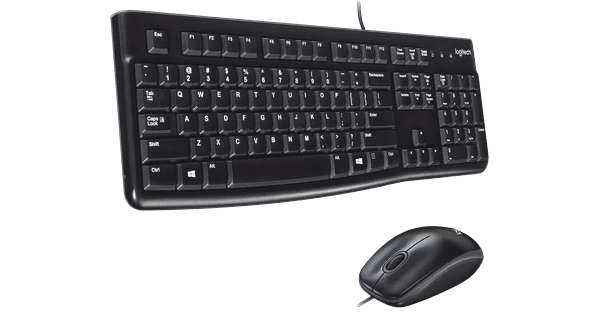
BlueBuilt 8-in-1 HDMI Docking Station + Keyboard and Mouse Set
0 reviews

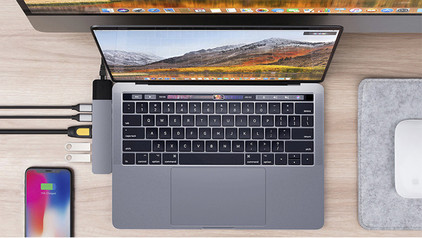
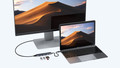
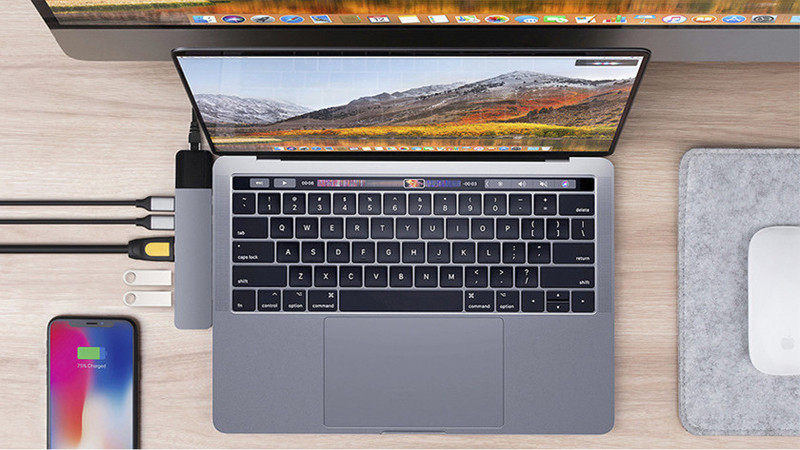
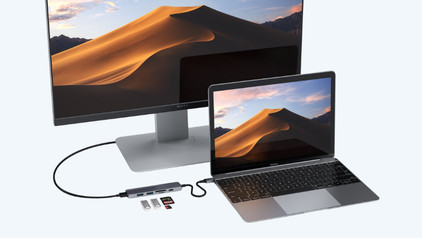
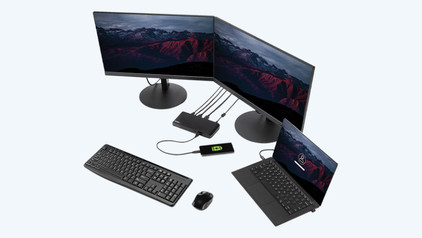
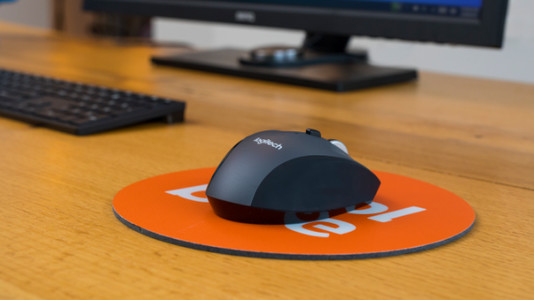
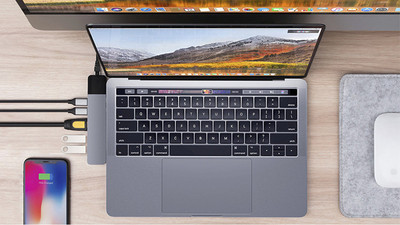
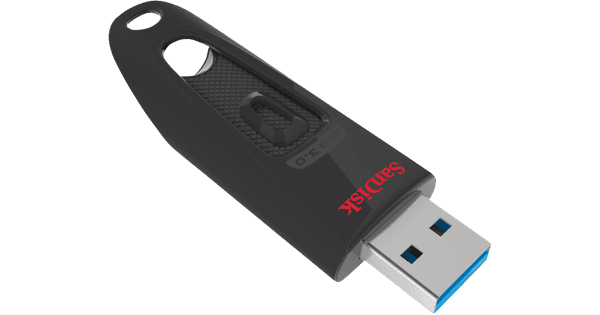
With the BlueBuilt 8-in-1 HDMI Docking Station + Keyboard and Mouse Set bundle, you can take your student workplace to the next level. You only have to use 1 USB-C port on your laptop to connect multiple accessories and a monitor via HDMI. You get a maximum resolution of 4K at 60Hz on the monitor, so you can enjoy an extra sharp image while you study. With an extra monitor, you quickly provide a better overview while you make reports or presentations. You also have enough extra ports for other accessories, such as the keyboard and mouse set. The keyboard is raised in the middle, so you're less quickly bothered by your hands and wrists during a long day of studying. The Nexum mouse has silent buttons, so you keep working without being bothered. You can connect both the mouse and the keyboard to your laptop via the included USB receivers. You can do this via the ports in the docking station, for example.

Read all tips here

Which product do you want to see articles about?

How do I clean my keyboard?

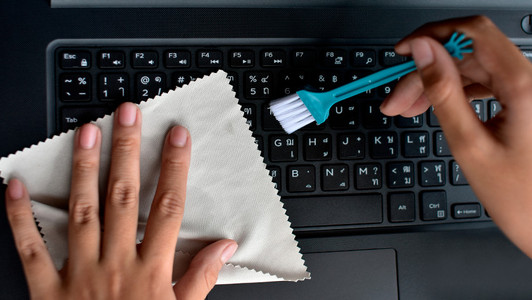
Cleaning your keyboard isn't one of the most fun chores, but if your fingers stick to your keyboard, you'll have to face the music. In this article, I'll explain how to clean a separate keyboard, and you'll read how to clean the keyboard of your laptop.

How do I connect my wireless mouse?

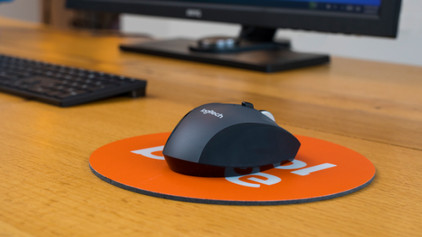
With a wireless mouse, your desk stays tidy and you have more freedom of movement than with a wired mouse. But how do you connect a wireless mouse? In this article, you can read step by step what you need to do to connect a wireless mouse to your laptop or PC. These steps apply to wireless mouses from any brand.

How do I clean my keyboard?

Cleaning your keyboard isn't one of the most fun chores, but if your fingers stick to your keyboard, you'll have to face the music. In this article, I'll explain how to clean a separate keyboard, and you'll read how to clean the keyboard of your laptop.

How do I clean my keyboard?

Cleaning your keyboard isn't one of the most fun chores, but if your fingers stick to your keyboard, you'll have to face the music. In this article, I'll explain how to clean a separate keyboard, and you'll read how to clean the keyboard of your laptop.

Didn't find your answer?

Find an answer to your question quickly and easily via our customer service.

Coolblue specialist
Personal chat Digitalk.
You're now chatting with Coolblue customer service
This chat is closed
foo
Oeps File size is larger than 5MB. Upload a smaller file.