Welcome to your environment! You can order everything from your assortment with your personal budget here.

You can always return to the normal Coolblue website by clicking here.

Your outstanding budget (incl. VAT) is always visible here, so you know exactly how much you can spend.

Coolblue home

Help with your product
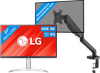
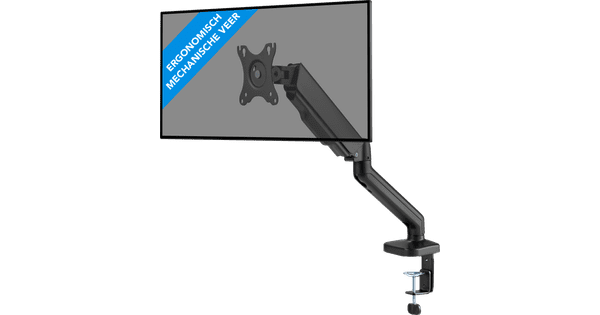
LG 27UP83AK-W + BlueBuilt Monitor Arm Gas Spring for 1 Monitor
0 reviews

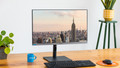
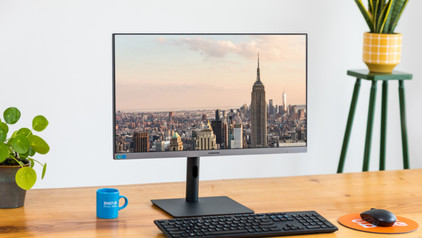
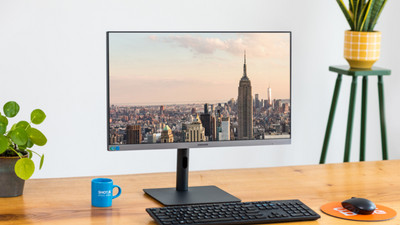
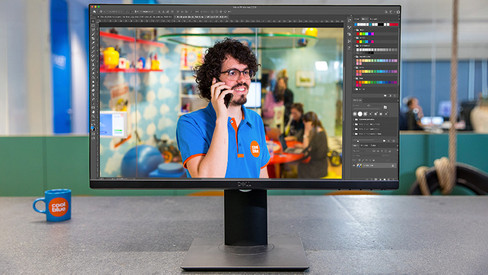
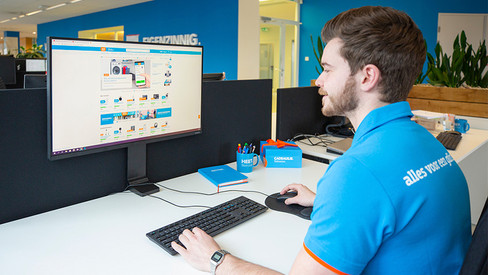
Work comfortably all day with the LG 27UP83AK-W + BlueBuilt Monitorarm Gasveer voor 1 Monitor 4K 27-inch monitor and the BlueBuilt Monitor Arm Gas Spring. This bundle includes a BlueBuilt monitor arm. You can adjust the monitor to a comfortable height with the included monitor arm. This way, you can work in an ergonomic sitting position and reduce back strain. You can also edit photos or videos down to the smallest details thanks to the 4K resolution. The colors on your screen look realistic thanks to the DCI-P3 color space and the DisplayHDR 400 color space. Thanks to the 10-bit color depth, colors blend smoothly into each other. This way, you can enjoy more than 1 billion different color tones.

Read all tips here

Which product do you want to see articles about?

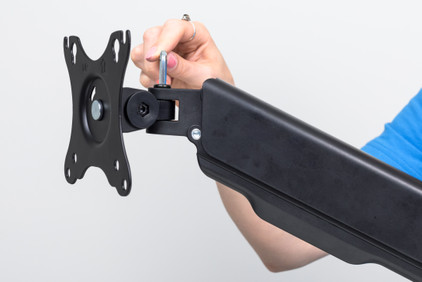
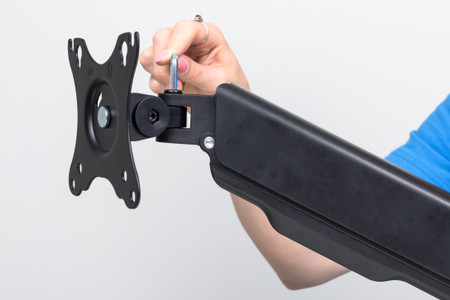
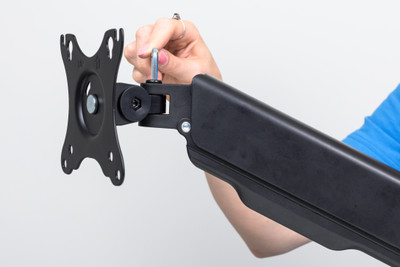
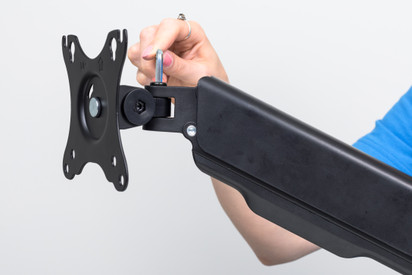
How do you install your BlueBuilt Monitor Arm with gas spring for 1 monitor?

You want to connect your new BlueBuilt monitor arm with gas spring to a monitor. On this page, we'll explain how to do this in 9 steps.

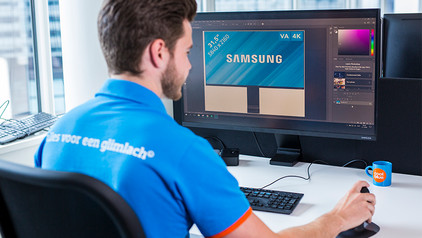
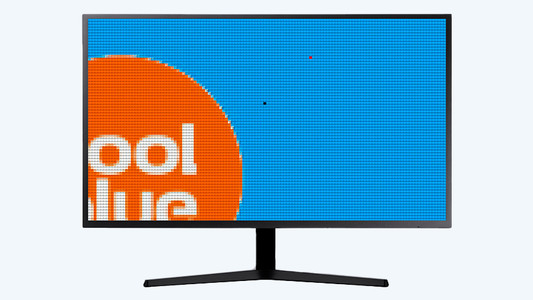
Solve dead pixels on your monitor

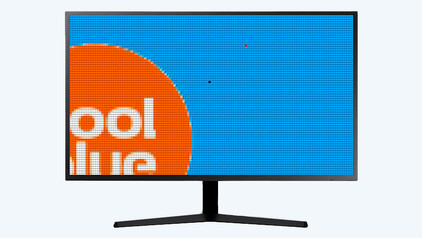
If a pixel on your monitor has a different color, you're dealing with a dead or stuck pixel. These pixel problems are quite different, in terms of both cause and solution. For example, a stuck pixel can be fixed, but a dead pixel can't. In this article, we'll explain what causes these problems, how to discover them, and what you should do.

Solve dead pixels on your monitor

If a pixel on your monitor has a different color, you're dealing with a dead or stuck pixel. These pixel problems are quite different, in terms of both cause and solution. For example, a stuck pixel can be fixed, but a dead pixel can't. In this article, we'll explain what causes these problems, how to discover them, and what you should do.

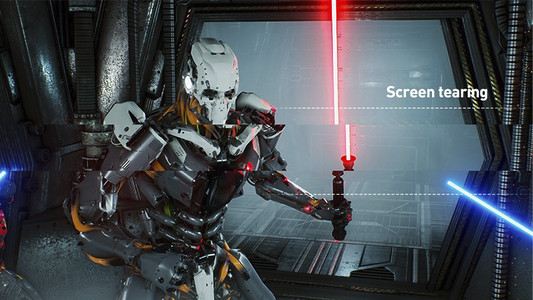
How do you solve screen tearing and stuttering?

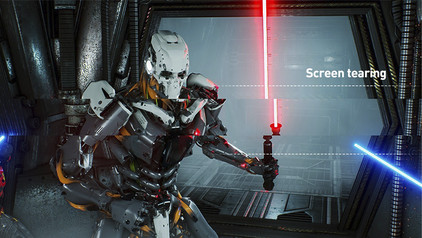
If you want to prevent screen tearing and stuttering, it's important that your video card and monitor are synchronized. There are 3 technologies that match the fps of your graphics card to the refresh rate of your gaming monitor. These are G-Sync, FreeSync, and VSync. We'll explain how to set this up on your computer.

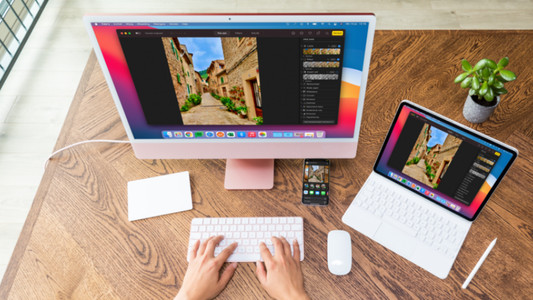
How do I connect a monitor to a tablet?

A tablet is a good replacement for your laptop or desktop. But what if you want to work with your tablet on a slightly larger screen? In this article, I'll explain how to connect your iPad or Android tablet to an external monitor.

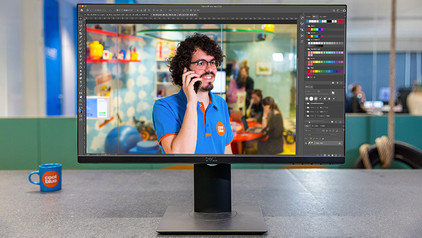
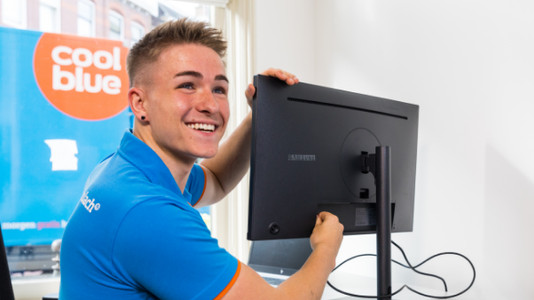
How do I set up a second display?

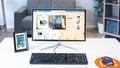
A second screen gives you extra screen space when you're working on a laptop or desktop. You can connect this in no time. Plug the connector of the monitor into a socket before you start. We'll explain how to install the screen and connect it to your computer.

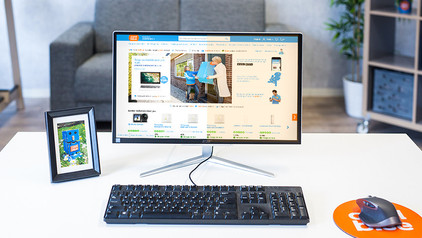
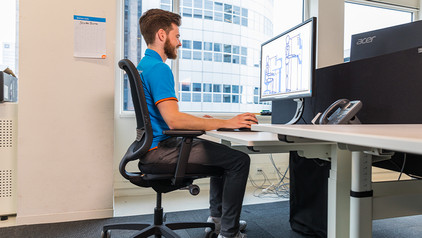
How do you ensure a good sitting posture?

Sometimes it's hard to find the correct sitting position, especially when you work from home. We explain how to sit in the best sitting position on your desk chair, what the ideal height is for your desk, and how to setup your equipment ergonomically. That way, you can work comfortably both at home or at the office.

How do you ensure a good sitting posture?

Sometimes it's hard to find the correct sitting position, especially when you work from home. We explain how to sit in the best sitting position on your desk chair, what the ideal height is for your desk, and how to setup your equipment ergonomically. That way, you can work comfortably both at home or at the office.

How do you solve connection issues with your monitor and laptop?

You bought a monitor, but you can't get it to connect to your laptop. In this article, you can read how to connect your monitor to your laptop in 4 steps.

How do you install your BlueBuilt Monitor Arm with gas spring for 1 monitor?

You want to connect your new BlueBuilt monitor arm with gas spring to a monitor. On this page, we'll explain how to do this in 9 steps.

How do you ensure a good sitting posture?

Sometimes it's hard to find the correct sitting position, especially when you work from home. We explain how to sit in the best sitting position on your desk chair, what the ideal height is for your desk, and how to setup your equipment ergonomically. That way, you can work comfortably both at home or at the office.

How do you ensure a good sitting posture?

Sometimes it's hard to find the correct sitting position, especially when you work from home. We explain how to sit in the best sitting position on your desk chair, what the ideal height is for your desk, and how to setup your equipment ergonomically. That way, you can work comfortably both at home or at the office.

Solve dead pixels on your monitor

If a pixel on your monitor has a different color, you're dealing with a dead or stuck pixel. These pixel problems are quite different, in terms of both cause and solution. For example, a stuck pixel can be fixed, but a dead pixel can't. In this article, we'll explain what causes these problems, how to discover them, and what you should do.

Solve dead pixels on your monitor

If a pixel on your monitor has a different color, you're dealing with a dead or stuck pixel. These pixel problems are quite different, in terms of both cause and solution. For example, a stuck pixel can be fixed, but a dead pixel can't. In this article, we'll explain what causes these problems, how to discover them, and what you should do.

How do you solve screen tearing and stuttering?

If you want to prevent screen tearing and stuttering, it's important that your video card and monitor are synchronized. There are 3 technologies that match the fps of your graphics card to the refresh rate of your gaming monitor. These are G-Sync, FreeSync, and VSync. We'll explain how to set this up on your computer.

How do I connect a monitor to a tablet?

A tablet is a good replacement for your laptop or desktop. But what if you want to work with your tablet on a slightly larger screen? In this article, I'll explain how to connect your iPad or Android tablet to an external monitor.

How do I set up a second display?

A second screen gives you extra screen space when you're working on a laptop or desktop. You can connect this in no time. Plug the connector of the monitor into a socket before you start. We'll explain how to install the screen and connect it to your computer.

How do you ensure a good sitting posture?

Sometimes it's hard to find the correct sitting position, especially when you work from home. We explain how to sit in the best sitting position on your desk chair, what the ideal height is for your desk, and how to setup your equipment ergonomically. That way, you can work comfortably both at home or at the office.

How do you ensure a good sitting posture?

Sometimes it's hard to find the correct sitting position, especially when you work from home. We explain how to sit in the best sitting position on your desk chair, what the ideal height is for your desk, and how to setup your equipment ergonomically. That way, you can work comfortably both at home or at the office.

How do you solve connection issues with your monitor and laptop?

You bought a monitor, but you can't get it to connect to your laptop. In this article, you can read how to connect your monitor to your laptop in 4 steps.

Subjects
Didn't find your answer?

Find an answer to your question quickly and easily via our customer service.

Coolblue specialist
Personal chat Digitalk.
You're now chatting with Coolblue customer service
This chat is closed
foo
Oeps File size is larger than 5MB. Upload a smaller file.