Welcome to your environment! You can order everything from your assortment with your personal budget here.

You can always return to the normal Coolblue website by clicking here.

Your outstanding budget (incl. VAT) is always visible here, so you know exactly how much you can spend.

Coolblue home

Help with your product

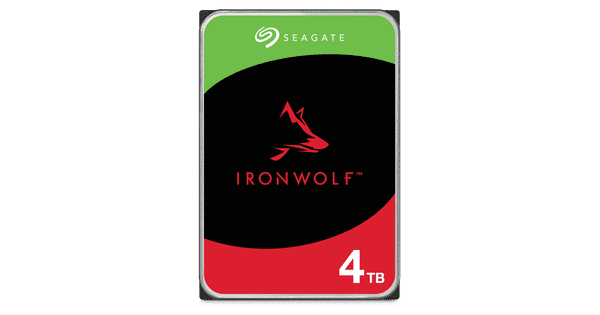
QNAP TS-264-8G + Seagate IronWolf 12TB Duo Pack

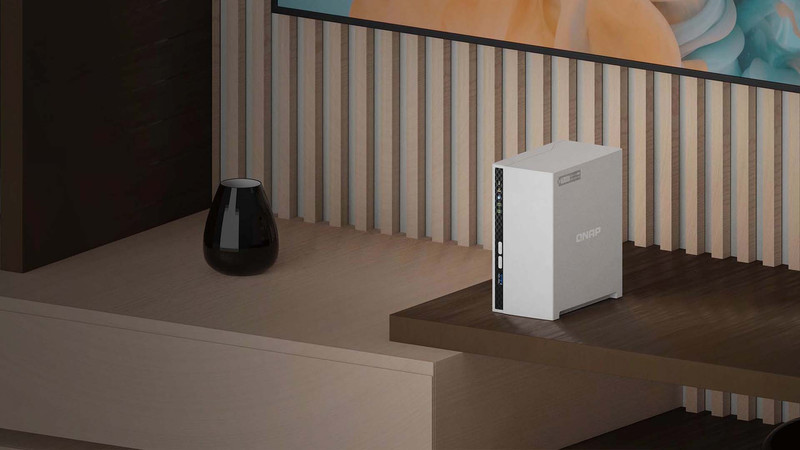
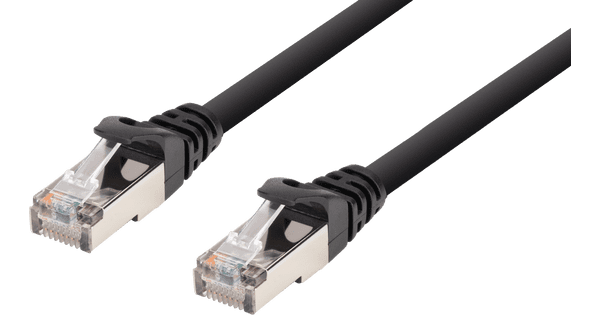
Store all your files and backups with the QNAP TS-264-8G + Seagate Ironwolf 12TB Duo Pack. This bundle gives you 24TB of storage space in total, so you can get started right away. Set up different RAID configurations and decide how your NAS divides the data across the drives. For example, you can use 1 of the drives for your media files and the other for automatic backups. You'll also enjoy razor-sharp images when you watch your media thanks to the 4K Plex support. In addition to the HDD slots, this NAS has 2 M.2 connectors. This way, you can easily install 2 SSDs as well. Thanks to the 8GB RAM, you can run different software programs at the same time. The NAS also has 2 Ethernet ports, so you can easily connect it to 2 different servers.

Read all tips here

Which product do you want to see articles about?

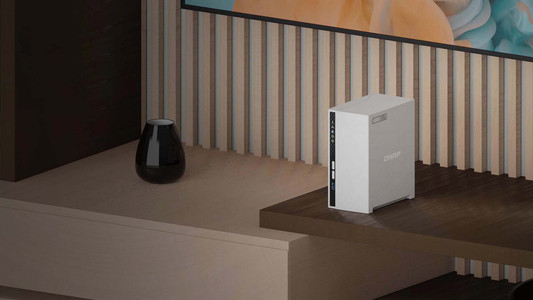
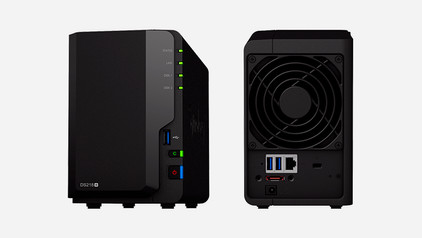
How do you install your QNAP NAS?

You bought a QNAP NAS and want to start storing your files and media right away. We're happy to help you with the setup. For example, do you want to place the drives or install the apps first? In this advice article, we'll explain how to set up your QNAP NAS in 6 steps.

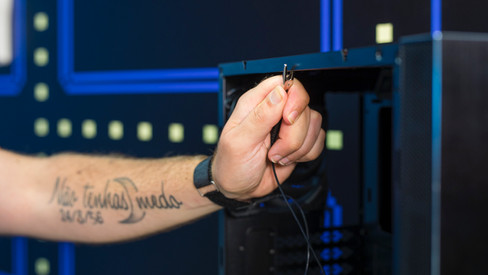
How do you prevent a static shock while building your PC?

When you're building your PC, static shocks could be dangerous for your computer parts. A small static shock is enough to destroy your parts. Luckily, there are things you can do to safely work in your PC. Wear a antistatic wrist strap and work on a solid surface, for example. In this article, we'll explain what you should and shouldn't do when building your PC.

How do you prevent a static shock while building your PC?

When you're building your PC, static shocks could be dangerous for your computer parts. A small static shock is enough to destroy your parts. Luckily, there are things you can do to safely work in your PC. Wear a antistatic wrist strap and work on a solid surface, for example. In this article, we'll explain what you should and shouldn't do when building your PC.

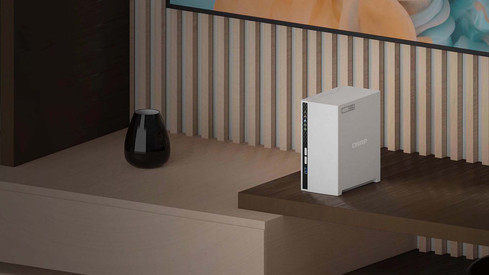
Advice on streaming media with your NAS

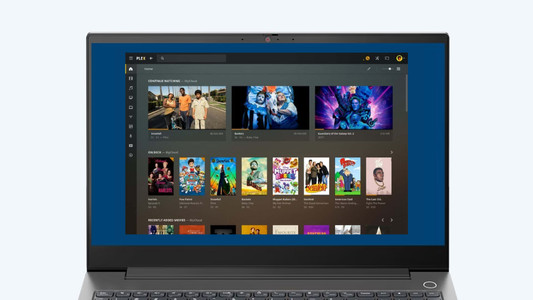
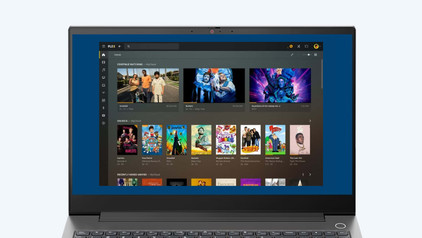
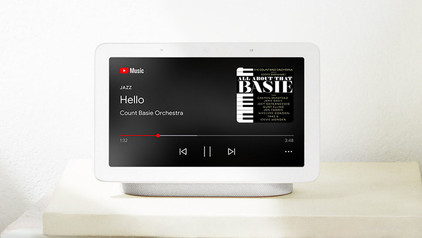
A NAS is an ideal solution for storing and streaming your movies, series, and music. You watch videos via a NAS on your phone, tablet, computer, and even smart TV. What are the advantages of streaming via your NAS? And which apps do you use for media streaming? I answer these questions and explain how you stream from your NAS.

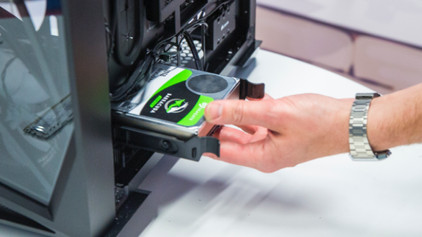
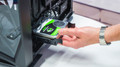
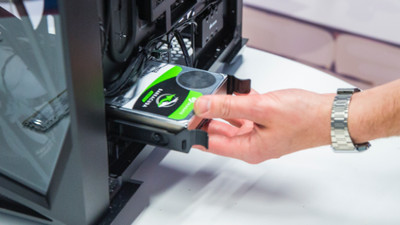
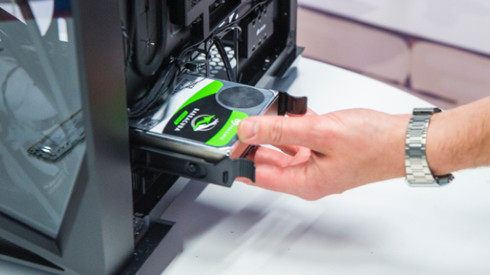
How do you install an internal hard drive?

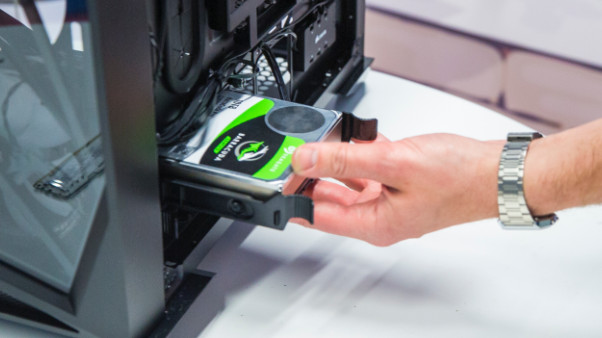
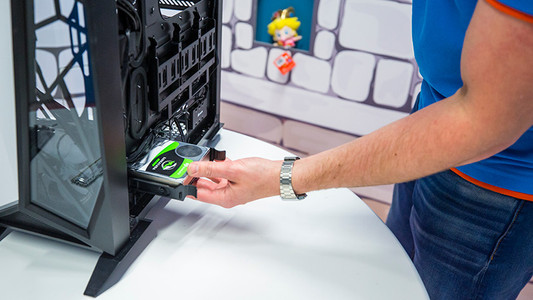
You have purchased a hard drive to replace your old drive or for more storage space in your computer. But how do you actually install such an internal HDD? In this article, I will explain that to you.

How do you prevent a static shock while building your PC?

When you're building your PC, static shocks could be dangerous for your computer parts. A small static shock is enough to destroy your parts. Luckily, there are things you can do to safely work in your PC. Wear a antistatic wrist strap and work on a solid surface, for example. In this article, we'll explain what you should and shouldn't do when building your PC.

How do you prevent a static shock while building your PC?

When you're building your PC, static shocks could be dangerous for your computer parts. A small static shock is enough to destroy your parts. Luckily, there are things you can do to safely work in your PC. Wear a antistatic wrist strap and work on a solid surface, for example. In this article, we'll explain what you should and shouldn't do when building your PC.

How do you install an internal hard drive?

You have purchased a hard drive to replace your old drive or for more storage space in your computer. But how do you actually install such an internal HDD? In this article, I will explain that to you.

How do you install your QNAP NAS?

You bought a QNAP NAS and want to start storing your files and media right away. We're happy to help you with the setup. For example, do you want to place the drives or install the apps first? In this advice article, we'll explain how to set up your QNAP NAS in 6 steps.

Advice on streaming media with your NAS

A NAS is an ideal solution for storing and streaming your movies, series, and music. You watch videos via a NAS on your phone, tablet, computer, and even smart TV. What are the advantages of streaming via your NAS? And which apps do you use for media streaming? I answer these questions and explain how you stream from your NAS.

Subjects

Didn't find your answer?

Find an answer to your question quickly and easily via our customer service.

Coolblue specialist
Personal chat Digitalk.
You're now chatting with Coolblue customer service
This chat is closed
foo
Oeps File size is larger than 5MB. Upload a smaller file.