Written by Daniël
Edited on
12 March 2024
·
16:01
The differences between a smart TV and Chromecast
A Chromecast and a television aren't very similar. Still, you can use both to stream series and movies on your television. How you can do that, differs per product. In this article, we've listed the most important differences for you.
What is it?
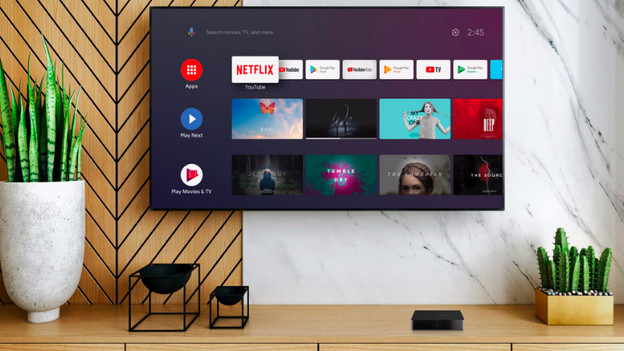
Smart TV
A smart TV is a television you can connect to the internet. All smart televisions have a platform to use apps with. The assortment of apps differs per platform, but every smart TV has YouTube and Netflix. Each brand uses a different platform. Samsung uses the Tizen platform, LG uses the webOS platform, and Philips and Sony use the Android smart platform. New Sony and Philips televisions use the Google TV platform.
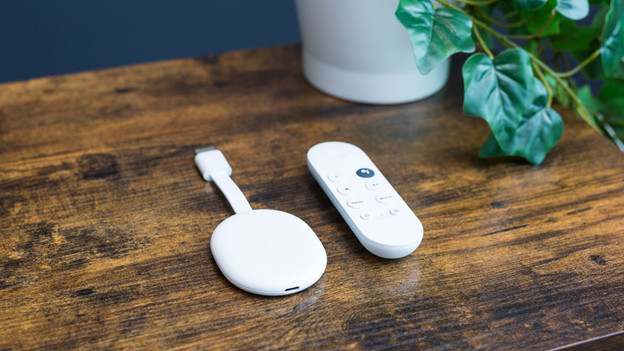
Chromecast
With a Chromecast, you can stream movies and series to any TV with an HDMI connector. There are 2 different types of Chromecasts. The Chromecast V3 uses the Android TV smart platform. You can only control this Chromecast with your smartphone. The new version is the Chromecast 4K. This type uses the Google TV platform, which allows you to see all the series of all the apps in 1 menu. You can cast series to the Chromecast 4K, just like you can with the V3. You can control the 4K version with the included remote as well.
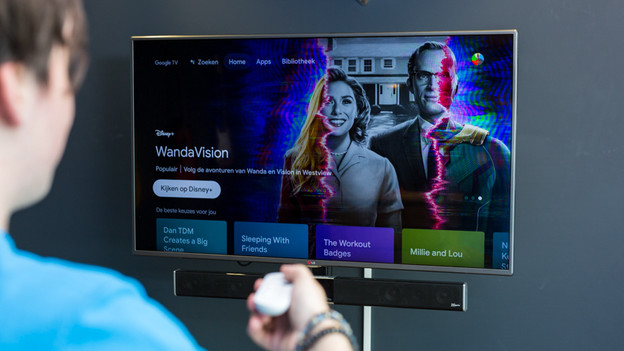
Which apps can you use?
Televisions and media players like the Chromecast work with smart platforms. These platforms determine which apps and which menu you can use. Choose a device that supports your favorite streaming services. In addition, the Google TV platform gives you tips when you don't know what to watch.
Are there also televisions with a built-in Chromecast?
You can often cast to a smart TV without a Chromecast. These televisions sometimes use the software of the Chromecast. Televisions with a built-in Chromecast don't exist. You can stream series from your smartphone or laptop to the television because you connect 2 devices that have the same internet connection. You can then open an app and press the cast icon to watch your series or movie on your television.

Does a Chromecast work with every TV?
You can connect a Chromecast to any television with an HDMI connector. Before you purchase one, keep in mind that your smart TV probably already has its own smart platform. If that's the case, check if your Chromecast has extra functions. The Google TV platform has almost all the apps. In addition, you can use the Chromecast in combination with a smart home hub to turn on the television with voice commands.
Article by Daniël
Media Player Expert.