Philips The One televisions
Find the Philips The One television that suits you
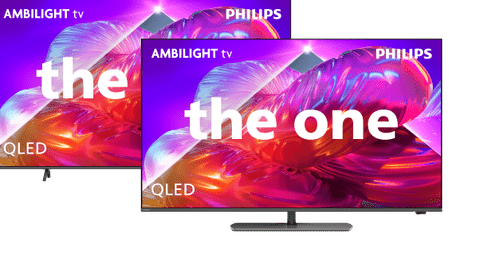
Compare Philips 4K Ambilight televisions
Most fluid and colorful images
Enjoy a comfortable viewing experience with Ambilight mood lighting.
Thanks to QLED technology, you can watch brighter colors in your favorite TV shows.
Fast-paced action is displayed smoothly thanks to the 144Hz refresh rate in games.
From
to711,-
2.499,-
Flowing and colorful images
Enjoy a comfortable viewing experience with Ambilight mood lighting.
Thanks to QLED technology, you can watch brighter colors in your favorite TV shows.
From
to499,-
799,-
Three-sided Ambilight lighting
Enjoy a comfortable viewing experience with Ambilight mood lighting.
From
to449,-
699,-
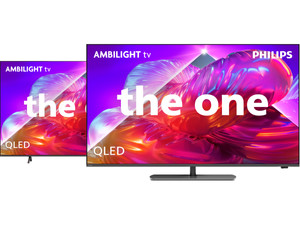
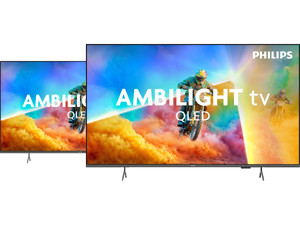
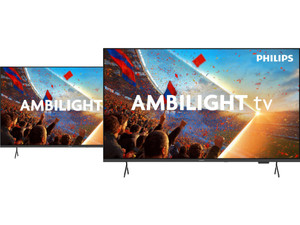
Advice on Philips televisions
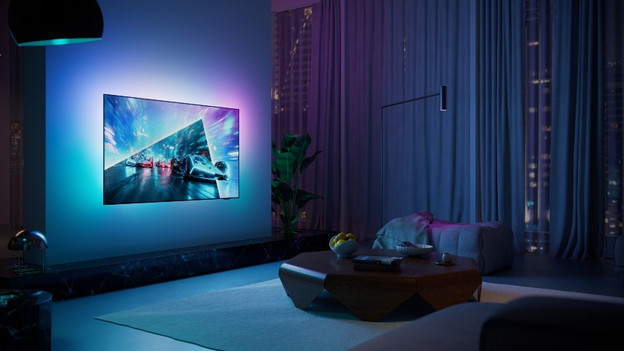
What's Philips Ambilight?
A Philips Ambilight TV uses ambient lighting around the screen. This causes the entire wall behind your TV to change color, allowing you to enjoy a special viewing experience. Discover everything about this technology here.
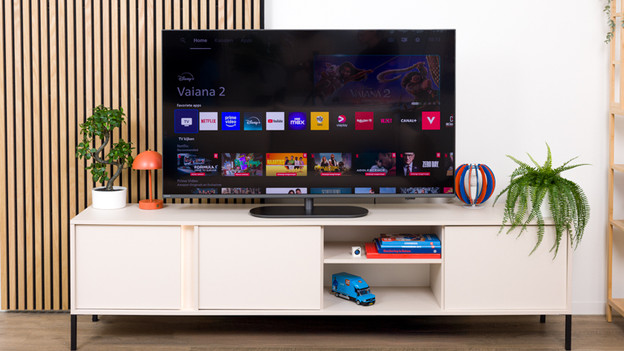
What's the Titan OS smart platform?
Titan OS is Philips' smart platform and can be found on almost all of their televisions. Here, we'll tell you everything about the most important features, pros, and cons.
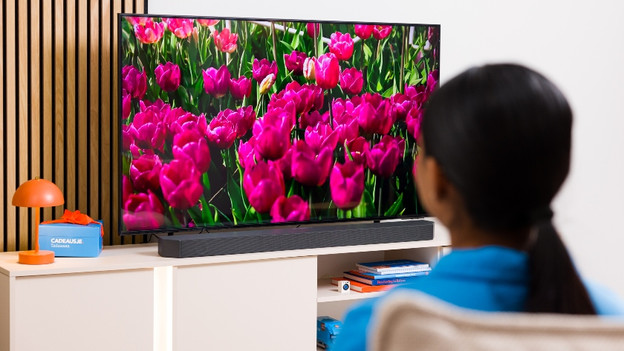
Compare the Philips OLED810 to the OLED760
Are you curious about the differences between Philips OLED TVs? Read all about it in this article.
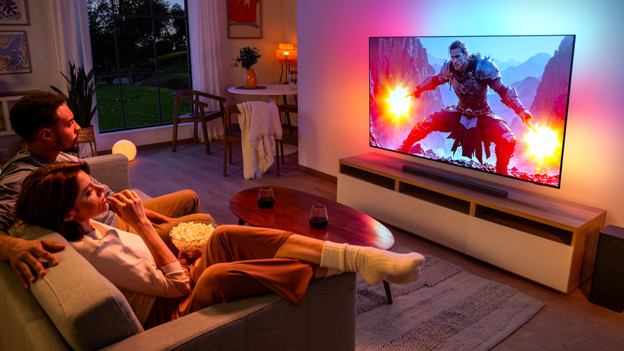
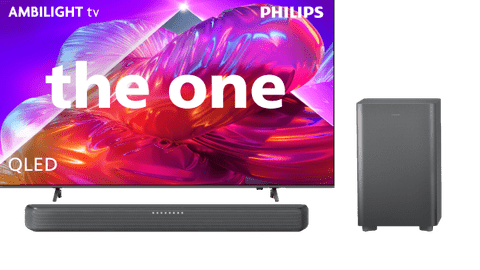
Complete your experience with a Philips soundbar
With a soundbar, you create an immersive viewing and listening experience. This way, you enjoy not only realistic image quality but also lifelike sound.
Help choosing the right TV size
Have your eye on a new Philips The One? To measure is to know. Check the following for the best viewing experience:
- Viewing distance: the farther away you're sitting, the larger the TV can be.
- Size of your TV cabinet: adjust the width of the TV to your TV cabinet for a nice look.
- Space on your wall: if you're mounting the TV, make sure you have the space to do this. Use the screen size in centimeters.
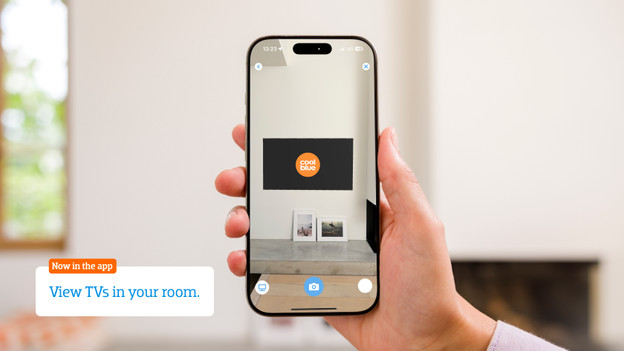
Want to see exactly how the TV looks in your living room? Download the Coolblue App and virtually place the TV in your room via the augmented reality function.