Meta Quest VR headsets
Find the Meta Quest VR headset that suits you
Compare the Meta Quest 3 to the Meta Quest 3S
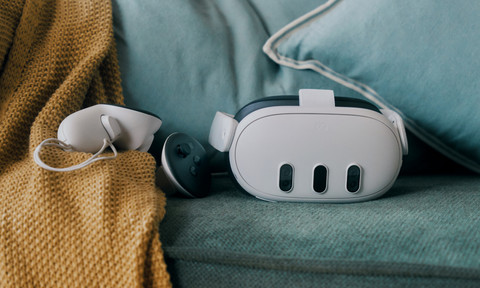
- Meta Quest 3 512GB
With mixed reality, you can place virtual objects in your own living room.
Enough storage for all your favorite apps and games.
Pancake lenses make the image sharper and you can set it exactly how you want.
From
619,-
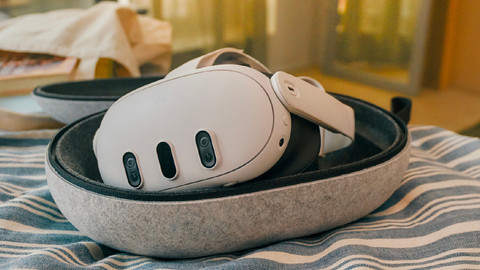
- Meta Quest 3S 256GB
With mixed reality, you can place virtual objects in your own living room.
Enough storage for many apps and games.
With fresnel lenses, the image is less sharp and you can't set the lenses precisely.
From
472,-
- Meta Quest 3S 128GB
With mixed reality, you can place virtual objects in your own living room.
Little storage for many apps and games.
With fresnel lenses, the image is less sharp and you can't set the lenses precisely.
From
359,-
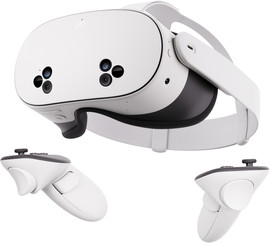
Get to know Mixed Reality
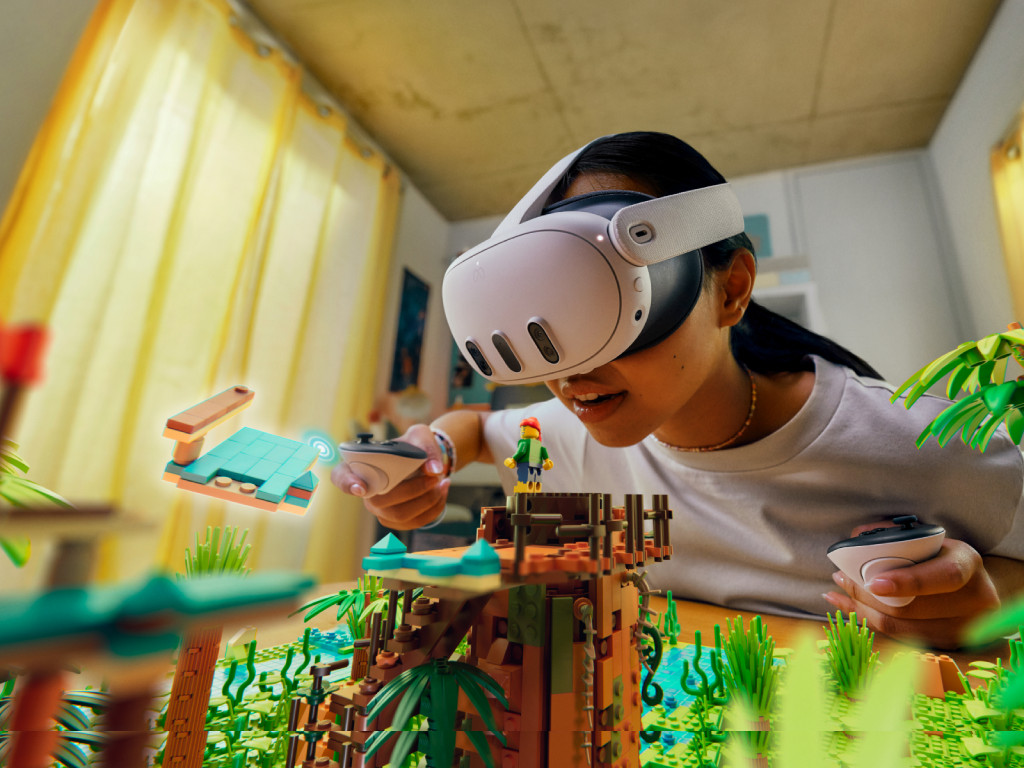
With the Meta Quest 3(S), you can experience the virtual world around you and dodge virtual objects in the real world thanks to mixed reality. Mixed reality is a combination of augmented and virtual reality. Realistic 3D images appear in the real world. This way, you can build a LEGO castle in your living room with 3D bricks. Or place a virtual TV on the wall that will always be there when you watch TV. With the press of a single button, you can switch worlds and enjoy both. This way, you can transform your living room into a real playing field.
Image quality and performance
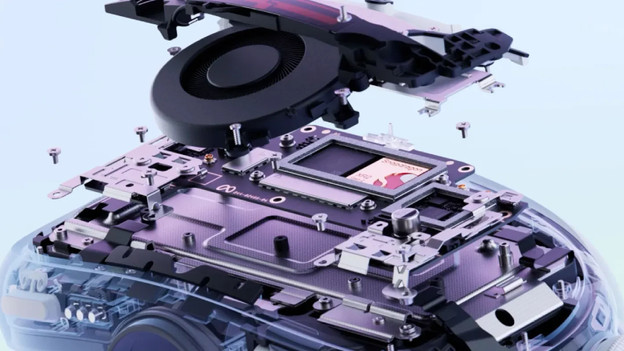
Meta Quest 3: pancake lenses and a sharper image
The Meta Quest 3 has flat pancake lenses and an LCD display with 4K+ resolution. Thanks to the lenses, the image is sharp and there's almost no distortion. Thanks to the wide lens settings of 53 to 70mm, you can adjust the lenses exactly to your eye distance. This way, the image is sharper and calmer. The screen is 2064x2208 pixels per eye is about 30% sharper than the Quest 3S, so every Meta game looks lifelike in the headset.
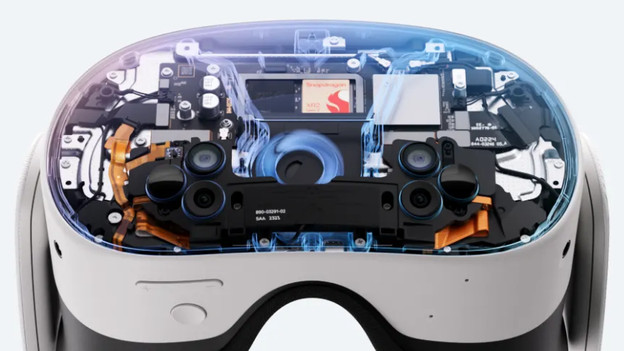
Meta Quest 3S: not as adjustable and less sharp
The Meta Quest 3S has Fresnel lenses and an HD LCD display. The lenses provide a wide field of view, but the image is a bit less sharp than that of the Quest 3 due to the boiling. You can choose from 3 IPD settings, so they're less precisely adjustable. It has the same fast Qualcomm Snapdragon XR2 Gen 2 processor with 8GB RAM as the Quest 3. This way, your games and apps feel smooth, bright, and fluent.
Games and apps
Via the Quest Store, you can discover the best virtual games and apps. Show your reflexes in the rhythmic game Beat Saber, where you smash blocks with a lightsaber. Are you in the mood for a thrilling game? Fight against zombies in Arizona Sunshine 2. Rather solve puzzles? You can do this in Cubism 2. You can also use the Meta Quest 3(S) for workouts in your living room, exploring the most beautiful parts of the world in 360 degrees, or watch your movies via Netflix VR or BigScreen.
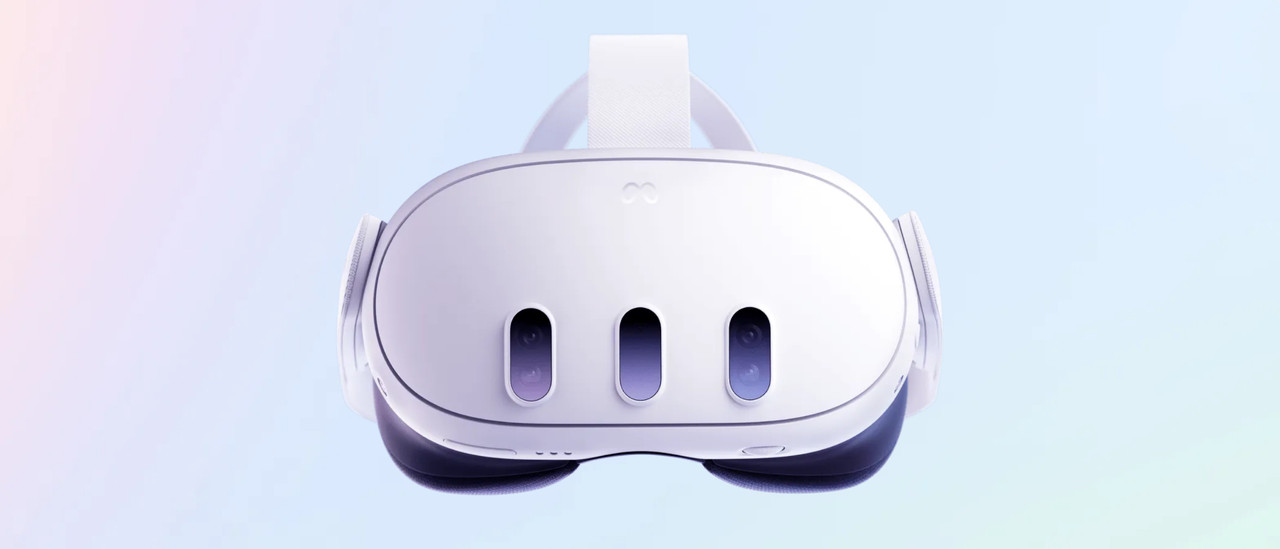
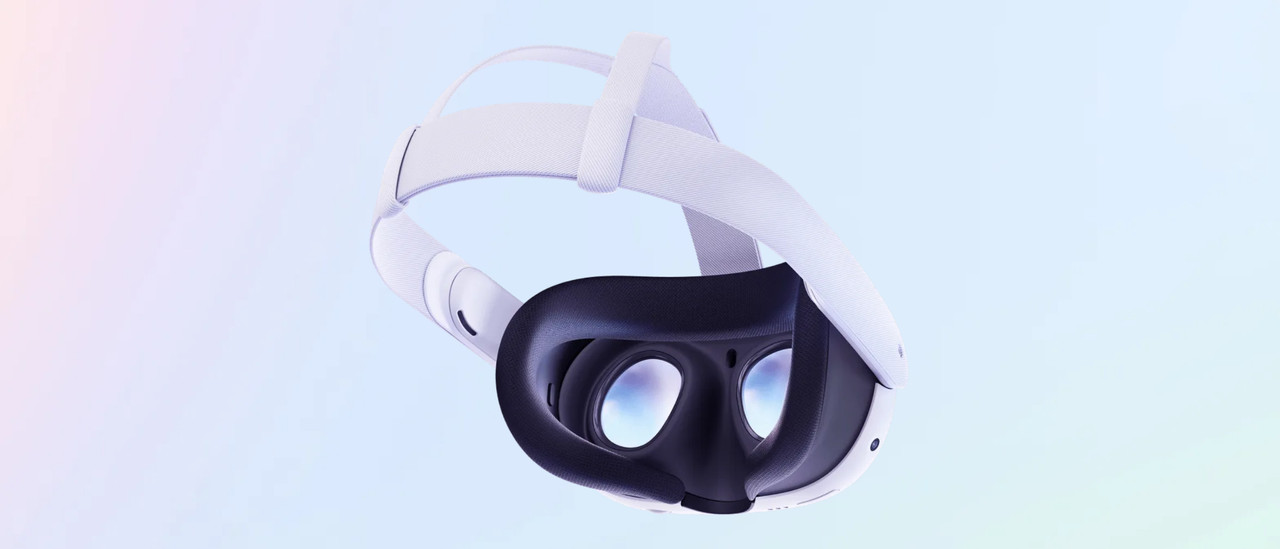
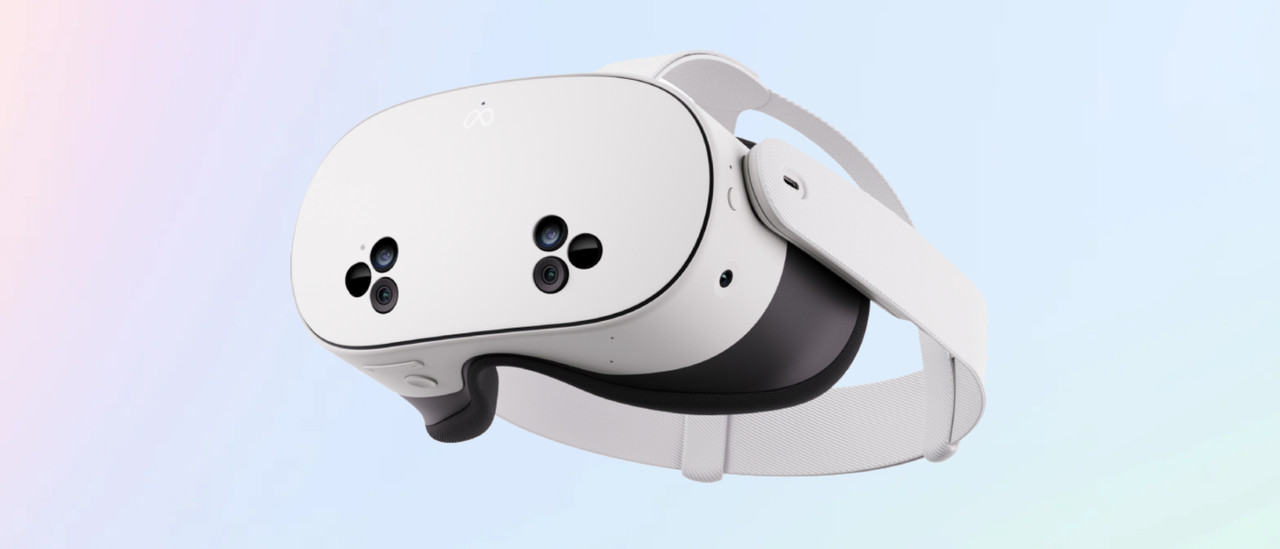
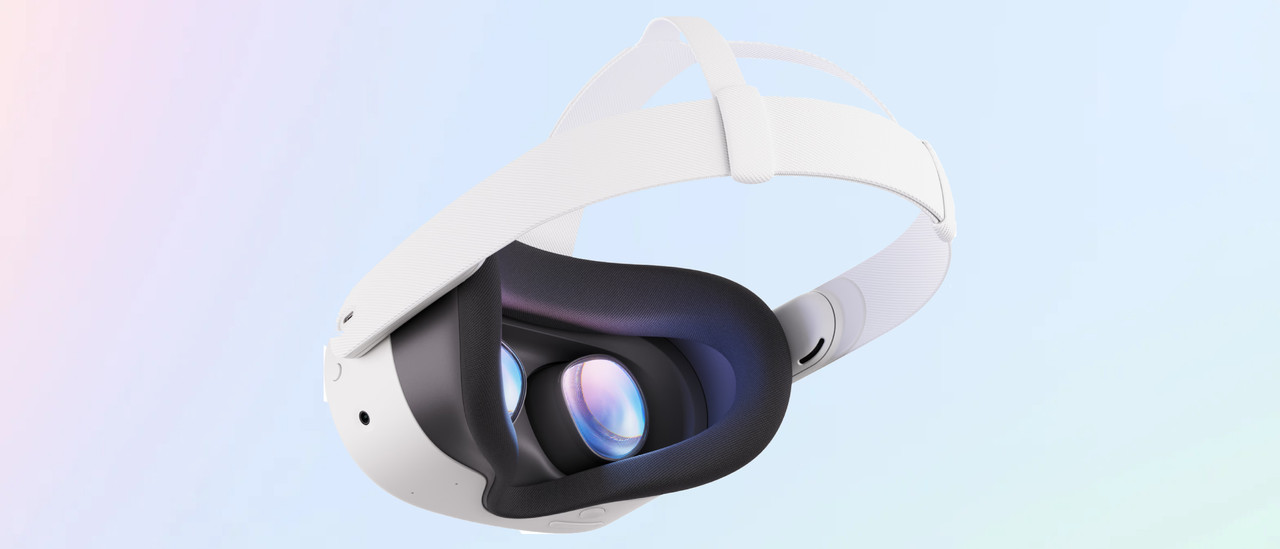
Meta Quest 3(S) in detail

Frequently asked questions
What's the difference between augmented, virtual, and mixed reality?
A VR headset has 1 of the 3 reality technologies: augmented, virtual, or mixed reality. The Meta Quest 3 has mixed reality, which is a combination of augmented and virtual reality.
How do I reduce motion sickness with a VR headset?
If you get carsick easily, you can also get nauseous from gaming in VR. We have 6 tips for reducing motion sickness.
Are there exclusive VR games for the Meta Quest 3?
Yes. The Meta Store also offers exclusive games that you can only play with Meta VR headset. We have an overview of the best Meta VR game releases of the year.
Can I also use the Meta Quest 3 with my PC or laptop?
Yes. You can connect your Meta Quest VR headset to your PC or laptop in 2 ways, wired or wireless. If you connect the Quest 3 wired, you will need a Link Cable because the included cable is too short.