Getting started with your HP printer
You purchased an HP printer and want to use it as soon as possible. We'll explain how to set up the printer and how to pair it with your smartphone or tablet. We'll also tell you what to do if you see an error code. That way, you can soon print all your documents and photos.

The setup of your printer and cartridges or toner cartridges
Want to set up an HP printer via a computer or laptop? We'll explain how to do this. It takes about 15 to 30 minutes.
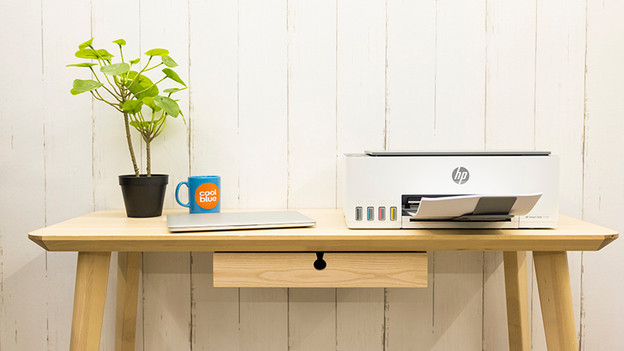
Set up your printer with a smartphone or tablet
Do you prefer to set up the printer via your smartphone or tablet? That's also possible with many models. We'll explain how to do this step by step. We'll also tell you how to install and use the HP Smart app.
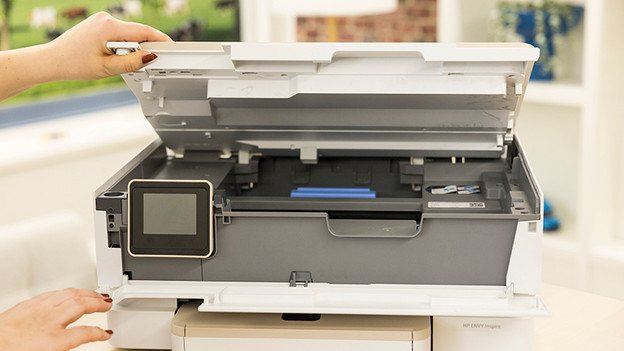
Help, my printer doesn't work!
Does your printer display an error code or did a paper jam occur? We'll tell you how to solve this kind of error so you can start printing again soon.

Printing photos, how do I do that?
You need to keep some things in mind when you print photos. You need the right kind of paper, the right color cartridges, and you need to know how to print without borders. We'll explain what to keep in mind when you print photos.

HP Instant Ink
With HP Instant Ink, you'll never run out of ink. When your cartridges are almost empty, HP will automatically send new ones for free. In these articles, we'll explain how Instant Ink works and which subscriptions there are.