
Written by Maurits
Edited on
25 August 2026
·
09:04
Get started with your Apple AirPods Pro 2
Your Apple AirPods Pro 2 have arrived and you want to start using them as soon as possible. In this article, we'll give you 6 tips to use your AirPods Pro 2. That way, you'll be listening to your favorite songs in no time.
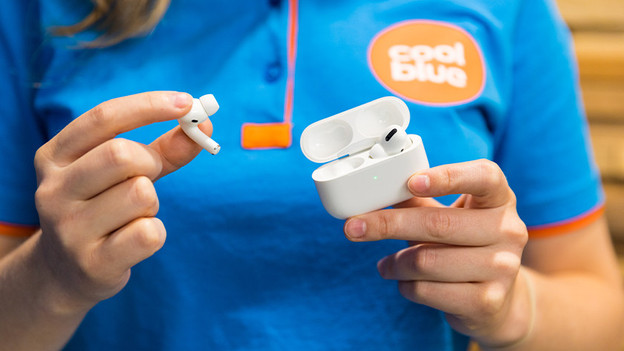
Get started with the Apple AirPods Pro 2
With these 5 tips, you can start using your Apple AirPods Pro 2 as quickly and well as possible.
Tip 1: connect to your phone
Tip 2: put your earbuds in
Tip 3: do the fit test
Tip 4: ensure a good connection
Tip 5: keep the earbuds clean
Tip 6: do the hearing test
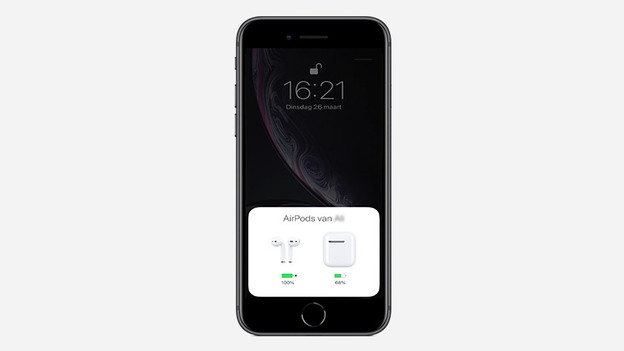
Tip 1: connect to your phone
You can easily connect your AirPods Pro 2 to an iPhone with iOS 13.2 or higher. Open the charging case near your phone and you'll see a connection request on the screen. From now on, the earbuds will automatically connect to all of your iCloud devices. If you want to connect your AirPods Pro 2 to an Android device, read the following article.
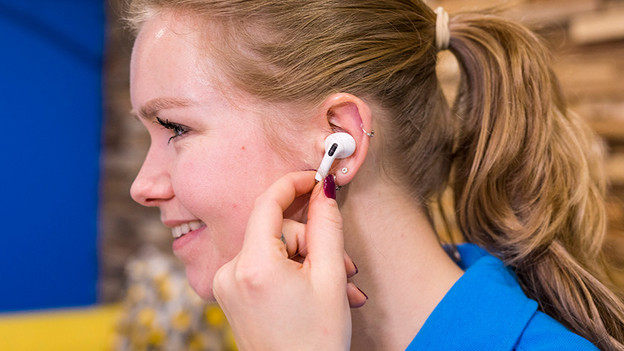
Tip 2: put in your earbuds
AirPods Pro 2 are in-ear earbuds. It's important that you push this type into your ear canal properly. This way, it blocks out your surroundings well.

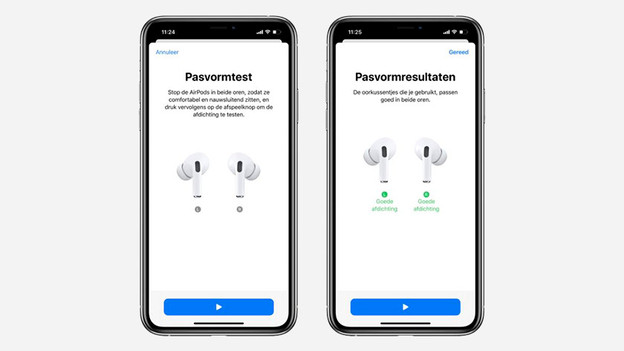
Tip 3: do the fit test
Now that you know the best way to put the earbuds in your ears, it's important you choose the right earbud tip size. Thanks to the fit test, you know for sure the sound and noise canceling work correctly. In the article, you can read how to perform the fit test on your iPhone.
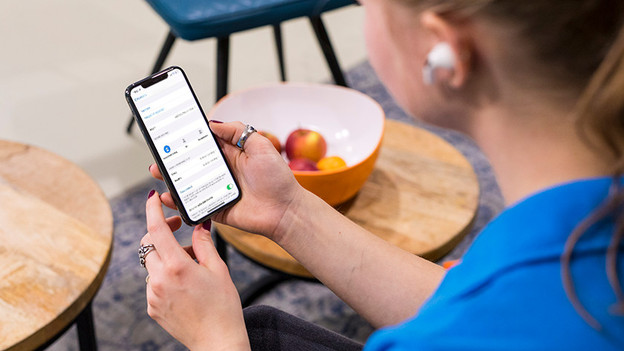
Tip 4: ensure a good connection
If you have a bad connection, the sound will stutter. Turn the earbuds off and on first by putting them in the charging case. Next, check if there are a lot of other Bluetooth devices nearby and turn these off. Bluetooth signals from other devices disrupt the signal of your AirPods Pro 2 to your smartphone. If this doesn't help, you can reset the AirPods to factory settings.
Tip 5: keep your AirPods Pro 2 clean
It's important that you regularly clean your AirPods Pro 2. Remove the earbud tips and rinse them with water, then dry them with a cloth. To clean the AirPods Pro 2 themselves, you use a dry cotton swab or a soft, dry, and fuzz-free cloth. Carefully go over the speaker mesh. Never clean the earbuds themselves with water or other wet things.

Tip 6: do the hearing test
Are you doubting whether your hearing is still okay? With the hearing test of the AirPods Pro 2, you can find out if you have hearing loss or not. If you have mild hearing loss, the AirPods can help you understand voices, music, and other sounds around you. The AirPods enhance these sounds, so you can hear them more clearly.
Article by Maurits
Audio Expert.
