
Written by Megan
Edited on
18 November 2024
·
14:08
How do you install Google Kids Mode on your tablet?
With the Google Kids Space child mode, your child can safely explore the digital world with fun and educational apps. You can set up this mode yourself. In this article, we'll explain how you can do that.
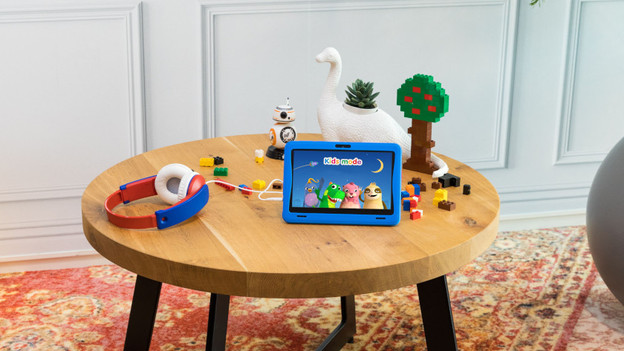
Set up Google Kids Space in 3 steps
Set up Google Kids Space with the steps below.
- Download the Family Link app.
- Create an account for your child.
- Set up Google Kids Space.
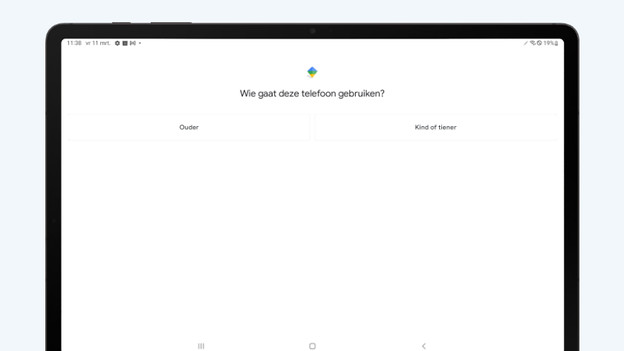
Step 1: download the Family Link app
Your child needs their own Google account to be able to use the child mode.
- Download and install the Family Link app on your tablet via the Google Play tore.
- Open the Family Link app.
- Tap the plus icon in the top right corner.
- Follow the instructions on the screen to add an account. Enter the information of your child.
- Choose which settings your child can access in their account.
Isn't your child the only one who uses the tablet? Go to step 2.
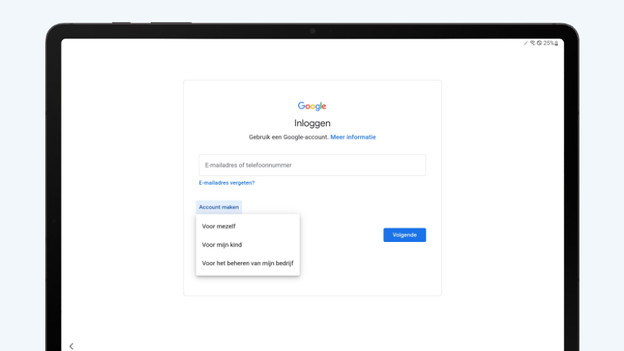
Step 2: create an account for your child
You can easily set up the tablet and create an account for your child. If the tablet belonged to someone else first, you have to reset the tablet to factory settings via 'Settings'.
- Turn on the device and follow the instructions.
- Tap 'Create account' when you're asked to log in with a Google account. Choose 'For my child'.
- Enter the information of your child.
- Follow the instructions on the screen and log in with your own account. Set up parental controls in your child's account.
- Choose which settings should be accessible for the account of your child.
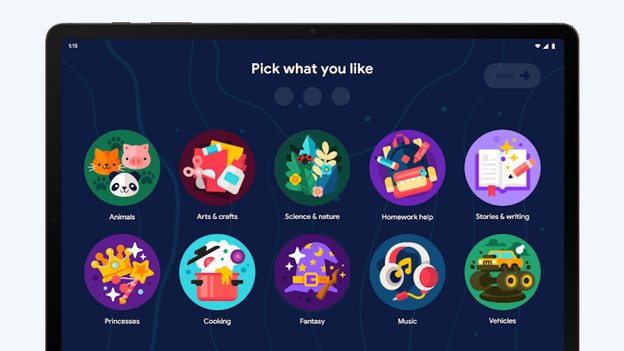
Step 3: set up Google Kids Space
- Open the Google Kids app. Tap 'Get started'.
- Select your child's account, enter the password, and then enter your own Google account password.
- Tap 'Create profile' and then 'Next'.
- Tap the profile of your child, then 'Set up now'. Tap 'Continue' and wait until possible updates have been installed.
- Select which updates should be available for your child and tap 'Next'.
- Select which Google services you want to allow, follow the instructions on the screen, and tap 'Done'.
