Written by Kasper
Edited on
26 March 2025
·
13:55
How do you use your HP on-site warranty?
Did you purchase an HP laptop or business HP laptop with on-site warranty at Coolblue and do you have a problem with your purchase? You can use the on-site HP warranty. On this page, we'll explain how you use the warranty and how to contact HP.
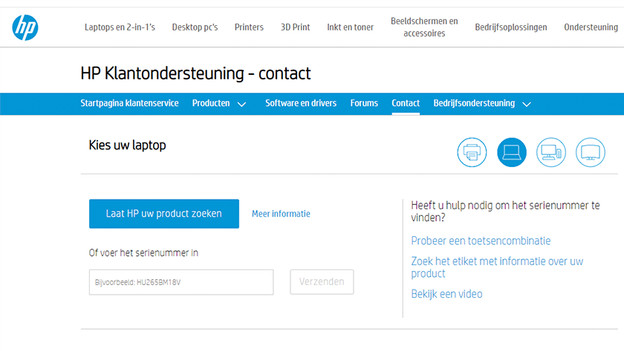
Go to the HP website
To start, you can go to the HP website via the link at the bottom of the page. On that page, you can enter the serial number or your laptop and click 'Send'. You can find the serial number on the bottom of your device.
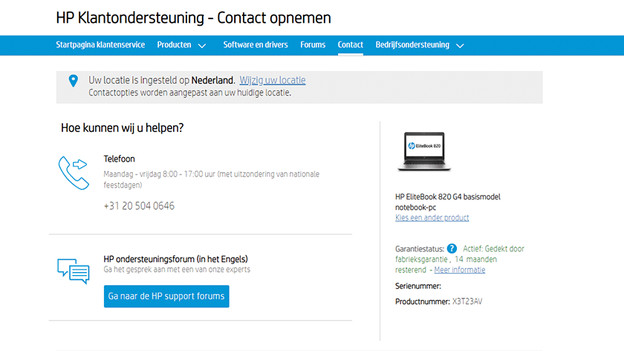
Contact HP
On the next screen, you'll see 2 option. You have the options to contact via phone, or via talk with an expert via the support forum. On the right, you can see the product that matches the serial number you just entered. You can also see the current status of your warranty. We recommend contacting HP via phone by calling the available phone number.
- Customers: +31 20 721 9041
- Business customers: +31 20 504 0646