Written by Lodi
Edited on
18 February 2025
·
12:56
3 tips to solve problems with your Fitbit battery
Doesn't the battery of your Fitbit charge correctly anymore? Does the battery drain fast or doesn't your Fibit turn on anymore? You can sometimes solve this yourself. We'll give 3 tips in this article so you can solve problems with your Fitbit battery.
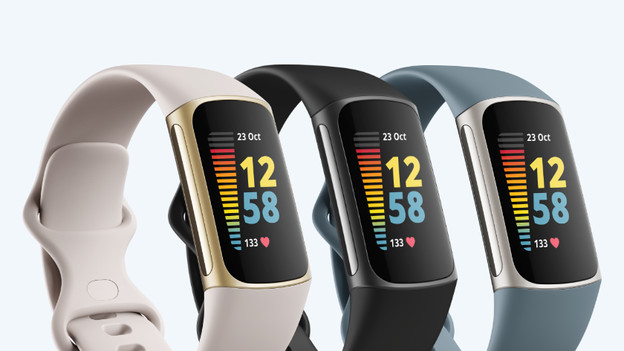
3 tips for problems with your Fitbit battery
Don't the tips below work? Or do you have a problem with the charging cable? Contact the Fitbit customer service. They'll help you further with solving the problem.
- Step 1. Clean your watch
- Step 2. Charge your watch for at least 30 minutes
- Step 3. Reset your Fitbit
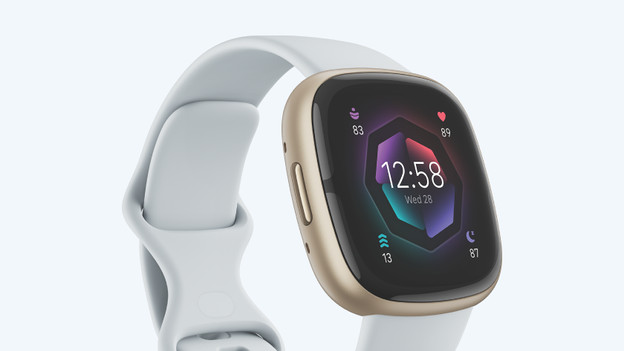
Tip 1: clean your watch
If there's dust or dirt on the magnets or charging port of your Fitbit, it's doesn't connect to the charger. As a result, your Fitbit doesn't charge correctly. Clean the charging port or magnets with a damp cloth. Also clean the charger. Connect your charger to your Fitbit again to charge the watch.

Tip 2: charge for 30 minutes
Did your Fitbit turn off or doesn't it respond to anything? Charge your watch for at least 30 minutes. This often makes the watch turn on or respond again.

Tip 3: reset your Fitbit
Sometimes, it helps if you restart your smartwatch. How you can do so depends on the Fitbit you have. You can find all types of Fitbit models and how to reset them in the article below.
Didn't the tips above work? Contact the Fitbit customer service.
Article by Lodi
Smartwatch Expert.