

Samsung Knox

Samsung Knox
Device a plan.What's Knox Suite?
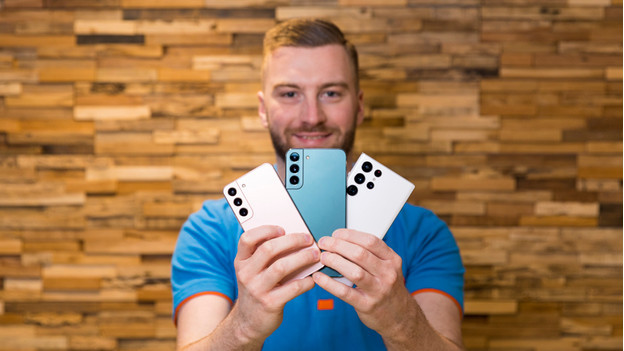
Samsung Knox Suite is a total package with various services for your company. Samsung Knox is built into the hardware of every Samsung device by default, but only becomes active when combined with 1 or multiple services. When buying Knox Suite, you can choose from 2 different plans:
Knox Suite - Essentials Plan: an affordable option for companies with basic needs. This plan has convenient functions for device management and remote support to make processes easier.
Knox Suite - Enterprise Plan: suitable for companies with extensive and specific usage situations. This plan offers advanced device management, update management, and personalized functions that are mostly useful for employees on the front line.
- Always a fitting solution with the right plan.
- Manage all services in 1 place.
- Discount on the Enterprise Plan for up to 5 years when you purchase a Samsung Enterprise Edition smartphone or tablet.

Easy management with Knox Manage
You can use Knox Manage to manage all the devices within your company. You can set up security options, but you can also roll out content. For example, you can automatically install new apps onto all smartphones within your company. Employees don't have to do anything themselves, so they can get started with the new app or tool right away. In addition, you can use the kiosk mode with Knox Manage. That makes a device suitable for 1 specific task. This allows you to use a tablet as a menu for your restaurant while the guests can't open other apps.
Insight with Knox Asset Intelligence
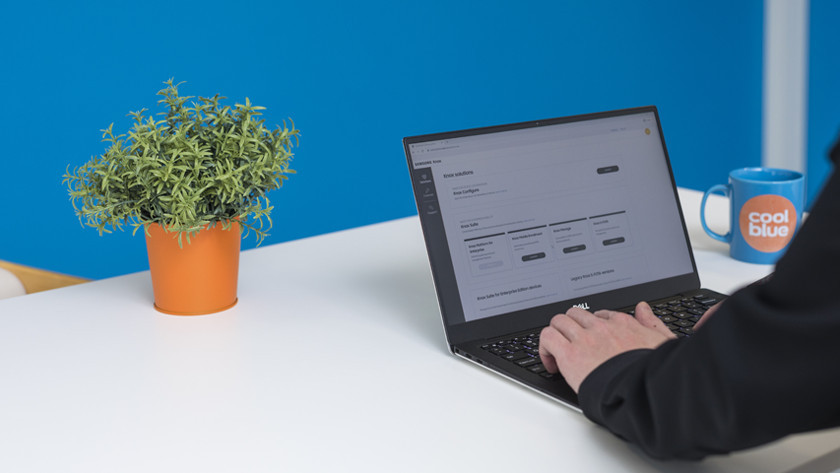
Knox Asset Intelligence provides insight into how devices are used, including battery status and app usage. This helps you to deploy devices optimally and signal technical problems early. The dashboard provides all necessary information to quickly take action when security risks arise.
Everything up-to-date with Knox E-FOTA One
The Knox E-FOTA One software is important for software and security updates. Updates make sure your software is up-to-date and that the devices are as secure as possible. With E-FOTA One, you can push these updates to all devices. This way, employees are required to install the update. Via E-FOTA One, you can plan this updates outside of working hours, so your colleagues don't have to interrupt their work. Before you roll out an update, you can use this service to test if all apps still work with the new software. This way, employees don't have to deal with devices that don't work.
Set up profiles with Knox Mobile Enrollment
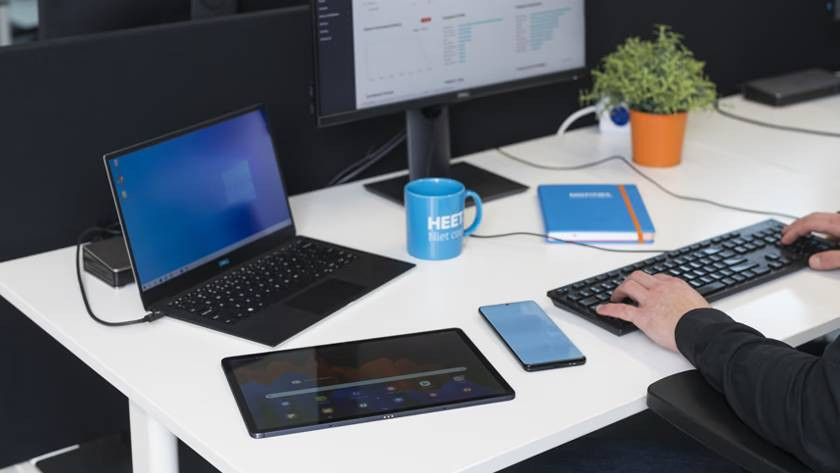
Knox Mobile Enrollment (KME) saves a lot of time and prevents errors when you roll out new smartphones and tablets. You can roll out the correct management profile per device. This happens automatically when the new device connects to the internet. Is a device lost or stolen? KME makes sure the device is unusable for unauthorized people. You don't have to spend a long time to manage things manually anymore. Employees can get started right away, and IT staff save more time for other projects. KME only works in combination with a Mobile Device Management system.

Optional: add corporate identity with Knox Configure
With Knox Configure, Samsung has a fifth service that isn't included in the Knox Suite pack. It's only available separately. With Configure, you can adjust certain settings of new smartphones and tablets before they turn on for the first time. This way, you can change the background to the company logo or set up a start-up video.
A comparison of the Knox Suite plans
| Knox Suite Essentials | Knox Suite Enterprise Plan | |
|---|---|---|
| Knox Mobile Enrollment | Included | Included |
| Knox Manage | Included | Included |
| Knox Remote Support | Included | Included |
| Knox Platform for Enterprise | Included | Included |
| Knox E-Fota | Included | |
| Knox Asset Intelligence | Included | |
| Knox Authentication Manager | Included | |
| Knox Capture | Included |
How much does Samsung Knox cost?
| Plan | Costs per device per month (invoiced annually) |
|---|---|
| Knox Suite Essentials Plan | € 2.00 |
| Knox Suite Enterprise Plan | € 3.80 |
| Knox E-Fota | € 2.29 |
| Knox Configure (sold separately) | € 0.50 - € 1.00 |
Most popular smartphones included with the Samsung Knox Suite
Samsung Galaxy A55 Enterprise Edition
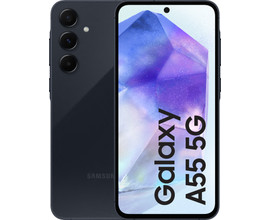
- Samsung Knox Suite is included for free.
- You'll get security updates until March 2028.
- This Enterprise model comes with a 3-year manufacturer's warranty.
- Samsung doesn't include a charger, so you'll have to buy one separately.
Samsung Galaxy Xcover 7
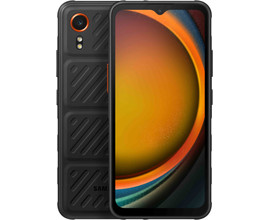

- The Xcover is dustproof as well as waterproof and protects from fall damage of up to 1.5m
- This rugged smartphone supports Samsung Knox and Samsung Knox Vault.
- Thanks to the high touch sensitivity, you can also use the screen with wet hands or gloves.
- The screen is less sharp than that of other smartphones in this price range.
