Business monitors for a dual screen setup
Search results and filtering
11monitors
A dual monitor setup is ideal for hard workers that like to work as efficiently as possible. Connect the 2 screens to your PC or laptop to work with a clear overview. That way, you can easily work with multiple programs next to each other. Read long texts often? Choose a screen with pivot function and rotate your monitor by 90 degrees. In addition, you can tilt the screen for an ergonomic sitting posture. Working for a long time? No problem. The blue light filter reduces strained and irritated eyes.
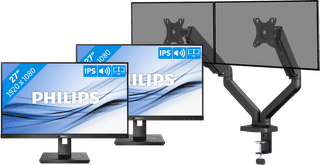
HDMI cable, Monitor|Plastic|DVI connector
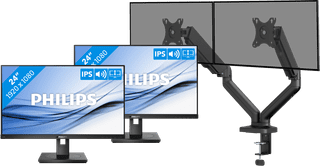
HDMI cable, Monitor|Plastic|DVI connector
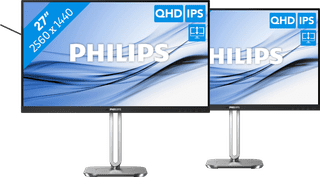
DisplayPort cable, HDMI cable|Metal, Plastic|None DVI connector
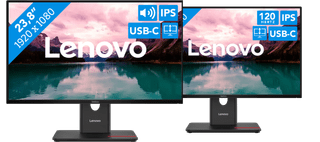
Plastic|None DVI connector|None VGA connector
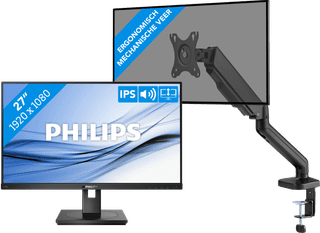
HDMI cable, Monitor|Plastic|DVI connector
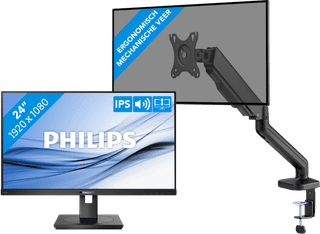
HDMI cable, Monitor|Plastic|DVI connector
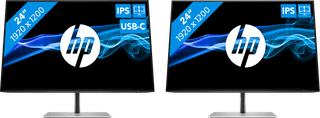
Metal, Plastic|None DVI connector|None VGA connector
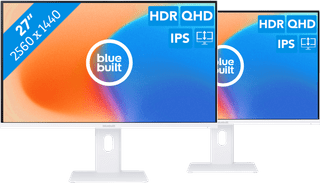
Plastic|None DVI connector|None VGA connector
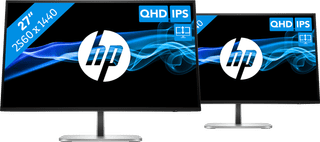
Metal, Plastic|None DVI connector|None VGA connector
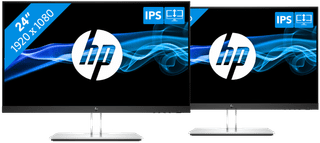
2 monitors, HDMI cable|Plastic|None DVI connector
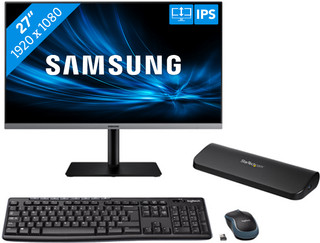
Docking station, Keyboard, Mouse|Plastic|None DVI connector
445,99
421,-