Choose your monitor
- Be the first to know when this product is in stock
Choose your monitor
Product number | 875475 | |
|---|---|---|
Manufacturer code | 9VF99AA#ABB | |
Brand | HP | |
Processing of your defect | Via Coolblue | |
Old product returned for free |
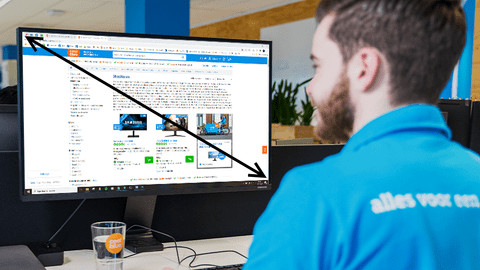
Screen size | 23,8 inches | |
|---|---|---|
Recommended display resolution | 1920x1080 | |
Sharpness | Full HD (1080p) | |
Aspect ratio | Standard (16:9) | |
Refresh rate | 60 Hz | |
Response time | 5 ms | |
Panel type | IPS panel | |
Brightness | 250 cd/m2 | |
Local dimming | ||
HDR support | ||
Contrast ratio | 1000 | |
Touchscreen | ||
Screen reflection | Anti-glare | |
Blue light filter | ||
Flicker-free technology | ||
Color space | sRGB | |
Color depth | Less than 17 million colors (less than 8-bit) | |
Adaptive Sync | ||
Resolution width | 1920 pixels | |
Resolution height | 1080 pixels | |
Anti-reflection type | Anti glare | |
Horizontal viewing angle | 178 ° |
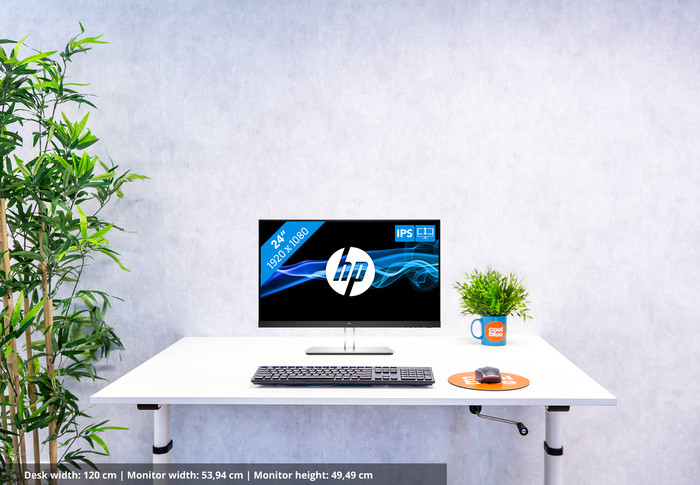
Height | 49,49 cm | |
|---|---|---|
Width | 53,94 cm | |
Depth | 20,7 cm | |
Weight | 5,7 kg | |
Color | Black | |
Including stand | ||
Material | Plastic | |
Cable management | ||
Appearance | Neutral | |
Curved |
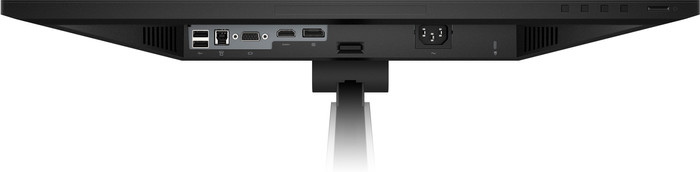
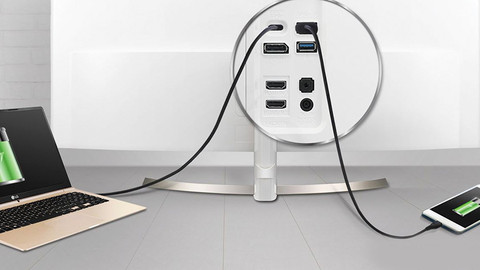
Number of HDMI connectors | 1 | |
|---|---|---|
Number of Female HDMI type A 1.4 ports | 1 | |
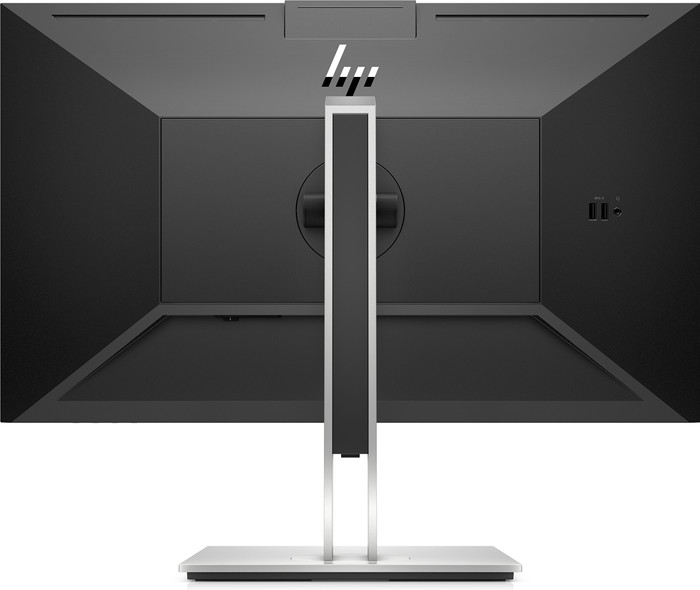
Number of female standard USB-A ports | 4 | |
Female standard USB-A port version | 3.0 | |
Number of female standard USB-B (3.0 form) ports | 1 | |
Number of female standard VGA ports | 1 | |
Type of USB port | Standard USB-A, Standard USB-B (3.0 form) | |
Number of USB ports | 5 | |
Suitable for daisy chaining |
Included by default | DisplayPort cable, HDMI cable | |
|---|---|---|
Not included by default | USB-C cable |
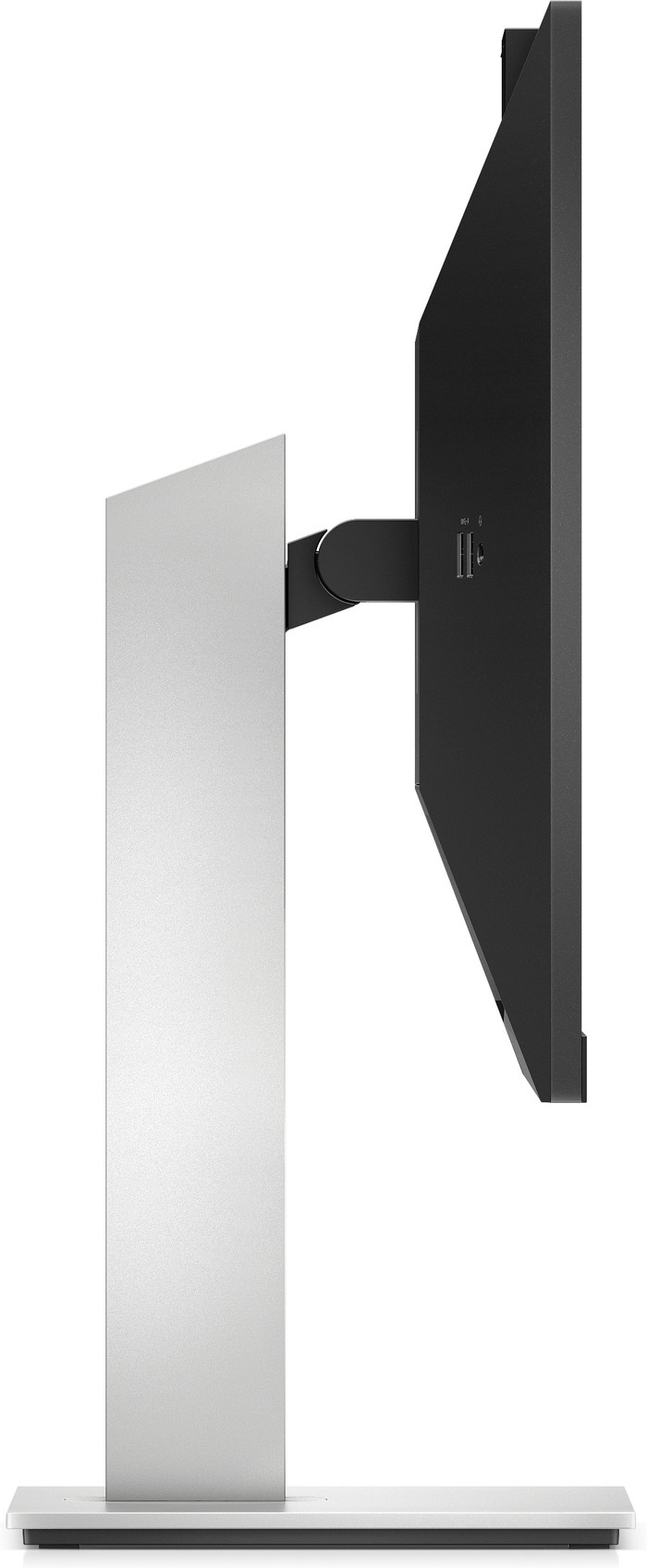
Adjustable in height | ||
|---|---|---|
Tiltable | ||
Pivotable stand | ||
Pivot function | ||
VESA mount option | ||
VESA mount | 100x100mm |
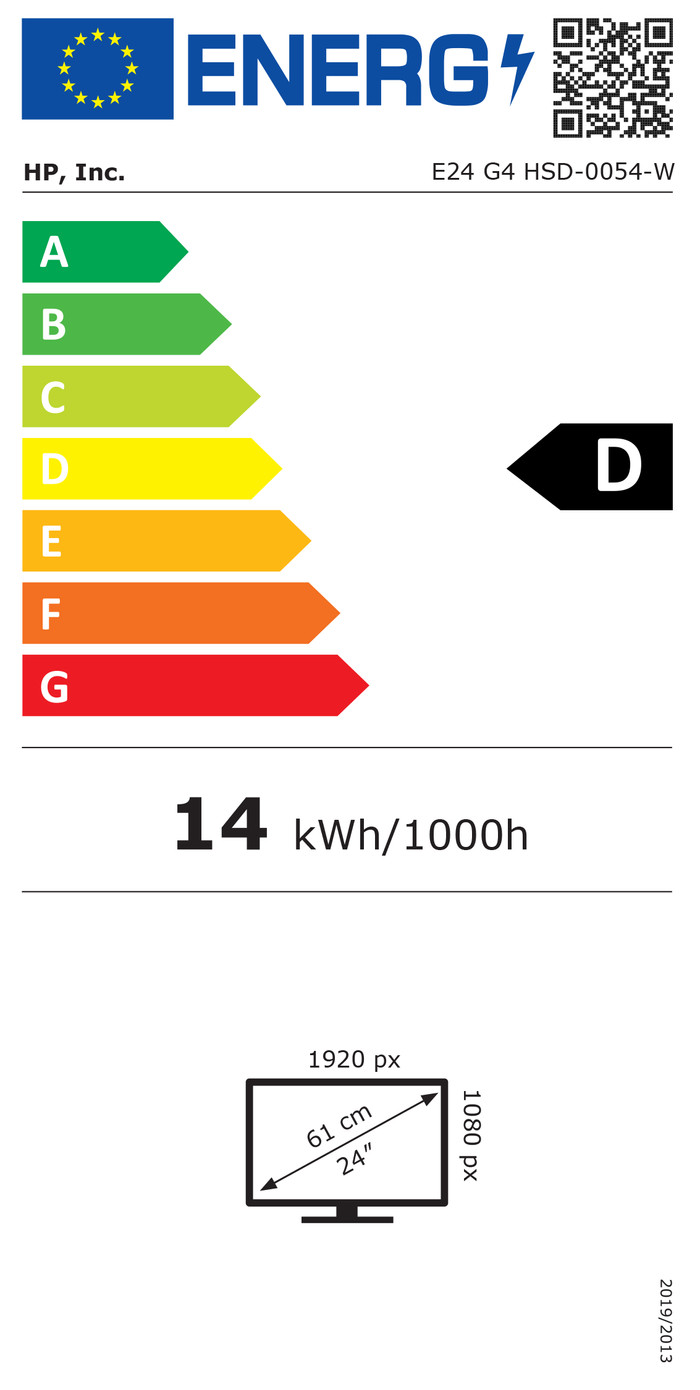
Energy label | D | |
|---|---|---|
Energy consumption standby | 0,5 W | |
Energy consumption active | 23 W | |
Energy consumption per 1000h | 14 kWh | |
Annual energy consumption | 20,44 kWh | |
Annual energy costs | 8,18 euros |
Built-in speakers | ||
|---|---|---|
Webcam | ||
Split screen | ||
Kensington lock | ||
Best tested |
Recommended for use | Internet, email, and text processing, Watching movies in Full HD | |
|---|---|---|
Result Stiftung Warentest | Good |

According to our monitor expert
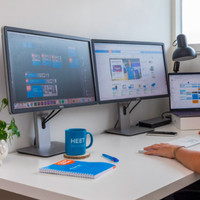
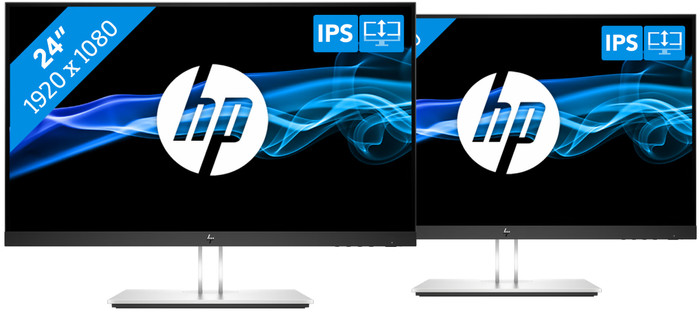
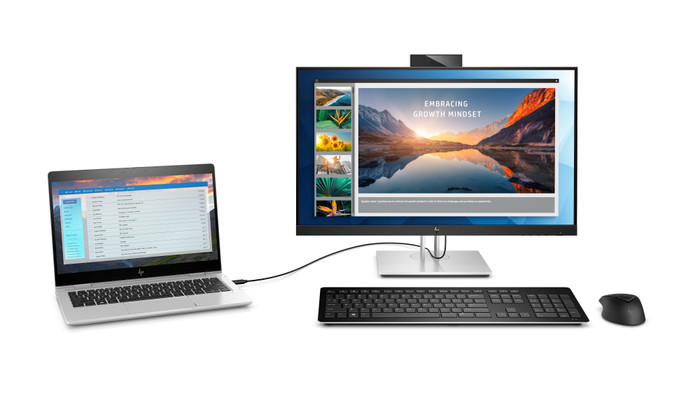
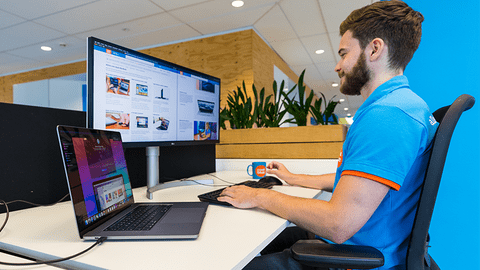
With this dual setup, you can increase your screen space, open more programs at the same time, and multitask more easily during your working day.
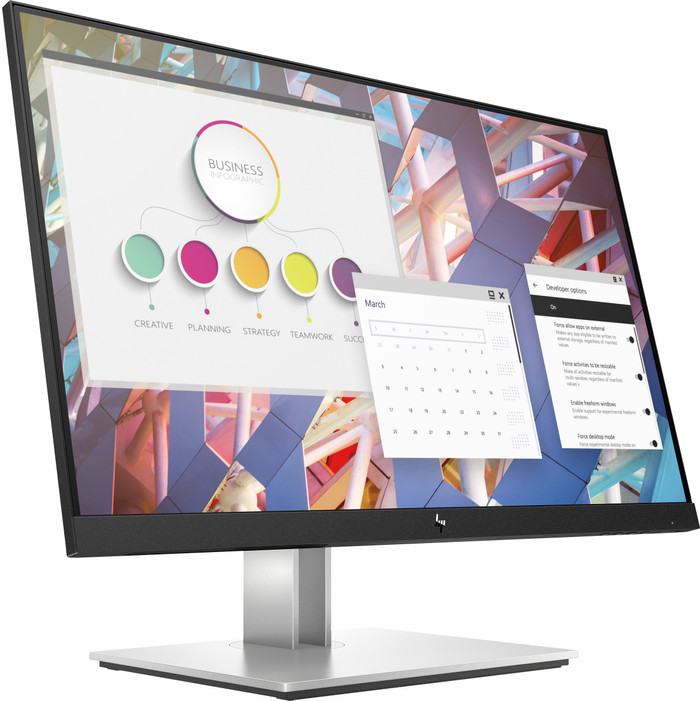
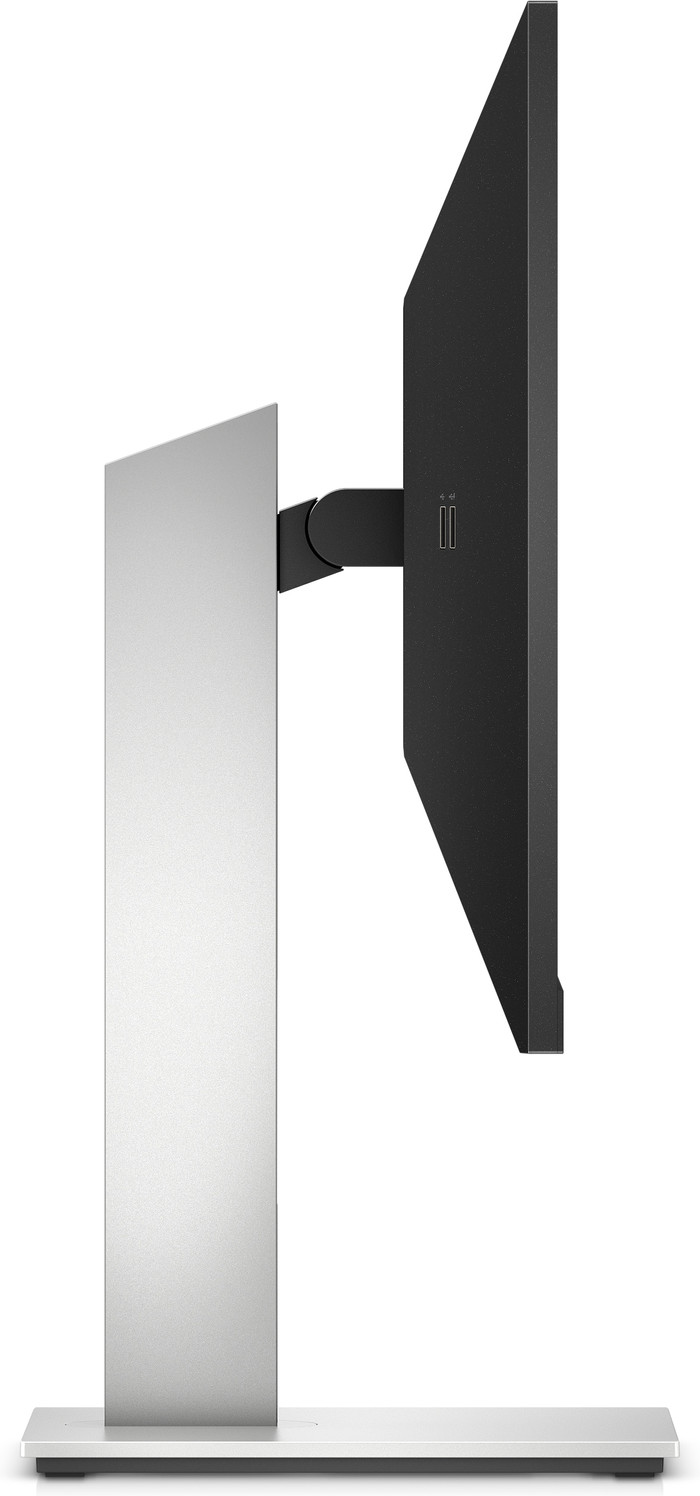
You can tilt the monitor or adjust it in height for an ergonomic sitting position while you work.
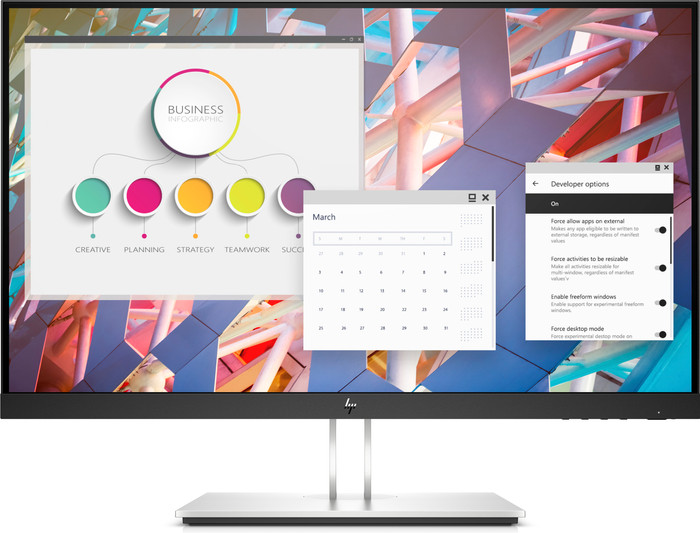
The IPS panel ensures sharp images and colors from every viewing angle, even when you're not right in front of the monitor.
A dual setup with 2 screens next to each other takes up more room on your desk, so make sure you have enough space.
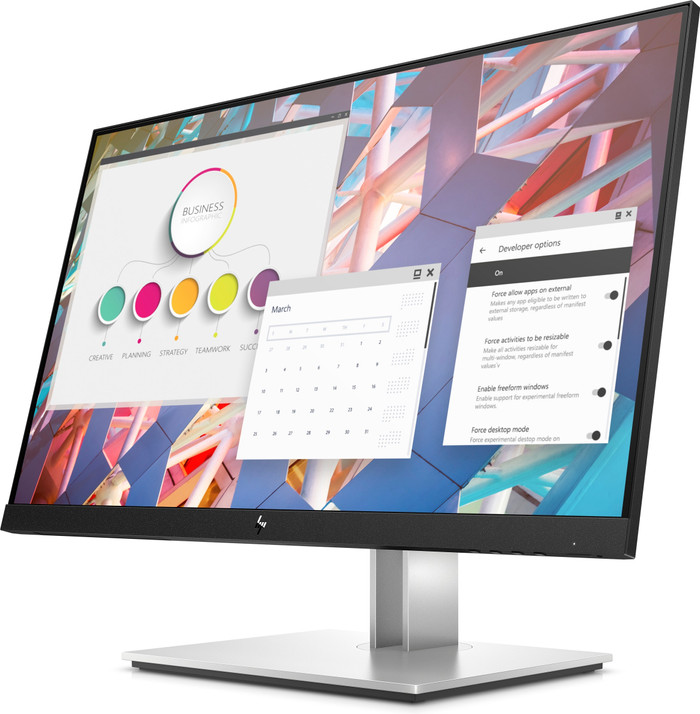
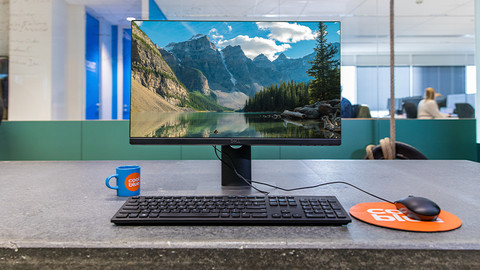
With the HP E24 G4 dual setup, you increase your screen space with 2 screens next to each other. This product includes 2 HP E24 G4 screens you can place next to each other on your desk. As a result, you get 2 Full HD 24-inch screens. This doubles your screen space. It also allows you to open more windows at the same time, get a better overview, and work with as much screen space as with a super ultrawide monitor. Thank to the IPS panel, your monitor is clearly legible from multiple angles. You can adjust the screen in different ways to ensure a good working posture. Tilt, turn, or adjust the monitor in height to prevent neck and back problems after a long working day, for example. To write long texts like reports or policy documents, rotate the monitor 90 degrees to the right. And you won't be bothered by reflections thanks to the matte screen coating. So you can always focus on your work.