Business monitors for photo and video editing
Search results and filtering
37monitors
If you're a photographer or designer and you edit photos and videos for work or fun, choose a monitor for photo editing. That way, you can be sure of an accurate color representation and a sharp image. A screen for photo and video editing distinguishes itself by supporting frequently used color profiles like sRGB, Adobe RGB, and DCI-P3. For graphic design, we recommend a 27-inch 4K monitor. This is 2 times sharper than Full HD, so you see all your designs and photos in great detail.
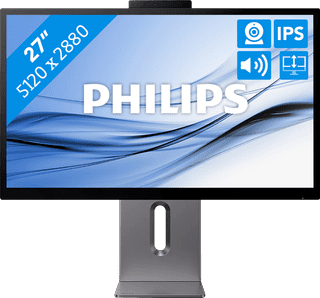
27 inches|5K|Not curved
Retail price999,-
799,-
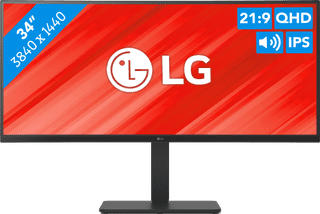
34 inches|Quad HD (1440p)|Curved
Retail price489,-
399,-
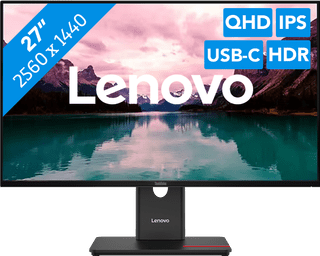
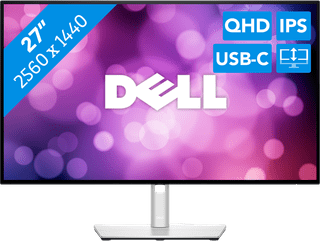
27 inches|Quad HD (1440p)|Not curved
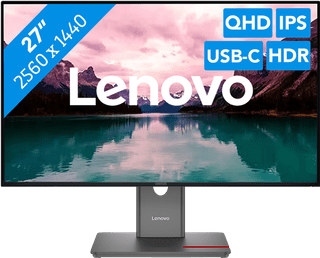
27 inches|Quad HD (1440p)|Not curved
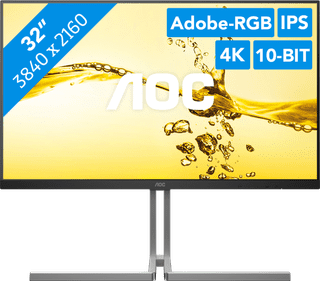
31,5 inches|4K (UHD)|Not curved
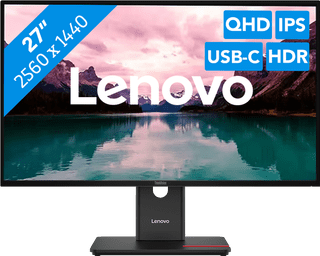
27 inches|Quad HD (1440p)|Not curved
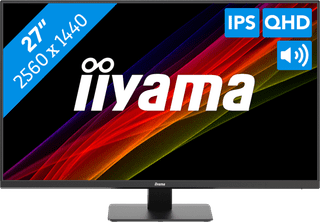
27 inches|Quad HD (1440p)|Not curved
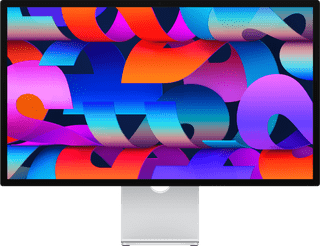
27 inches|5K|Not curved
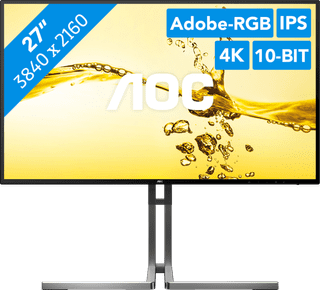
Our choice for a 27-inch monitor for photo and video editing|27 inches|4K (UHD)|Not curved
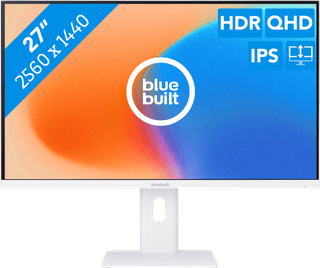
27 inches|Quad HD (1440p)|Not curved
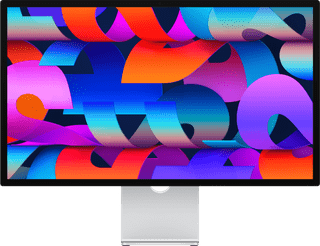
27 inches|5K|Not curved
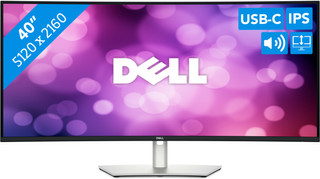
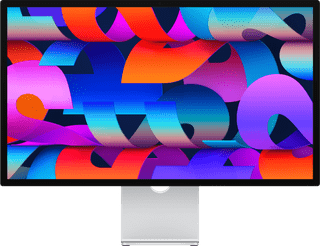
27 inches|5K|Not curved
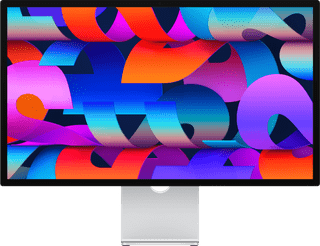
27 inches|5K|Not curved