Business monitors with VESA mount
Have a monitor in the office that you can't adjust or can't adjust properly? Hang it up with a VESA wall mount or monitor arm. This way, you can move the monitor in many different ways without it taking up space on your desk. Looking at a wall? Hang the monitor on a wall mount. If you don't have a wall opposite you, attach a monitor arm to the edge of your desk. You can then mount the monitor on there. Match the VESA stand of your monitor to that of the mount. The VESA stand indicates how far apart the holes are. If this is 100x100mm, both have to support this.
HDMI cable, Monitor|Plastic|Not curved
Retail price179,-
169,-
2
Our choice for a business 24-inch monitor that's energy-efficient|HDMI cable, Monitor|Plastic|Not curved
3
Metal, Plastic|Not curved|None DVI connector
4
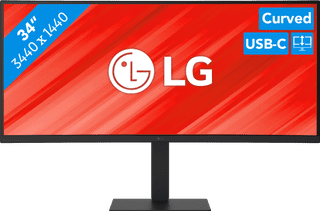
Our choice for a business monitor for data and finance tasks|Metal, Plastic|Curved|None DVI connector
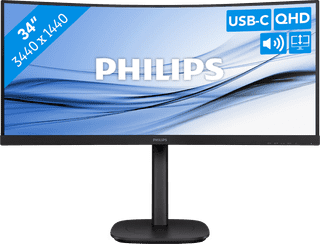
Metal, Plastic|Curved|None DVI connector
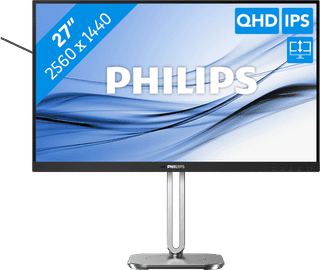
Our choice for a 27-inch monitor that's energy-efficient|DisplayPort cable, HDMI cable|Metal, Plastic|Not curved
7
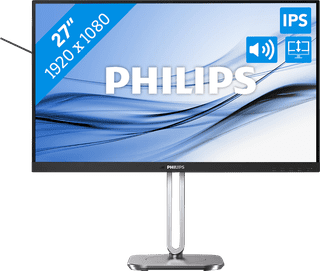
Our choice for a 27-inch monitor for your (home) office|Metal, Plastic|Not curved|None DVI connector
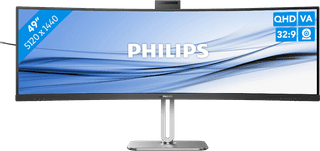
DisplayPort cable, HDMI cable, USB-C cable|Metal, Plastic|Curved
Retail price1.039,-
899,-
9
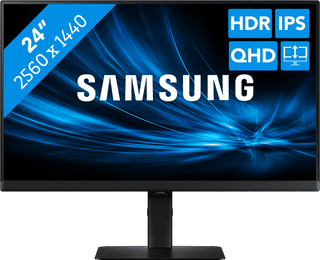
USB-C cable|Metal, Plastic|Not curved