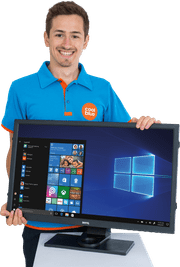
LG 27-inch monitors
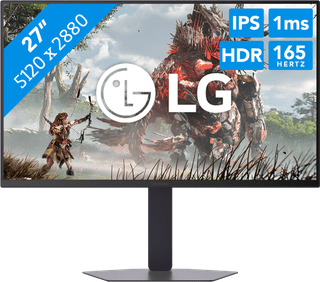
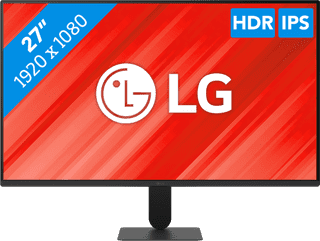
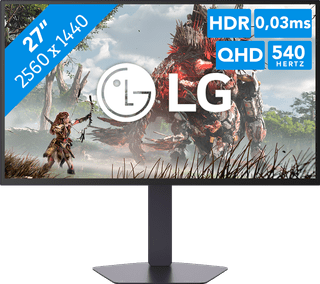
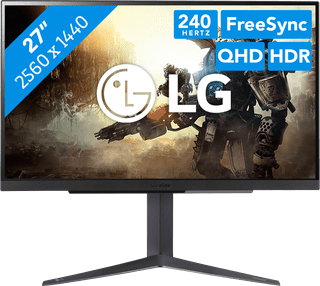
Get started with image editing and open multiple windows side by side on a 27-inch LG monitor. The extra screen space gives you a better overview of your work and makes multitasking easier. For example, make a data analysis in Excel and write the conclusions in the other window with Word open. This way, you don't have to switch as often. Just remember to choose the right resolution. A Full HD resolution doesn't look as good on a 27-inch monitor because of the larger screen. So when image editing, choose a QHD or 4K 27-inch LG screen.
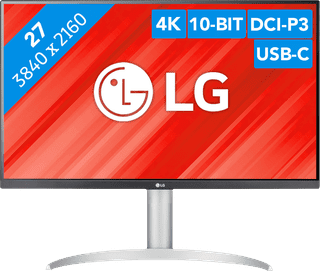
Purchase price
277,-264,-
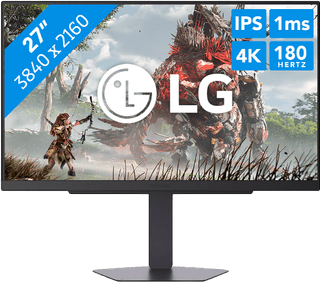
Purchase price
442,-381,-
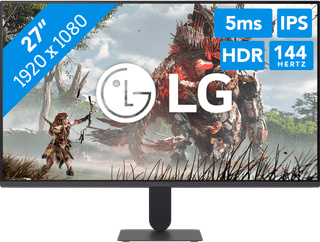
Purchase price
118,-101,-
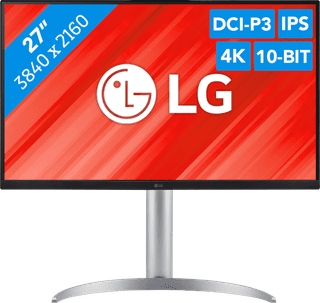
Purchase price
393,-327,-
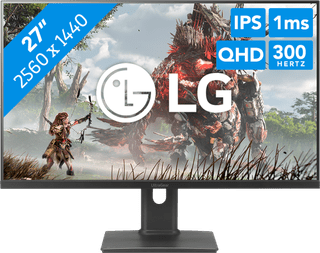
Purchase price
295,-251,-
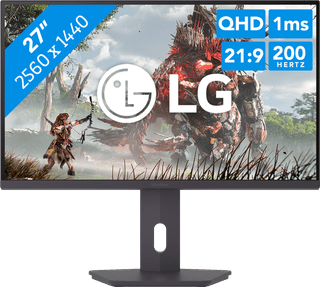
Purchase price
194,-185,-
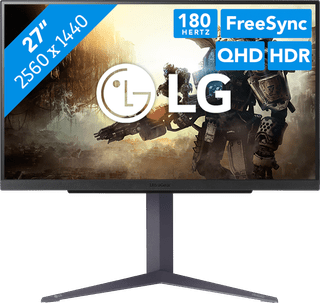
Purchase price
259,-221,-
Purchase price
1.189,-1.023,-
Purchase price
109,-94,-
Purchase price
729,-657,-
Purchase price
199,-180,-
Purchase price
549,-495,-