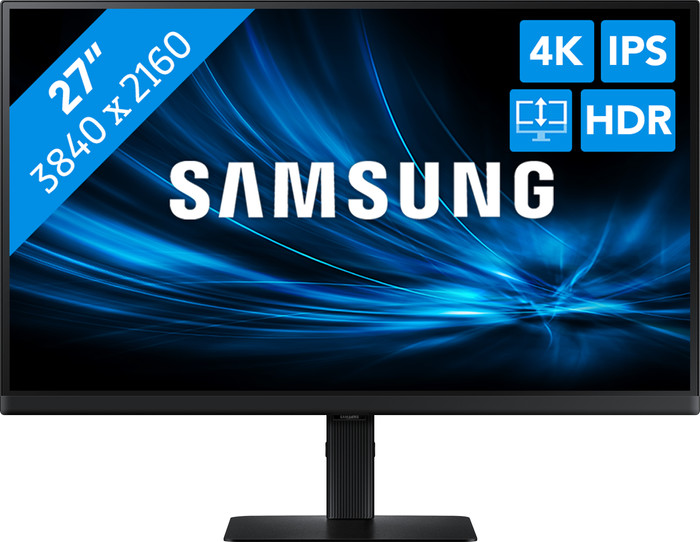
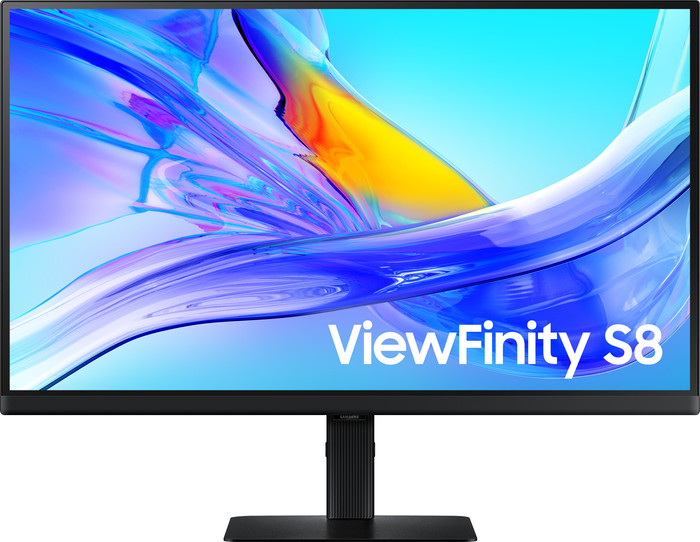
Samsung ViewFinity S8 S80UD LS27D800AUXEN
Similar monitors
- 34 inches
- 3440x1440 resolution
- HDMI, DisplayPort, USB-C
399,-
In stock
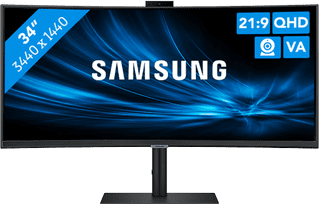
- 34 inches
- 3440x1440 resolution
- HDMI, DisplayPort, USB-A, USB-C
391,-
In stock

399,-
In stock
391,-
In stock
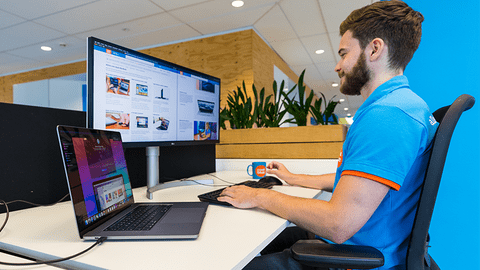
Coolblue takes care of everything, from taking out an insurance to repairs
For almost all accidents
More coverage in case of damage than your standard warranty
No deductible
First, add your monitor to your shopping cart. On the next page, choose the Protection Plan below. You always have a 30-day return window and pay no deductible in case of damage.
3-year Protection Plan
32,99
one-time5-year Protection Plan
60,-
one-time
Product number | 951110 | |
|---|---|---|
Manufacturer code | LS27D800UAUXEN | |
Brand | Samsung | |
Processing of your defect | Via Coolblue | |
Old product returned for free |
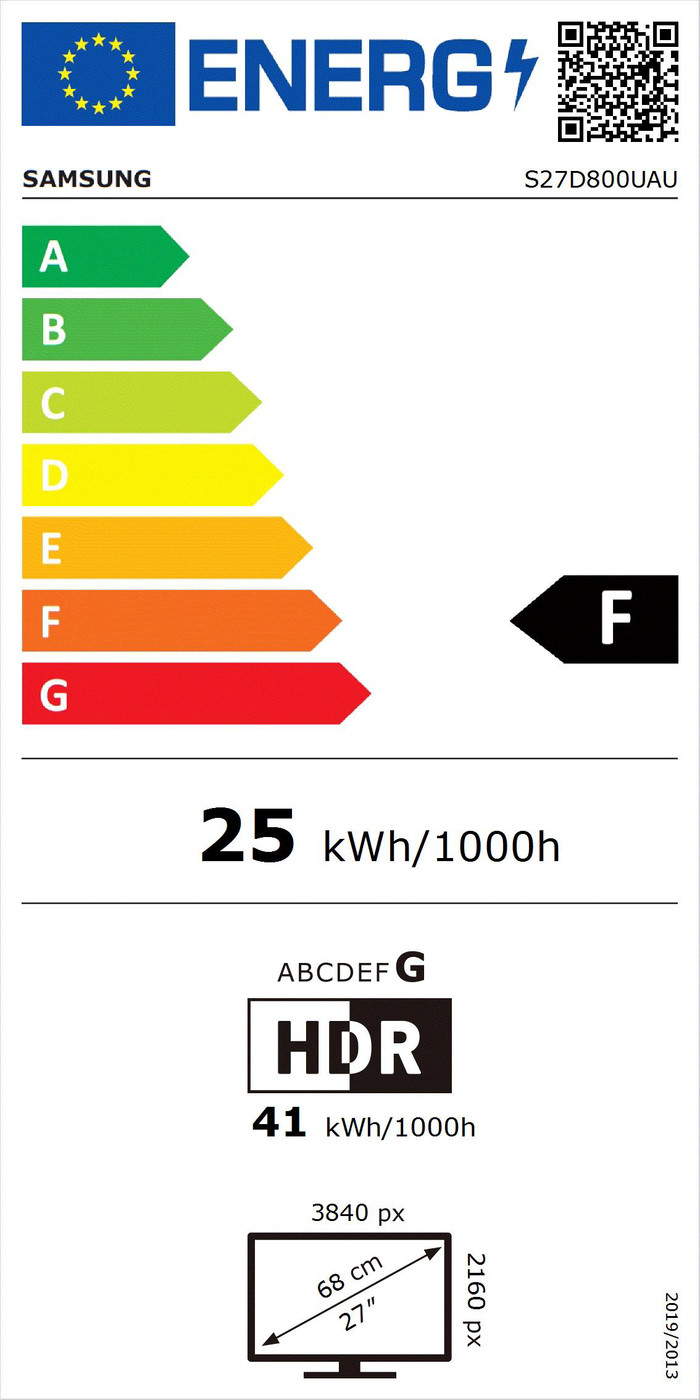
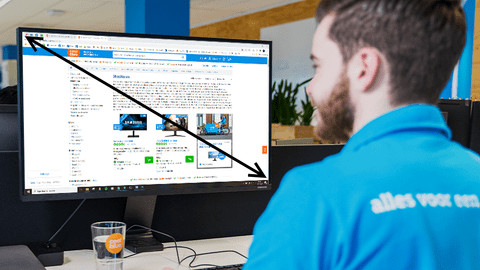
Screen size | 27 inches | |
|---|---|---|
Recommended display resolution | 3840x2160 | |
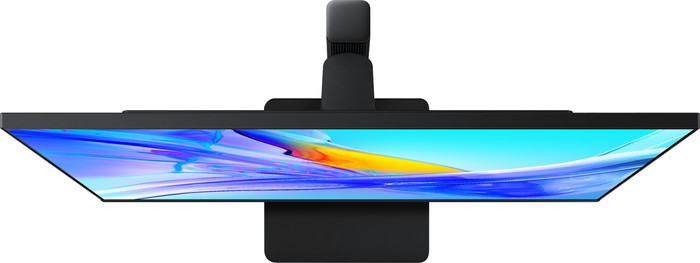
Sharpness | 4K (UHD) | |
Aspect ratio | Standard (16:9) | |
Refresh rate | 60 Hz | |
Response time | 5 ms | |
Panel type | IPS panel | |
Brightness | 350 cd/m2 | |
Local dimming | ||
HDR support | ||
Contrast ratio | 1000 | |
Touchscreen | ||
Type of HDR | HDR10 | |
Screen reflection | Anti-glare | |
Blue light filter | ||
Flicker-free technology | ||
Color space | sRGB | |
sRGB color coverage percentage | 99 % | |
Color depth | 1 billion colors (10-bit) | |
Adaptive Sync | ||
Resolution width | 3840 pixels | |
Resolution height | 2160 pixels | |
Horizontal viewing angle | 178 ° |
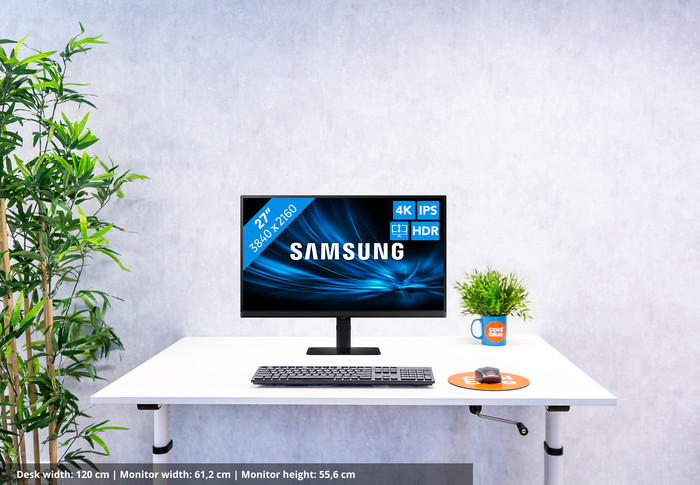
Height | 55,6 cm | |
|---|---|---|
Width | 61,2 cm | |
Depth | 22 cm | |
Weight | 6,1 kg | |
Color | Black | |
Including stand | ||
Material | Metal, Plastic | |
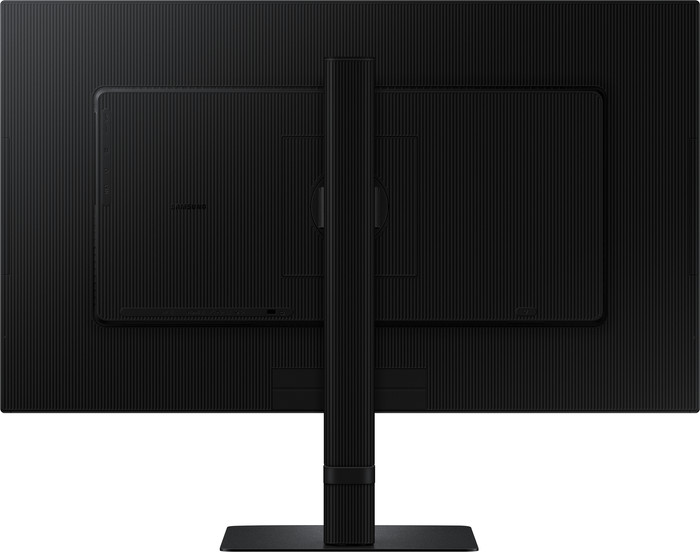
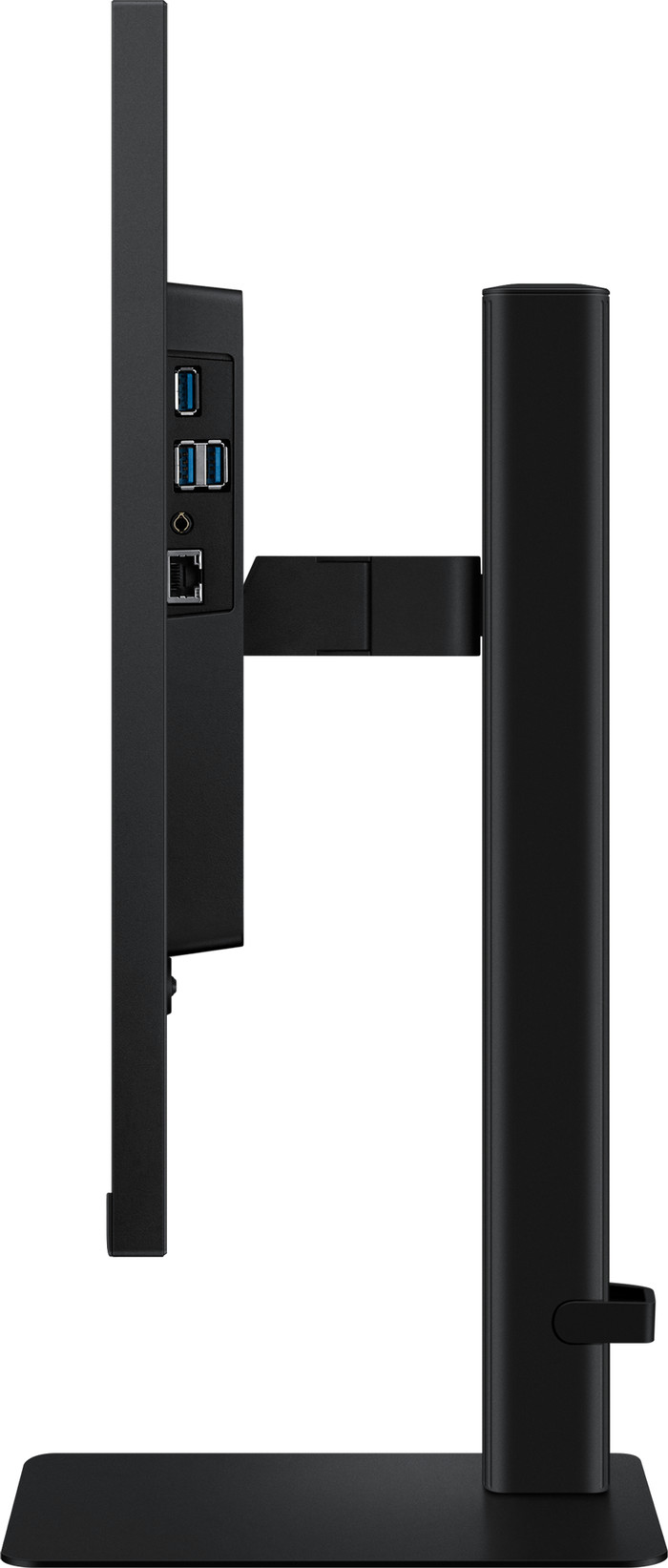
Cable management | ||
Appearance | Neutral | |
Curved |
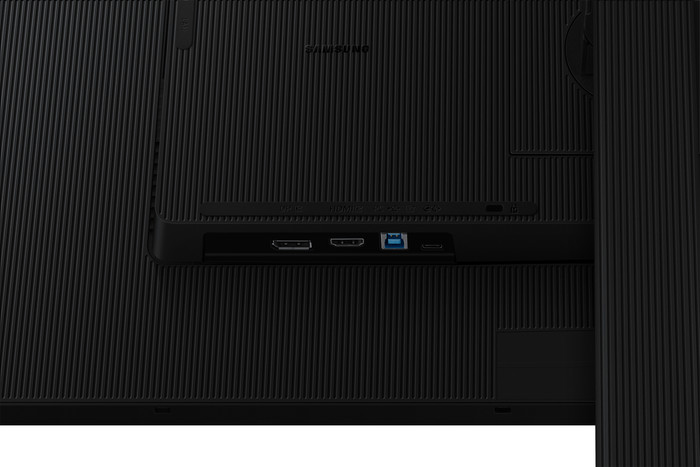
Number of HDMI connectors | 1 | |
|---|---|---|
Number of Female HDMI type A 2.0 ports | 1 | |
Number of headphone jacks | 1 | |
Type of headphone connection | 3.5mm (TRS) | |
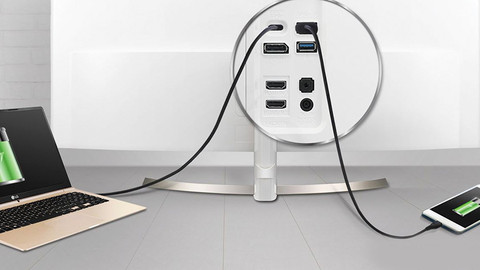
Number of USB-C ports | 1 | |
Number of USB 3.0 Female USB-C ports | 1 | |
Number of Female Standard DisplayPort 1.2 ports | 1 | |
Number of female standard USB-A ports | 3 | |
Female standard USB-A port version | 3.0 | |
Number of female 3.5mm TRS Audio Jack ports | 1 | |
Number of Female RJ-45 ports | 1 | |
Type of USB port | Standard USB-A, USB-C | |
Number of USB ports | 4 | |
Suitable for daisy chaining | ||
USB-C dock | ||
Maximum USB-C dock power | 90 W |
Included by default | USB-C cable | |
|---|---|---|
Not included by default | HDMI cable |
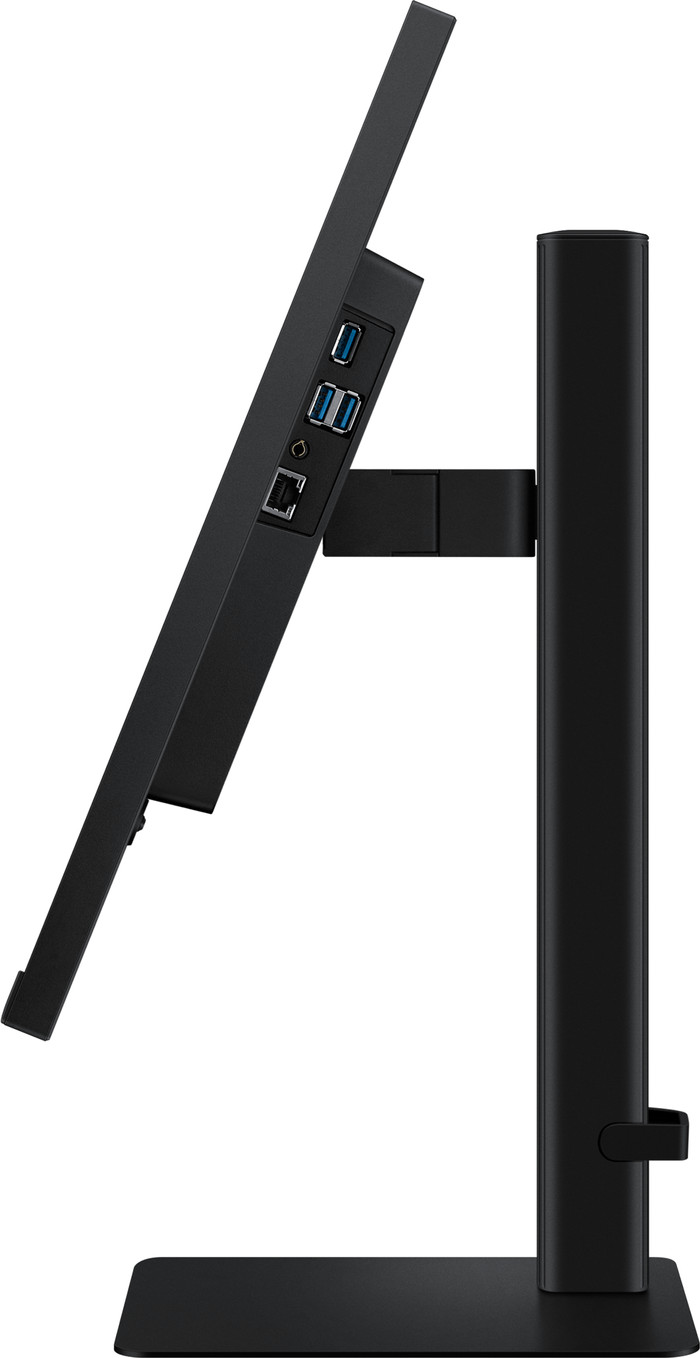
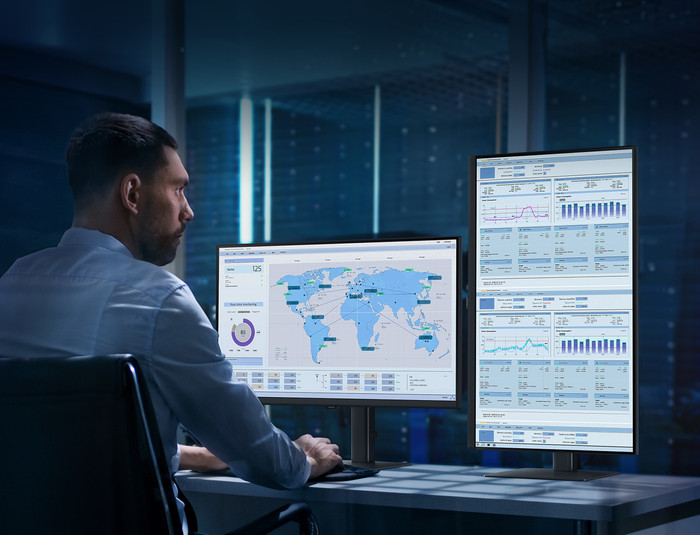
Adjustable in height | ||
|---|---|---|
Tiltable | ||
Pivotable stand | ||
Pivot function | ||
VESA mount option | ||
VESA mount | 100x100mm |
Energy label | F | |
|---|---|---|
Energy consumption standby | 0,5 W | |
Energy consumption active | 25 W | |
Energy consumption per 1000h | 25 kWh | |
Annual energy consumption | 36,5 kWh | |
Annual energy costs | 14,6 euros |
Built-in speakers | ||
|---|---|---|
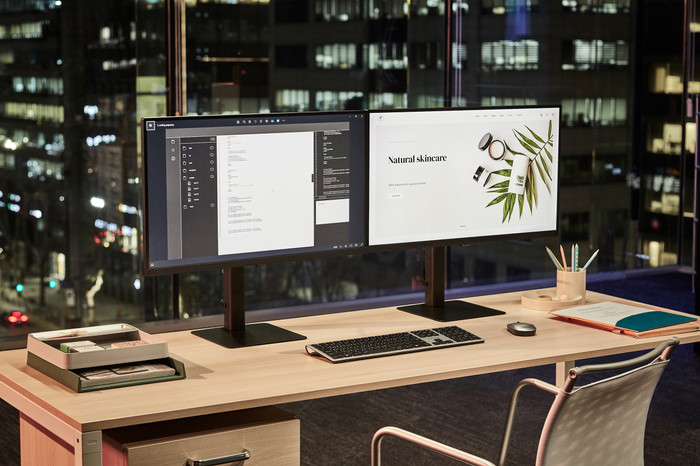
Split screen | ||
Kensington lock |
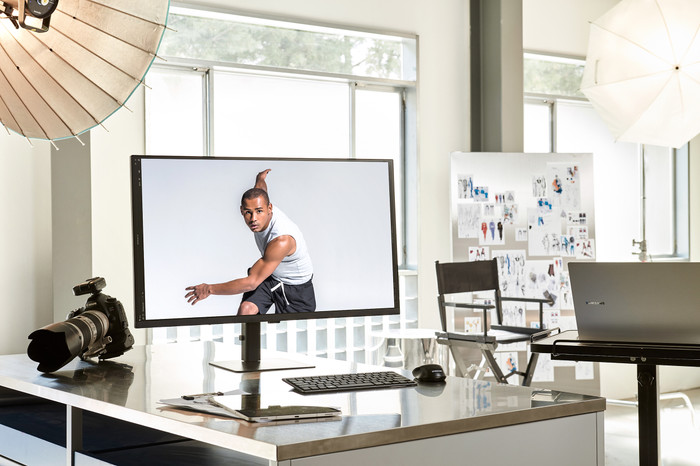
Recommended for use | Image editing and graphic design, Internet, email, and text processing, Office work, Watching movies in 4K |
|---|
Our digital expert will help you, but it can sometimes make mistakes, like humans do.
According to our monitor expert
See every detail: you can work with sharp images and lots of detail thanks to the 4K resolution.
See bright colors: you can see bright colors, even when you’re sitting at an angle to the screen thanks to the IPS panel.
Charge your laptop: you can charge your laptop via your monitor thanks to the 90W USB-C dock.
No built-in speakers: you can connect headphones or separate speakers for sound.
No daisy chaining: you can't connect the monitors to each other with a single cable, so you'll need more cables.
5 stars
20
4 stars
7
3 stars
1
2 stars
0
1 star
0
Installation ease
Image quality
Price-quality ratio
Design
Fast delivery as always and unpacking and connecting was done in no time. Sharp image and good screen.
Peter
10 March 2025
Automatically translated from Nederlands
The screen performs above expectations. The image is very sharp and clear. I read in another review of this monitor that you can't adjust the brightness, but you can. You can even enable a sort of evening mode that reduces the monitor's blue light output, which is especially beneficial for your eyes in the evening. The stand, which you can easily click the screen onto, is heavy but also very sturdy; it's rock solid. Simply connect your laptop with the included USB-C cable and you're ready to work, as it also charges at the same time. There are several USB ports on the back of the monitor that also connect to your laptop. I'm very satisfied; good quality for a reasonable price!
Nick
22 November 2025
Automatically translated from Nederlands
The screen regularly turned off with a connection between a 2020 MacBook Air from Coolblue connected with a USB 3.0 cable. An HDMI cable was connected to the monitor and connected to the MacBook Air with an HDMI to USB 3.0 adapter. It was better for a while. Now the problem occurs regularly after working on the laptop for an extended period. So, the cabling is not the issue.
Paul van den Heuvel
16 September 2026
Automatically translated from Nederlands
Current product

311,-
399,-
391,-
371,-
Retail price AOC
449,-399,-
4K (UHD)
Quad HD (1440p)
Quad HD (1440p)
Quad HD (1440p)
4K (UHD)
Standard (16:9)
Ultrawide (21:9)
Ultrawide (21:9)
Ultrawide (21:9)
Standard (16:9)
60 Hz
100 Hz
100 Hz
100 Hz
60 Hz