Welcome to your environment! You can order everything from your assortment with your personal budget here.

You can always return to the normal Coolblue website by clicking here.

Your outstanding budget (incl. VAT) is always visible here, so you know exactly how much you can spend.

Coolblue home

Help with your product
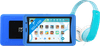
Kurio Tab Ultra 2 Nickelodeon 32GB Blue + JVC Children's Headphones Blue

With the JVC Children's Headphones Blue, your child can listen to and watch videos on the Kurio Tab Ultra 2 Nickelodeon 32GB Blue. The children's headphones have a volume limit, so the maximum volume is 85dB. The Kurio children's tablet has plenty of fun and educational apps for children. The Tab Ultra 2 has more than 70 preinstalled apps and games. In addition, it has exclusive Nickelodeon content from PAW Patrol, Dora, and more. As a parent, you determine which apps end games are accessible. That way, you can safely teach your children how to use a tablet. The 7-inch screen is better for their eyes, because it has a built-in blue light filter. And the 32GB storage has enough space for other apps, such as Netflix or Disney+. Note: the volume limit applies to all mobile devices that meet the European volume limit guidelines. When used with devices that aren't limited, the headphones may produce a higher volume.

Read all tips here

Which product do you want to see articles about?

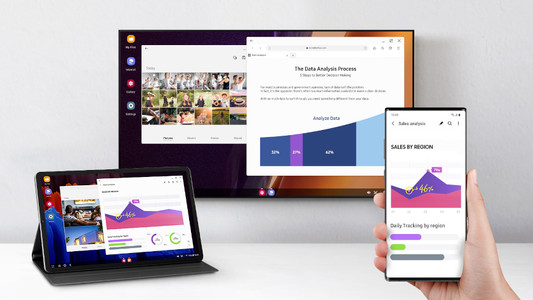
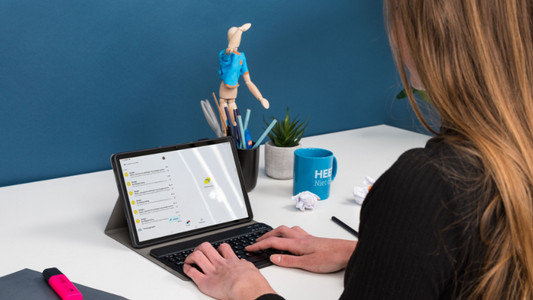
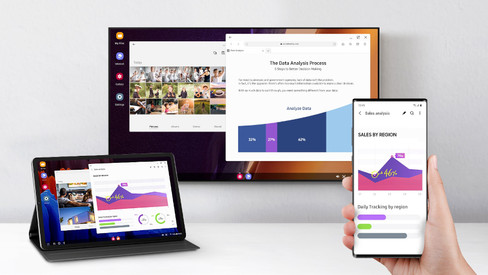
How do you connect your Android tablet to a screen?

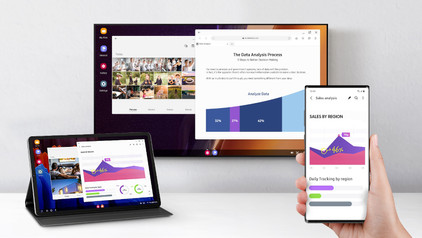
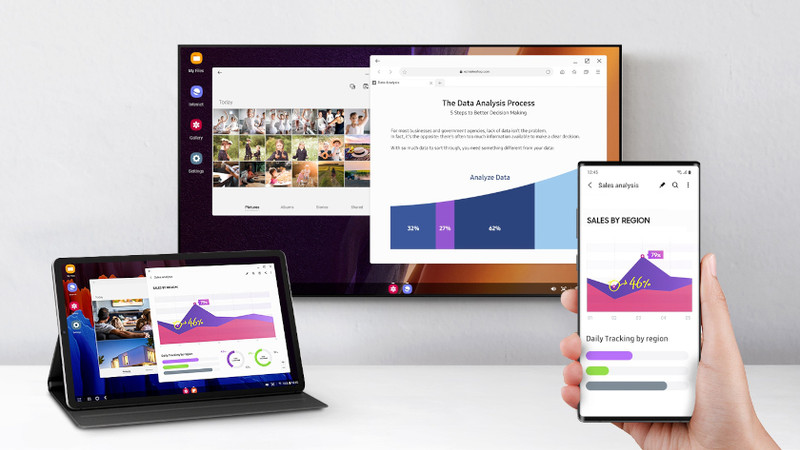
You can connect your Android tablet to various devices. That way, you can watch something on a large screen or use your tablet as a desktop. You can show your holiday photos on a large screen or work on a document with a keyboard and mouse, for example. In this article, we'll give you some tips on how to do that.


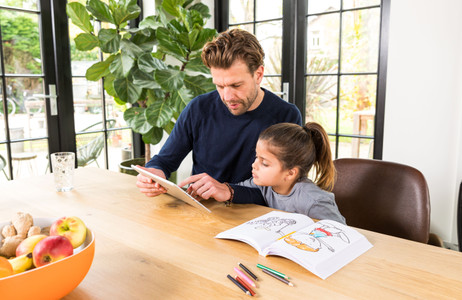
How do you install Google Kids Mode on your tablet?

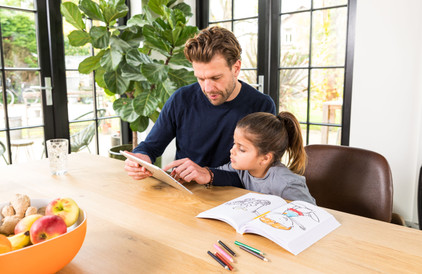
With the Google Kids Space child mode, your child can safely explore the digital world with fun and educational apps. You can set up this mode yourself. In this article, we'll explain how you can do that.

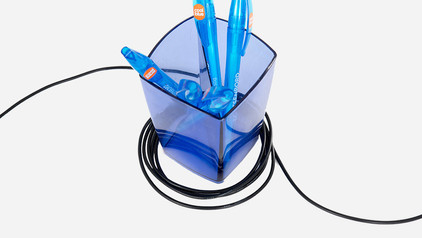
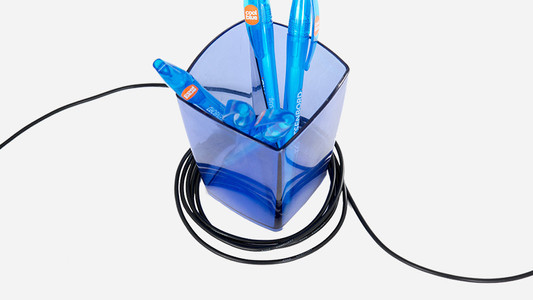
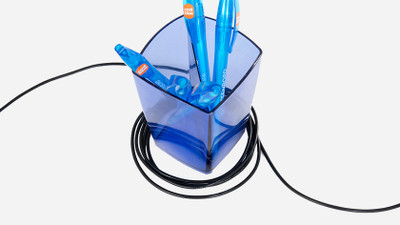
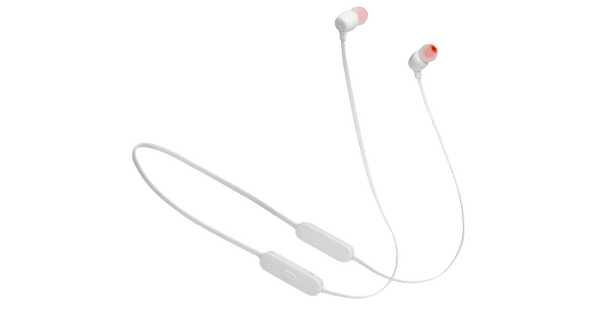
4 tips to prevent cable breakage

Most earbuds break because of a failure of the cable and/or connector. Using the 4 tips in this article, you'll be enjoying your earbuds/headphones even longer from now on.

How do you solve problems with a slow Android tablet?

Is your tablet slow or do apps crash all of a sudden? It's probably caused by an outdated app or Android version. Sometimes, it also helps to restart your tablet. In this article, you can read how to solve common problems with slow tablets.

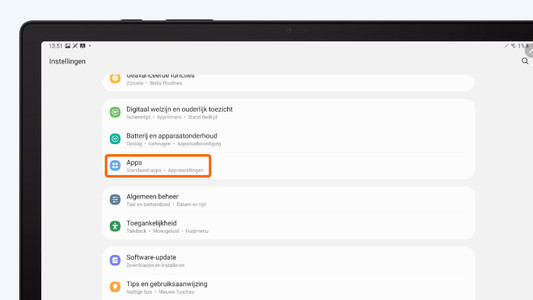
How do you set up email on your Android tablet?

You can set up your email on your Android tablet via the Google Gmail app. In the app, simply log in with your Hotmail, Gmail, or Yahoo email address. In this article, we'll explain step by step how to set up your email on your Android tablet.

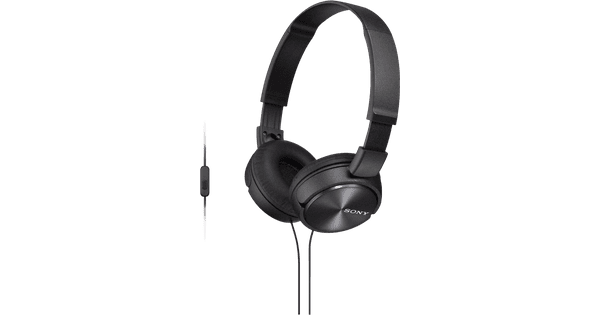
How do you safely listen to music with your headphones?

Your hearing is valuable. That's why you want to keep it healthy and not get tinnitus due to loud music. For example, turn on the volume limit on your phone. In this article, we'll give more tips on how to listen to your music safely.

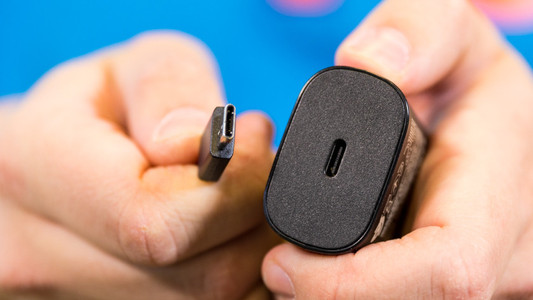
How do you solve charging problems with your tablet?

It can be very annoying if your Android tablet won't charge or charges slowly. The problem could be a dirty charging port, or maybe it's the charger you're using. Sometimes, restarting your tablet solves the problem. In this article, we'll give you 4 tips so you can charge your tablet without any problems again.

How do you prepare your tablet for trade-in in the store?

Thanks to Tablet Upgrade, you get a discount on your new tablet when you trade in your old one. If you prepare for the trade-in properly, it'll be a lot easier and faster. Make sure you transfer your data beforehand. In this article, we'll explain all of the steps.

Everything on tablet upgrade

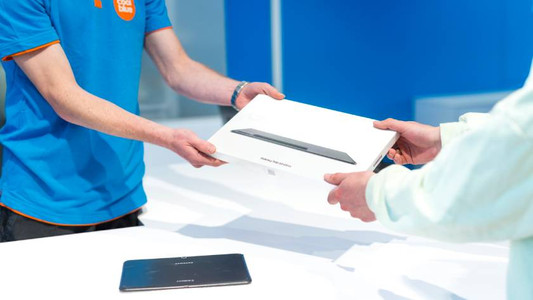
You can trade in your tablet for a discount on a new device or for CoolblueCredit. That means your tablet is worth money. You can trade it in one of the Coolblue stores. We'll tell you everything you need to know about Tablet Upgrade.

4 tips to prevent cable breakage

Most earbuds break because of a failure of the cable and/or connector. Using the 4 tips in this article, you'll be enjoying your earbuds/headphones even longer from now on.

How do you safely listen to music with your headphones?

Your hearing is valuable. That's why you want to keep it healthy and not get tinnitus due to loud music. For example, turn on the volume limit on your phone. In this article, we'll give more tips on how to listen to your music safely.

How do you connect your Android tablet to a screen?

You can connect your Android tablet to various devices. That way, you can watch something on a large screen or use your tablet as a desktop. You can show your holiday photos on a large screen or work on a document with a keyboard and mouse, for example. In this article, we'll give you some tips on how to do that.
How do you install Google Kids Mode on your tablet?

With the Google Kids Space child mode, your child can safely explore the digital world with fun and educational apps. You can set up this mode yourself. In this article, we'll explain how you can do that.

How do you solve problems with a slow Android tablet?

Is your tablet slow or do apps crash all of a sudden? It's probably caused by an outdated app or Android version. Sometimes, it also helps to restart your tablet. In this article, you can read how to solve common problems with slow tablets.

How do you set up email on your Android tablet?

You can set up your email on your Android tablet via the Google Gmail app. In the app, simply log in with your Hotmail, Gmail, or Yahoo email address. In this article, we'll explain step by step how to set up your email on your Android tablet.

How do you solve charging problems with your tablet?

It can be very annoying if your Android tablet won't charge or charges slowly. The problem could be a dirty charging port, or maybe it's the charger you're using. Sometimes, restarting your tablet solves the problem. In this article, we'll give you 4 tips so you can charge your tablet without any problems again.

How do you prepare your tablet for trade-in in the store?

Thanks to Tablet Upgrade, you get a discount on your new tablet when you trade in your old one. If you prepare for the trade-in properly, it'll be a lot easier and faster. Make sure you transfer your data beforehand. In this article, we'll explain all of the steps.

Everything on tablet upgrade

You can trade in your tablet for a discount on a new device or for CoolblueCredit. That means your tablet is worth money. You can trade it in one of the Coolblue stores. We'll tell you everything you need to know about Tablet Upgrade.

Subjects

Didn't find your answer?

Find an answer to your question quickly and easily via our customer service.

Coolblue specialist
Personal chat Digitalk.
You're now chatting with Coolblue customer service
This chat is closed
foo
Oeps File size is larger than 5MB. Upload a smaller file.