Welcome to your environment! You can order everything from your assortment with your personal budget here.

You can always return to the normal Coolblue website by clicking here.

Your outstanding budget (incl. VAT) is always visible here, so you know exactly how much you can spend.

Coolblue home

Help with your product
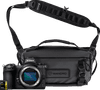
Nikon Z6II Starter Pack
0 reviews

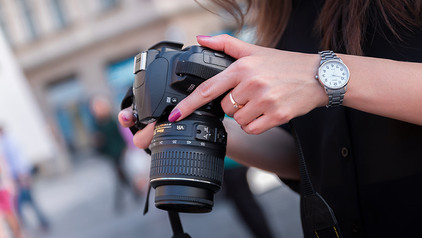
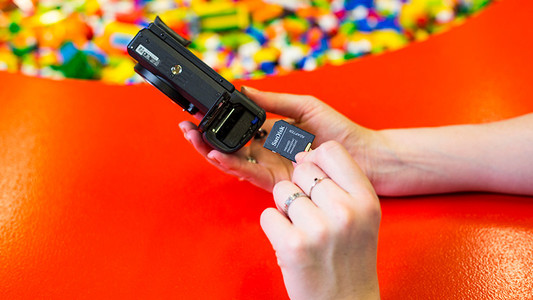
The Nikon Z6II Starter Pack is a useful set that you can use to take professional photos anywhere. You receive a Nikon Z6II body, WANDRD Roque Sling shoulder bag, and a Lexar 64GB memory card. With this set, you can always have your camera at hand. You can take quick burst photos with the camera thanks to the high write speed of the memory card. Thanks to the large 24.5-megapixel full-frame sensor, you can take detailed photos with little noise even in dark locations. Double image processor Thanks to the EXPEED 8 image processor, the Nikon Z6II focuses faster, processes more images per second, and measures the lighting more accurately. In burst mode, you can take up to 200 photos in JPG or up to 124 in RAW. The camera has 2 memory card slots that you can place an UHS-II SD card and a QXD or CFexpress in. That way, you can store even more photos without having to switch memory cards. Smooth video footage You can record sharp videos in 4K 60p or Full HD 120p. Thanks to the 5-axis image stabilization, your videos look smooth. This technology corrects camera vibrations, so you can use shutter speeds of up to 5 stops slower. In sports mode, your camera stabilizes your viewfinder, which is useful for taking photos of a fast action. Accurate focus The 273 autofocus points of the camera cover 90% of the screen, so you can easily focus. You can choose the focus speed yourself, so you can also record creative video footage like focus pulls. Thanks to eye-detection, you always sharply capture people and animals. The camera recognizes then and automatically focuses on the eyes.

Read all tips here

Which product do you want to see articles about?

How do I format my SD card?

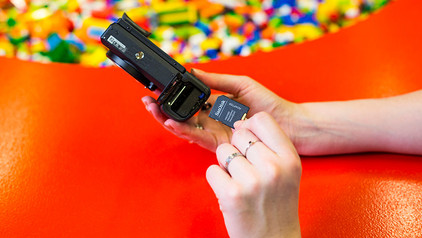
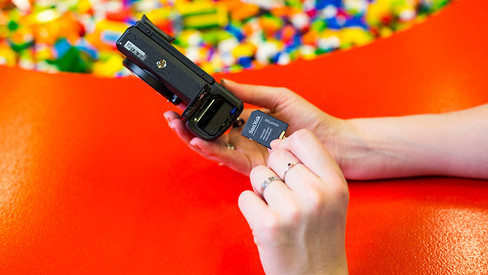
Have you noticed that your SD card has become slower when processing information? Or doesn't the card work in the device that you want to use it for? It's time to format or clean your SD card. In this article, you can read what ways there are to format your memory card and how you do it.

How do I format my SD card?

Have you noticed that your SD card has become slower when processing information? Or doesn't the card work in the device that you want to use it for? It's time to format or clean your SD card. In this article, you can read what ways there are to format your memory card and how you do it.

How do I format my SD card?

Have you noticed that your SD card has become slower when processing information? Or doesn't the card work in the device that you want to use it for? It's time to format or clean your SD card. In this article, you can read what ways there are to format your memory card and how you do it.
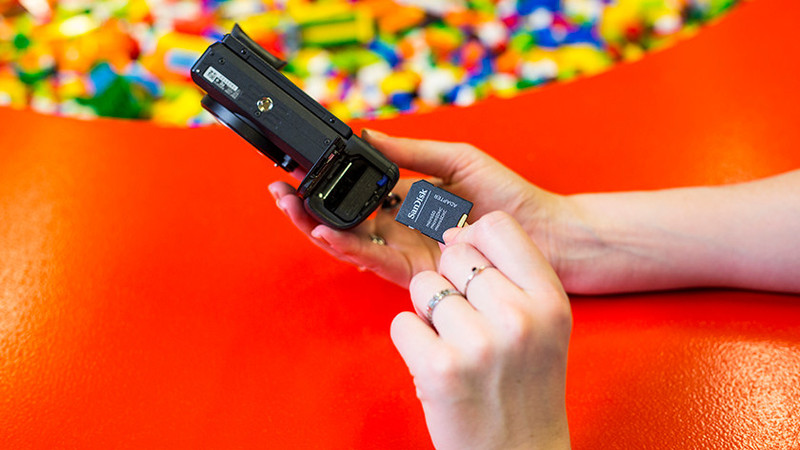
How do I format my SD card?

Have you noticed that your SD card has become slower when processing information? Or doesn't the card work in the device that you want to use it for? It's time to format or clean your SD card. In this article, you can read what ways there are to format your memory card and how you do it.
How do I format my SD card?

Have you noticed that your SD card has become slower when processing information? Or doesn't the card work in the device that you want to use it for? It's time to format or clean your SD card. In this article, you can read what ways there are to format your memory card and how you do it.
Subjects
Didn't find your answer?

Find an answer to your question quickly and easily via our customer service.

Coolblue specialist
Personal chat Digitalk.
You're now chatting with Coolblue customer service
This chat is closed
foo
Oeps File size is larger than 5MB. Upload a smaller file.