Welcome to your environment! You can order everything from your assortment with your personal budget here.

You can always return to the normal Coolblue website by clicking here.

Your outstanding budget (incl. VAT) is always visible here, so you know exactly how much you can spend.

Coolblue home

Help with your product
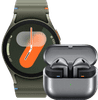
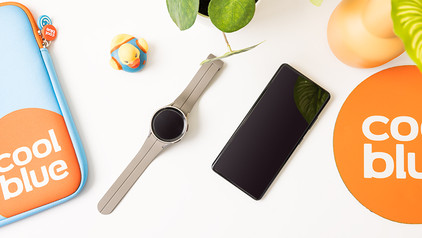
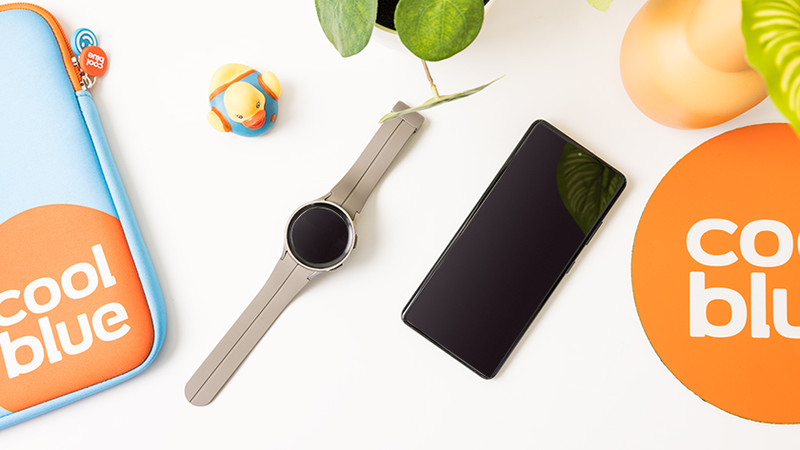
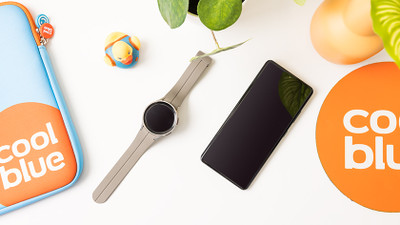
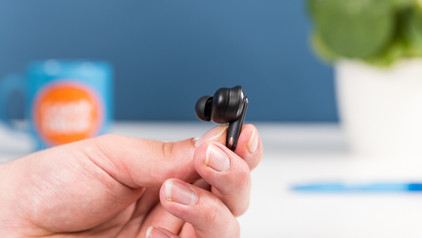
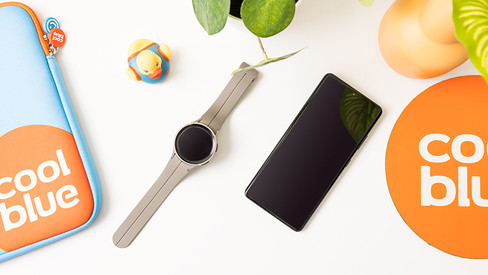
Samsung Galaxy Watch 7 Green 40mm + Galaxy Buds3 Black
0 reviews

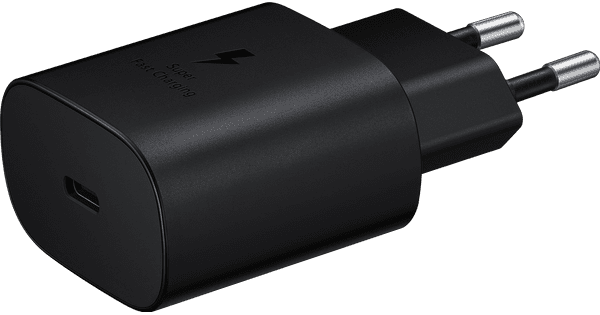
Listen to your favorite music while you work out with the Samsung Galaxy Watch 7 Green 40mm + Galaxy Buds3 Black. You're always up-to-date on your heart rate, number of steps, stress level, and sleep quality. Thanks to AI, your Watch 7 gives you even more personal advice. Think of how to improve your sleep or work out more efficiently. That way, you can improve your health and workout performance. The battery lasts 1 day with average use. You can quickly charge your smartwatch in 45 minutes. On the Galaxy Watch 7, you can smoothly switch between various apps like WhatsApp, Spotify, and Strava. You can call with the Samsung Watch 7 if you have your smartphone with you. Note: a charger isn't included. Want to charge the watch via a socket? Use the charger of your smartphone or order a separate charger. This watch is recommended for a wrist circumference between 13 to 15cm.

Read all tips here

Which product do you want to see articles about?

How do you connect your Samsung Watch to your Galaxy Buds?

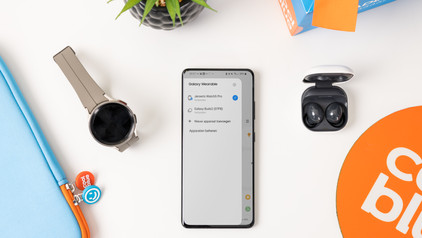
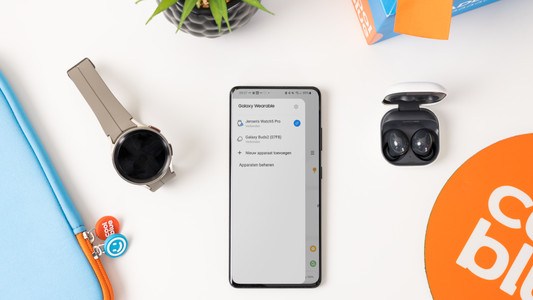
Easily listen to your favorite music with your Samsung Galaxy Buds via your Samsung Galaxy Watch. You can easily connect your Samsung earbuds to your Samsung account. This allows you to smoothly switch between your Galaxy Watch and your smartphone with your Galaxy Buds. In this article, we'll explain how you automatically connect your Samsung Galaxy Buds to your Galaxy Watch.

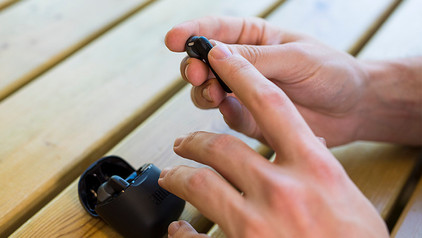
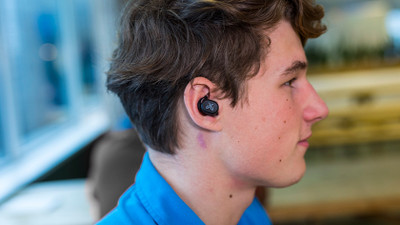
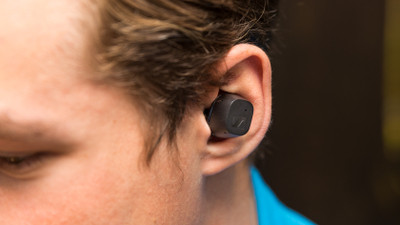
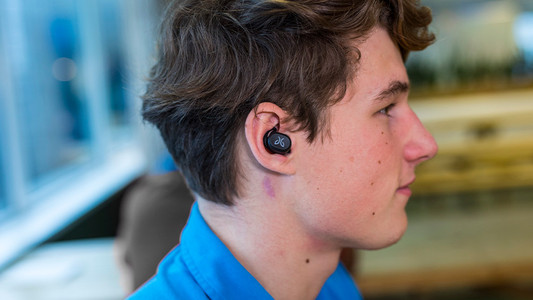
How do you put in your earbuds?

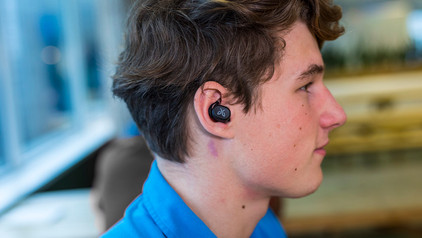
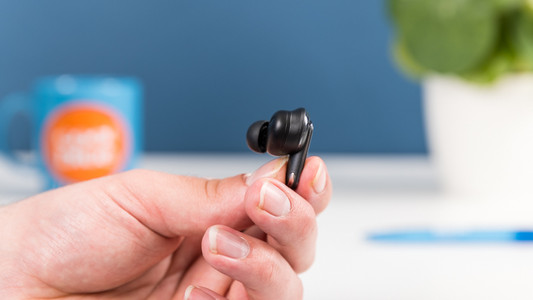
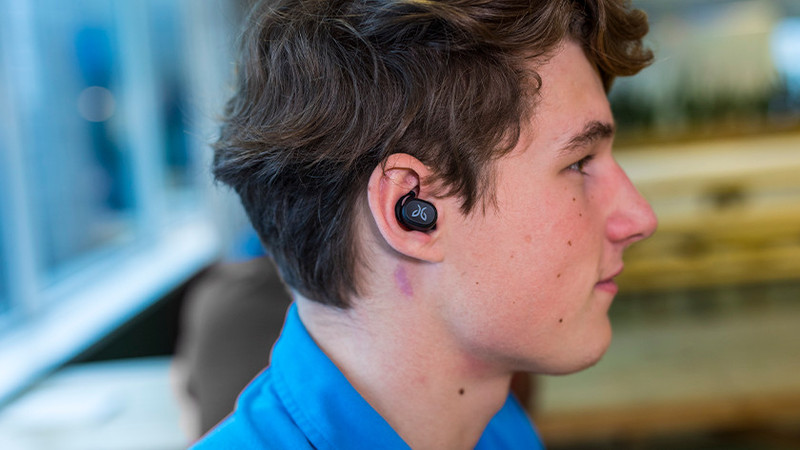
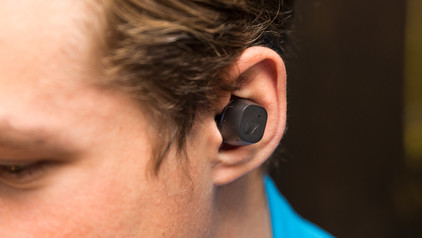
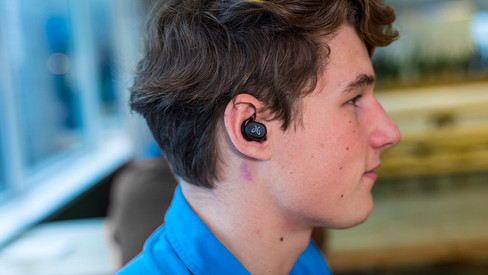
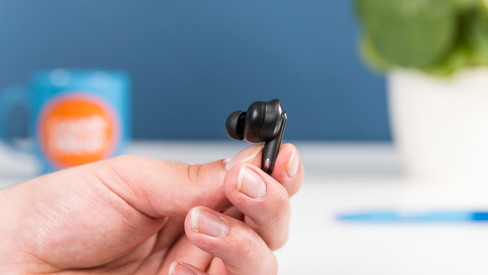
To enjoy music, you have to put your new earbuds in your ears well. This ensures higher sound quality and the earbuds fit in your ears better. In this article, we show you how to put the earbuds in your ears for each wearing method.

How do you put in your earbuds?

To enjoy music, you have to put your new earbuds in your ears well. This ensures higher sound quality and the earbuds fit in your ears better. In this article, we show you how to put the earbuds in your ears for each wearing method.

How do you solve uneven volume with your earbuds?

An uneven volume when you're listening to music is annoying. You'd much rather hear the same volume from both earbuds. To solve this problem, it's good to clean your earbuds regularly. We'll tell you what else you can do in this article.

Get started with your fully wireless earbuds

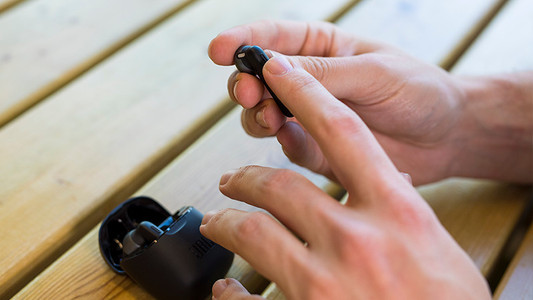
WIth wireless earbuds, you can listen to music without a cable in your neck or along your body. The advantage is that you have a lot of freedom of movement. In this article, you can read how to get started with your earbuds. That way, you can enjoy your favorite music as soon as possible.

How do you clean your earbuds?

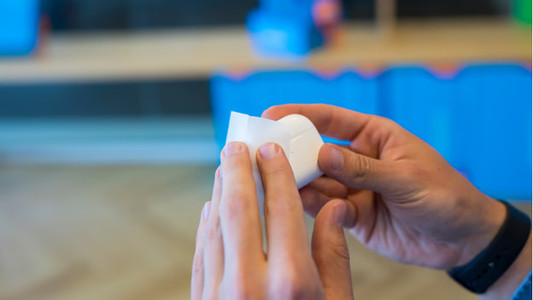
If you buy earbuds, you want them to work well. That's why it's important to regularly clean your earbuds. This way, you can enjoy the same quality of your music or podcast for longer. We'll explain how to clean the different parts of your wireless earbuds.

How do you connect your Samsung Watch to your Galaxy Buds?

Easily listen to your favorite music with your Samsung Galaxy Buds via your Samsung Galaxy Watch. You can easily connect your Samsung earbuds to your Samsung account. This allows you to smoothly switch between your Galaxy Watch and your smartphone with your Galaxy Buds. In this article, we'll explain how you automatically connect your Samsung Galaxy Buds to your Galaxy Watch.

How do you put in your earbuds?

To enjoy music, you have to put your new earbuds in your ears well. This ensures higher sound quality and the earbuds fit in your ears better. In this article, we show you how to put the earbuds in your ears for each wearing method.

How do you put in your earbuds?

To enjoy music, you have to put your new earbuds in your ears well. This ensures higher sound quality and the earbuds fit in your ears better. In this article, we show you how to put the earbuds in your ears for each wearing method.

How do you solve uneven volume with your earbuds?

An uneven volume when you're listening to music is annoying. You'd much rather hear the same volume from both earbuds. To solve this problem, it's good to clean your earbuds regularly. We'll tell you what else you can do in this article.

Get started with your fully wireless earbuds

WIth wireless earbuds, you can listen to music without a cable in your neck or along your body. The advantage is that you have a lot of freedom of movement. In this article, you can read how to get started with your earbuds. That way, you can enjoy your favorite music as soon as possible.

How do you clean your earbuds?

If you buy earbuds, you want them to work well. That's why it's important to regularly clean your earbuds. This way, you can enjoy the same quality of your music or podcast for longer. We'll explain how to clean the different parts of your wireless earbuds.

Subjects

Didn't find your answer?

Find an answer to your question quickly and easily via our customer service.

Coolblue specialist
Personal chat Digitalk.
You're now chatting with Coolblue customer service
This chat is closed
foo
Oeps File size is larger than 5MB. Upload a smaller file.