Welcome to your environment! You can order everything from your assortment with your personal budget here.

You can always return to the normal Coolblue website by clicking here.

Your outstanding budget (incl. VAT) is always visible here, so you know exactly how much you can spend.

Coolblue home

Help with your product
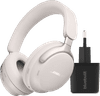
Bose QuietComfort Ultra Headphones White + Charger

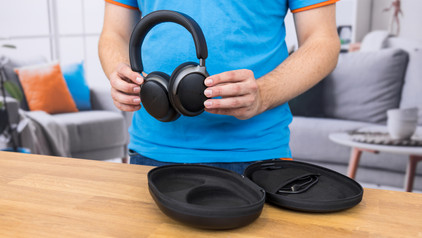
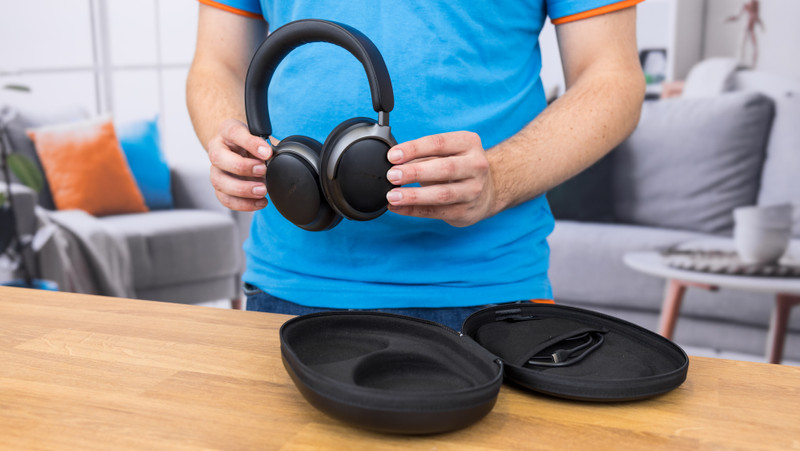
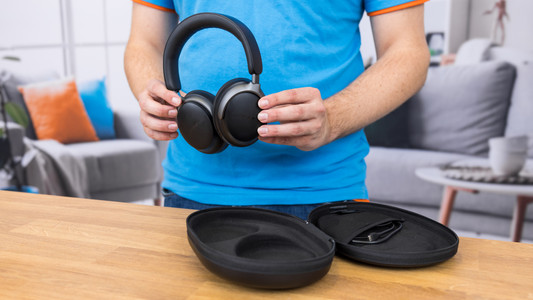
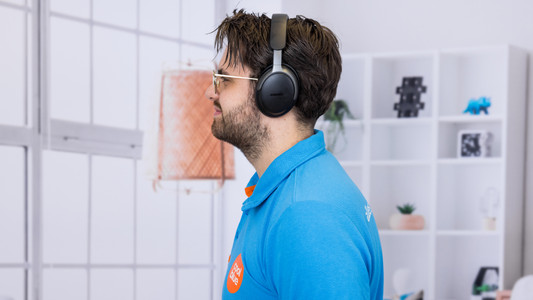
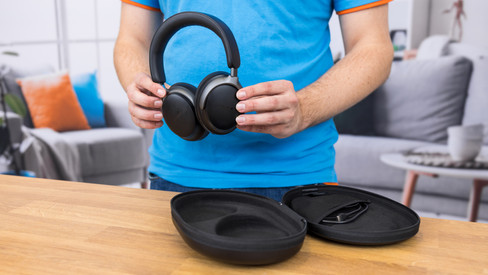
With the Bose QuietComfort Ultra Headphones White + Charger bundle, you get headphones with spatial audio that you can charge right away with the charger. Thanks to Bose Immersive audio, you can hear your music around you. This Bose spatial audio technology ensures that you experience your music as if you're in the middle of it. This way, you can listen to your music with detail and depth. You hear less of your surroundings with noise canceling. That way, you can focus on your work or can't hear noise on a busy train. You can adjust the noise canceling yourself with the Bose Music app. The CustomTune technology takes the shape of your ear canal into account and adjusts the sound reproduction accordingly. That way, you can listen to a balanced sound reproduction. The headphones have a 24-hour battery life. When they're empty, you can charge them for 15 to use them again for 2.5 hours. Bose Immersive Audio Bose Immersive Audio provides spatial audio with your music from every source and streaming service. This technology ensures your music sounds like you're listening to it live. You hear the drums in front of you and the guitars on the left, if the artist intended it like that.

Read all tips here

Which product do you want to see articles about?

How do you solve uneven volume in your Bose headphones?

If you have Bose headphones, you don't want them to have uneven volume. With a full battery, you can ensure that this doesn't happen, for example. We'll explain to you with 4 tips how to solve uneven volume with your headphones.


Get started with your Bose QuietComfort Ultra Headphones

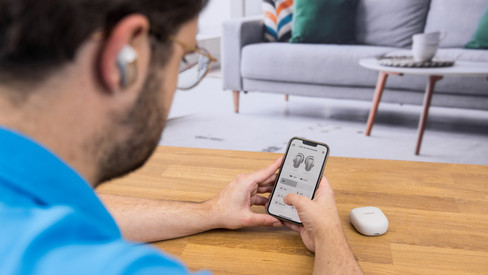
You just purchased the Bose QuietComfort Ultra Headphones and you want to get started with them as soon as possible. In this article, we'll help you get started in 5 steps. You can read how to connect the headphones, how to adjust the sound, and much more.

Get started with your Bose QuietComfort Ultra Headphones

You just purchased the Bose QuietComfort Ultra Headphones and you want to get started with them as soon as possible. In this article, we'll help you get started in 5 steps. You can read how to connect the headphones, how to adjust the sound, and much more.

How do you safely listen to music with your headphones?

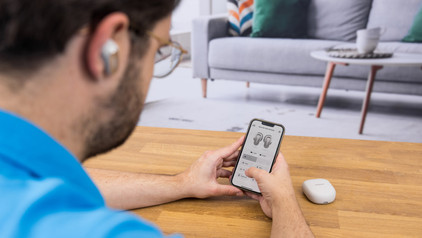
Your hearing is valuable. That's why you want to keep it healthy and not get tinnitus due to loud music. For example, turn on the volume limit on your phone. In this article, we'll give more tips on how to listen to your music safely.

7 tips for charging your smartphone

You probably charge your smartphone every day. When you charge it the right way, your battery wears less and your device lasts longer. We'll explain why it's better not to charge your smartphone up to 100% and why fast charging is convenient here. That way, you'll know exactly how to properly charge your smartphone, tablet, or other device.

How do you solve uneven volume in your Bose headphones?

If you have Bose headphones, you don't want them to have uneven volume. With a full battery, you can ensure that this doesn't happen, for example. We'll explain to you with 4 tips how to solve uneven volume with your headphones.

Get started with your Bose QuietComfort Ultra Headphones

You just purchased the Bose QuietComfort Ultra Headphones and you want to get started with them as soon as possible. In this article, we'll help you get started in 5 steps. You can read how to connect the headphones, how to adjust the sound, and much more.

Get started with your Bose QuietComfort Ultra Headphones

You just purchased the Bose QuietComfort Ultra Headphones and you want to get started with them as soon as possible. In this article, we'll help you get started in 5 steps. You can read how to connect the headphones, how to adjust the sound, and much more.

How do you safely listen to music with your headphones?

Your hearing is valuable. That's why you want to keep it healthy and not get tinnitus due to loud music. For example, turn on the volume limit on your phone. In this article, we'll give more tips on how to listen to your music safely.

7 tips for charging your smartphone

You probably charge your smartphone every day. When you charge it the right way, your battery wears less and your device lasts longer. We'll explain why it's better not to charge your smartphone up to 100% and why fast charging is convenient here. That way, you'll know exactly how to properly charge your smartphone, tablet, or other device.

7 tips for charging your smartphone

You probably charge your smartphone every day. When you charge it the right way, your battery wears less and your device lasts longer. We'll explain why it's better not to charge your smartphone up to 100% and why fast charging is convenient here. That way, you'll know exactly how to properly charge your smartphone, tablet, or other device.

Subjects

Didn't find your answer?

Find an answer to your question quickly and easily via our customer service.

Coolblue specialist
Personal chat Digitalk.
You're now chatting with Coolblue customer service
This chat is closed
foo
Oeps File size is larger than 5MB. Upload a smaller file.